CAD-embedded CFD simulation
Simcenter FLOEFD
formerly Mentor Graphics FloEFD
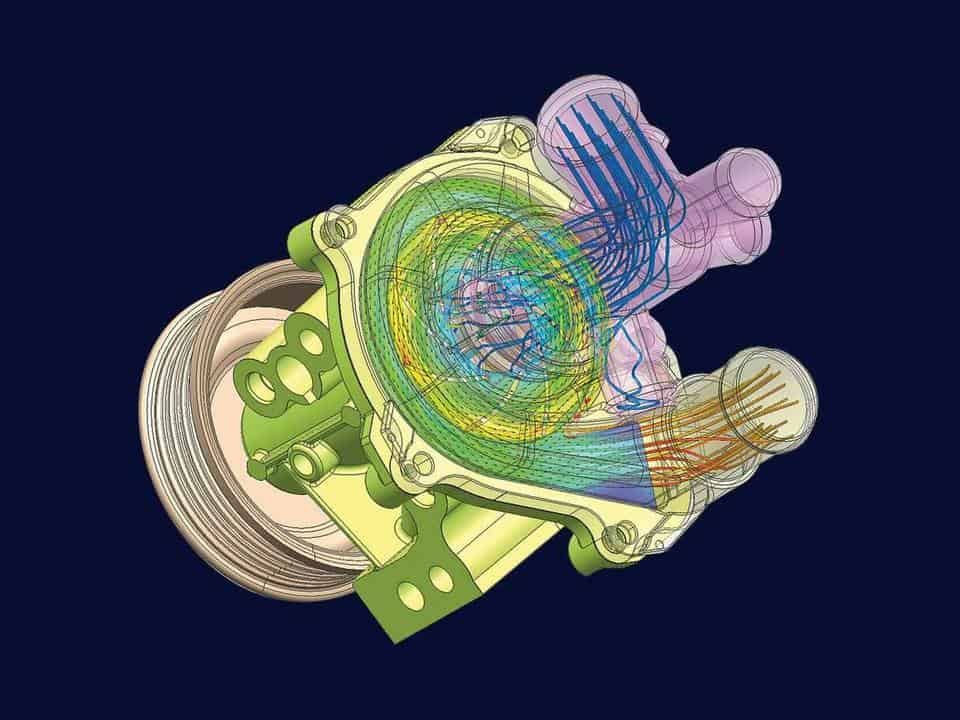
Check flow and temperatures early, on the native model, in NX, Solid Edge, CATIA V5 or Creo.
4 CAD tools
An embedded version for each
Plus a standalone version and Simcenter FLOEFD SC inside Simcenter 3D.
Smart Expert
Support from engineers
Siemens-certified expertise, and a Top European Partner award for customer support.
What is Simcenter FLOEFD?
Simcenter FLOEFD, formerly FloEFD, is a CAD-embedded computational fluid dynamics (CFD) tool from Siemens Digital Industries Software that simulates fluid flow and heat transfer inside NX, Solid Edge, CATIA V5 and Creo. It works on the native geometry and meshes automatically, so design engineers can run studies early, and analysts can use the same tool.
FloEFD originated at NIKA, which Flomerics acquired in 2006. Mentor Graphics bought Flomerics in 2008, and Siemens acquired Mentor Graphics in 2017. The software has used a Cartesian mesh from the start.
Fix flow and thermal problems while changes still cost little
Compare more design options in the time you have
Pass reduced-order thermal models on to circuit and system simulation

Play video · 2:02
A 2022 Siemens video on Simcenter FLOEFD add-on modules in Solid Edge.
Book a demo with an engineerDeveloper
Siemens Digital Industries Software
Typical analyses
Fluid flow and heat transfer; with add-on modules also electronics and PCB cooling, LED and lighting, condensation and icing, HVAC and comfort, and battery thermal behaviour
Used in
Electronics, automotive and transportation, aerospace and defence, and energy and utilities
Related tools
Simcenter Flotherm, Simcenter HEEDS and Simcenter STAR-CCM+
Capabilities
Simulate flow and heat transfer without leaving CAD

CFD on native CAD geometry
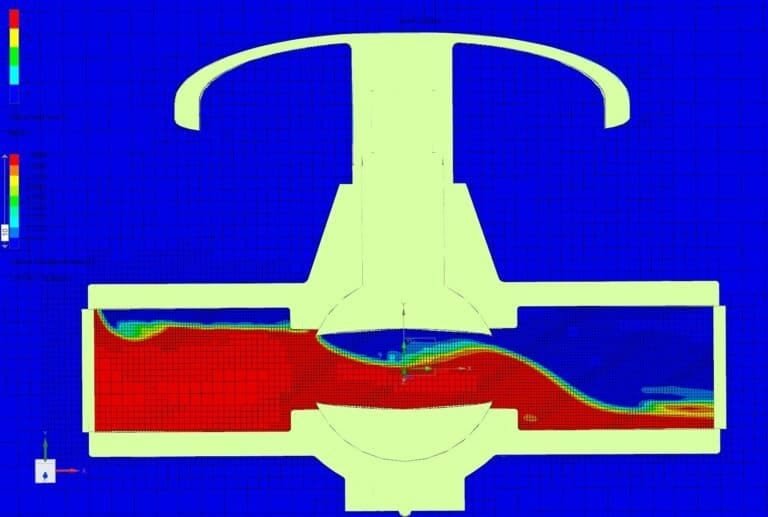
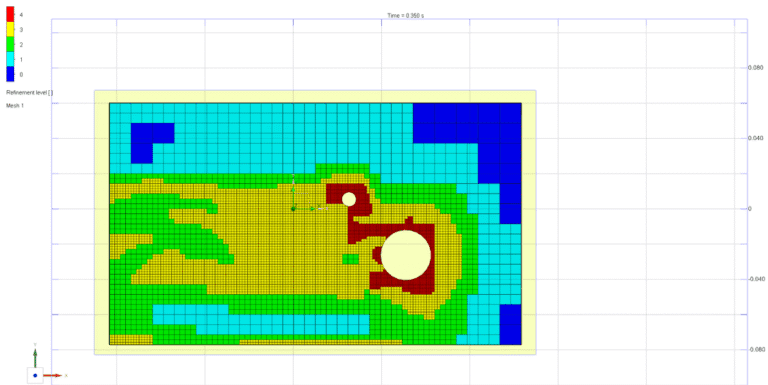
Simcenter FLOEFD works directly on the CAD model, with no translation into a separate CFD tool. It detects the fluid volume, seals openings for internal flow and flags leaks. The Cartesian immersed-boundary mesh is built automatically, and SmartCells resolve several solid and fluid regions within one cell, which helps with small gaps.
Electronics and PCB cooling
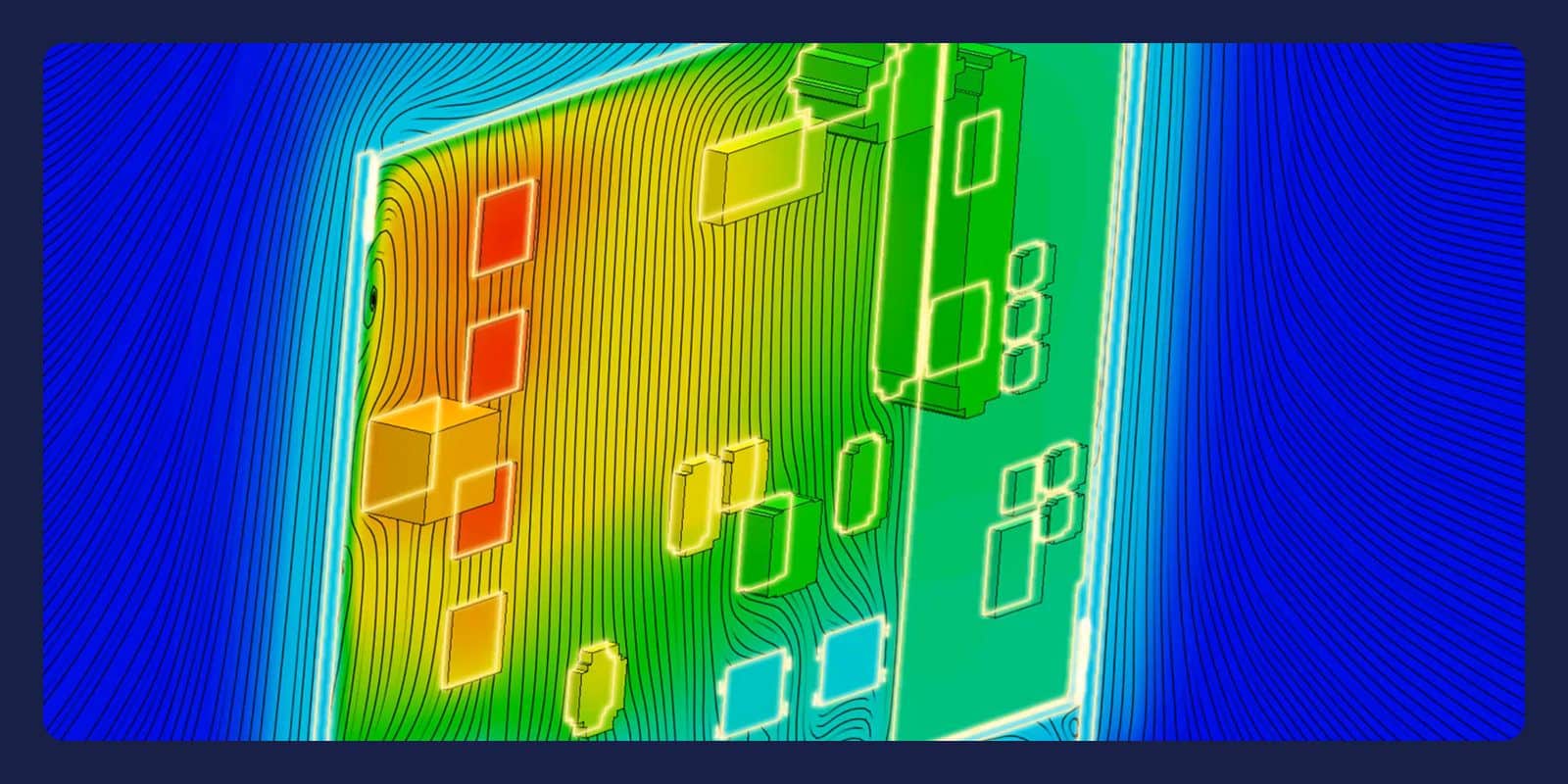
The EDA Bridge module imports PCB data from Siemens, Cadence, Zuken or Altium tools, and Smart PCB models the boards. The Electronics Cooling module adds compact component models and Joule heating. Package Creator builds package models, and T3STER Auto Calibration fits them to Simcenter Micred T3STER measurements. The Electronics Cooling Center bundles all four.

LED, HVAC and battery modules
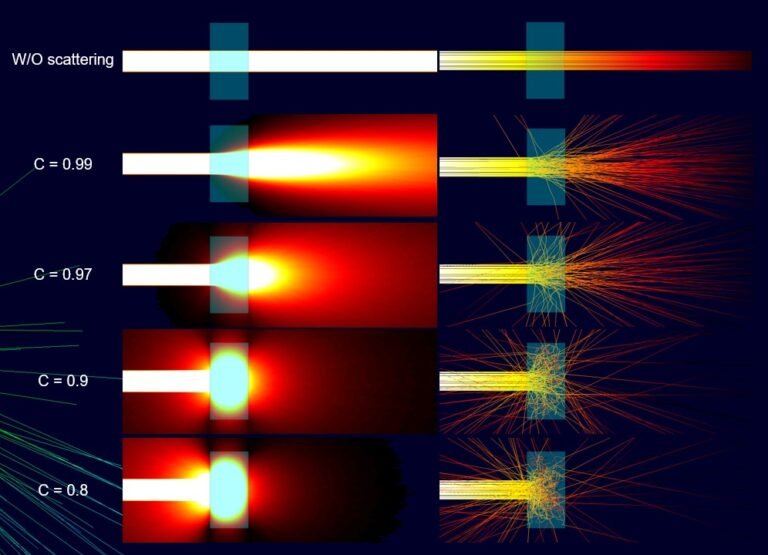
The LED module provides Monte Carlo radiation, with absorption and scattering in semi-transparent solids, and models condensation and icing. The HVAC module covers occupant comfort in buildings and vehicles, and Power Electrification adds equivalent-circuit and electrochemical-thermal battery models. EMAG calculates low-frequency AC ohmic and iron losses, and Advanced CFD adds combustion and hypersonic flow.
Design studies and BCI-ROM
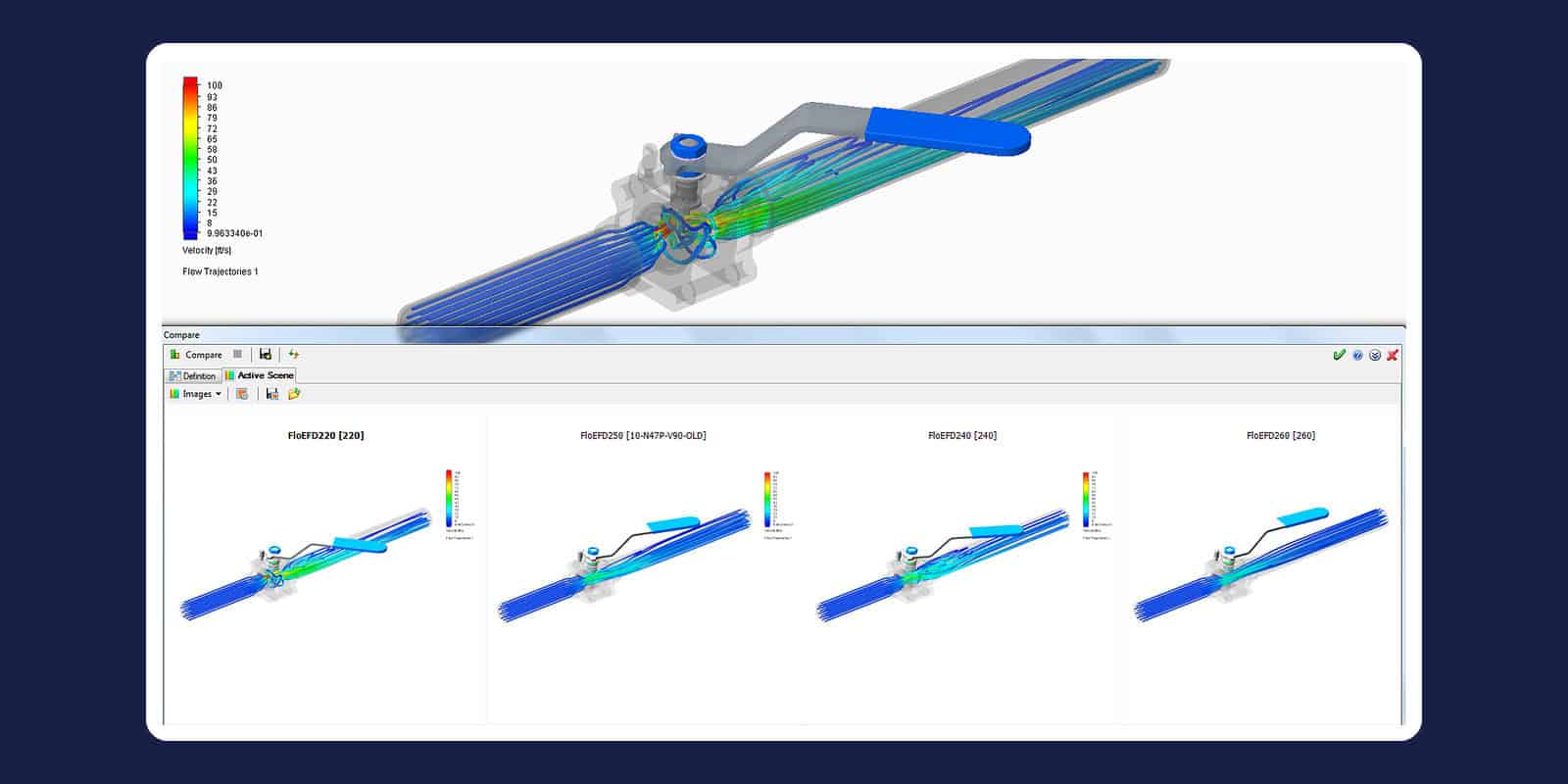
Built-in parametric studies cover what-if comparisons, goal-based optimisation of a single input and design of experiments with response-surface interpolation. The Extended Design Exploration module adds the SHERPA solver from Simcenter HEEDS. The BCI-ROM and Package Creator module turns a 3D conduction model into a boundary-condition-independent reduced-order model, exported as matrices, VHDL-AMS or an FMU.
“Very good technical support for our CFD applications. Volupe thinks along with the company’s needs and has a personal but professional approach.”
Conoship International
Google review
Learn Simcenter FLOEFD
Questions about Simcenter FLOEFD
Answers reviewed by
Christoffer Johansson
Senior Application Specialist, M.Sc.
We reply within one day.
Ask a technical question →
What is Simcenter FLOEFD used for?
Engineers use Simcenter FLOEFD for electronics cooling, LED and automotive lighting, HVAC and comfort, battery thermal design and internal flow through valves. Add-on modules cover the specialist physics, such as Joule heating in electronics, Monte Carlo radiation in lighting and equivalent-circuit models for batteries.
What does Simcenter FLOEFD cost, and how is it licensed?
We don't publish fixed prices: we quote for your setup, based on your CAD tool, the number of users, the licence term and the add-on modules you need. Flow and heat transfer are the core of Simcenter FLOEFD; modules such as Electronics Cooling, LED, HVAC or Extended Design Exploration are added as needed, and the Electronics Cooling Center bundles four electronics modules, including EDA Bridge. Tell us which CAD tool you use, then request a licence quote or book a meeting.
Can I see a demo of Simcenter FLOEFD?
Yes: book a demo with one of our engineers and tell us which CAD tool you use and what you need to simulate. We reply within one day.
Simcenter FLOEFD or Simcenter STAR-CCM+: which do I need?
Choose Simcenter FLOEFD when design engineers want CFD inside their CAD tool, early in the design process. Choose Simcenter STAR-CCM+ when CFD specialists want a choice of cell types: FLOEFD meshes native CAD geometry automatically with a Cartesian immersed-boundary method, while STAR-CCM+ offers polyhedral, trimmed hexahedral or tetrahedral cells with prism layers. Not sure which fits your cases? Send us a technical question.
Simcenter FLOEFD or Simcenter Flotherm: which suits electronics cooling?
Use Simcenter FLOEFD when electronics cooling is one of several flow and thermal tasks your design engineers run in CAD. Choose Simcenter Flotherm when electronics cooling is the whole job and you want a tool built for it. The FLOEFD Electronics Cooling Center draws on Flotherm capabilities, and if your team uses Simcenter Flotherm XT, a separate Siemens tool, FLOEFD can import those models.
Is Simcenter FLOEFD the same as FloEFD?
Yes: Simcenter FLOEFD is the product Mentor Graphics sold as FloEFD, now developed by Siemens under the Simcenter name. If you have projects from an older FloEFD version, ask our engineers and name the version and CAD tool.
Which CAD systems does Simcenter FLOEFD work in?
Simcenter FLOEFD comes in a version embedded in each of four CAD systems: Siemens NX, Solid Edge, CATIA V5 and Creo. Your design engineers set up and solve the simulation on the native CAD model, without exporting geometry. Using another CAD system? Send us a technical question and name it.
Why buy Simcenter FLOEFD through Volupe?
You get licences, support and training for Simcenter FLOEFD from one company, and your support questions go to simulation engineers. New users can start with our introductory Simcenter FLOEFD course. We sell, support and train the full Simcenter portfolio, so the same team can help when a project adds Simcenter Flotherm or Simcenter HEEDS. We are a Siemens Platinum Partner at Smart Expert level, with a Top European Partner award for customer support.