Simcenter support and customer success
Your support engineer has a name
Every Volupe customer is assigned a dedicated application support engineer: your first point of contact for any technical question. The same engineers write our technical articles and teach our courses.
300+
Technical articles
Written by the engineers who answer your support cases.
9
Support engineers
Each with an M.Sc. or a Ph.D. Between them, they cover Simcenter and the former Altair tools.
Smart Expert
Support from engineers
Siemens-certified expertise, and a Top European Partner award for customer support.
The support team
Find the engineer who knows your tool
Pick a tool to see which of our engineers specialise in it. As a customer, you are assigned one dedicated application support engineer as your first point of contact.
Not sure who your engineer is? Email support@volupe.com and your assigned engineer will take care of your enquiry.
All nine engineers on the support team.
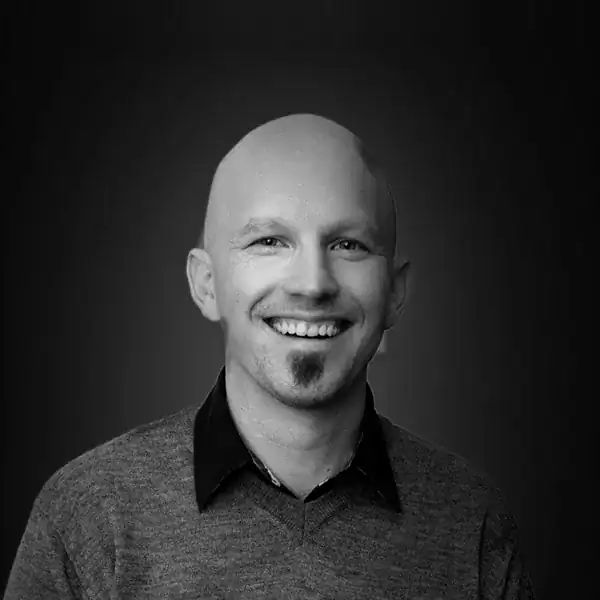
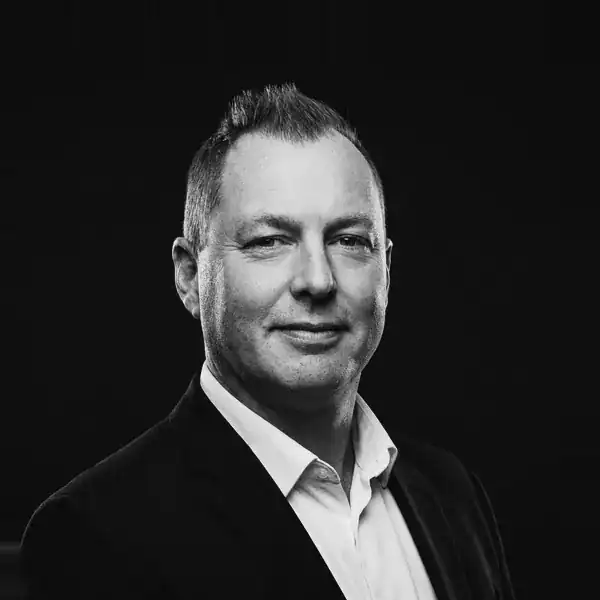
Carl Stenson
Technical Lead and Customer Success Manager, M.Sc.
Runs the technical follow-up meetings with customers.




Already a customer?
One email. One engineer. Closed when you say so.
Your assigned dedicated support engineer takes care of every case. The support desk has the hours, what to include and how to share files.
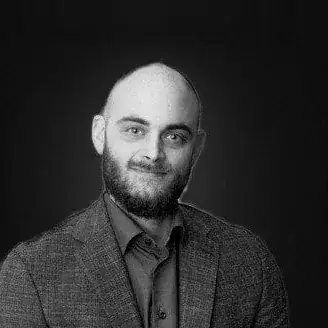
support@volupe.comRobin Victor
Simcenter STAR-CCM+
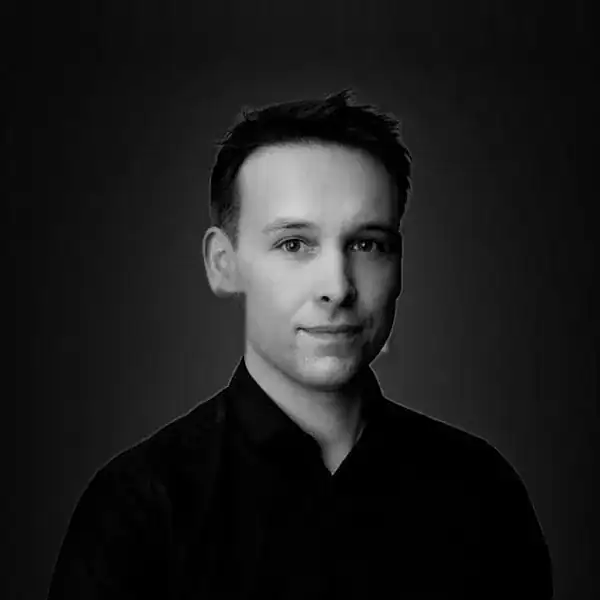
Florian Vesting
Simcenter HEEDS, STAR-CCM+
Named by a customer
“The level of service and support received has been consistently high, with excellent and timely technical assistance from Robin and Florian.”

Nicholas Gaudern
CTO, Power Curve
Power Curve chose Volupe as its solution provider for Simcenter STAR-CCM+.
“Very good technical support for our CFD applications. Volupe thinks along with the company's needs and has a personal but professional approach.”
Conoship International
Google review, 5 out of 5
“Very good technical support for acquiring, deploying and using our applications. Highly recommended.”
Viktor Szente
Google review, 5 out of 5
Customer success programme
What every customer gets
A named engineer
Your dedicated application support engineer is your first point of contact for any technical question, and can advise you when you enter new areas for product development.
Every case followed up
Your engineer reviews each case and may arrange a Teams call to work through it. The case stays open until you consider your questions answered.
How a support case works →A survey after every case
A short email survey on the technical help and how fast we assisted you. It takes about a minute.
Technical reviews
Carl Stenson, our Technical Lead and Customer Success Manager, runs regular technical follow-up meetings with you to go through:
01Technical challenges you might have
02Your satisfaction with the support
03Future needs
04The next step
Usually, these meetings surface actions that we then follow up.
Email Carl →Between cases
Learn from the same engineers
The people who answer your cases also teach courses, write the technical articles and keep the CFD Handbook up to date.
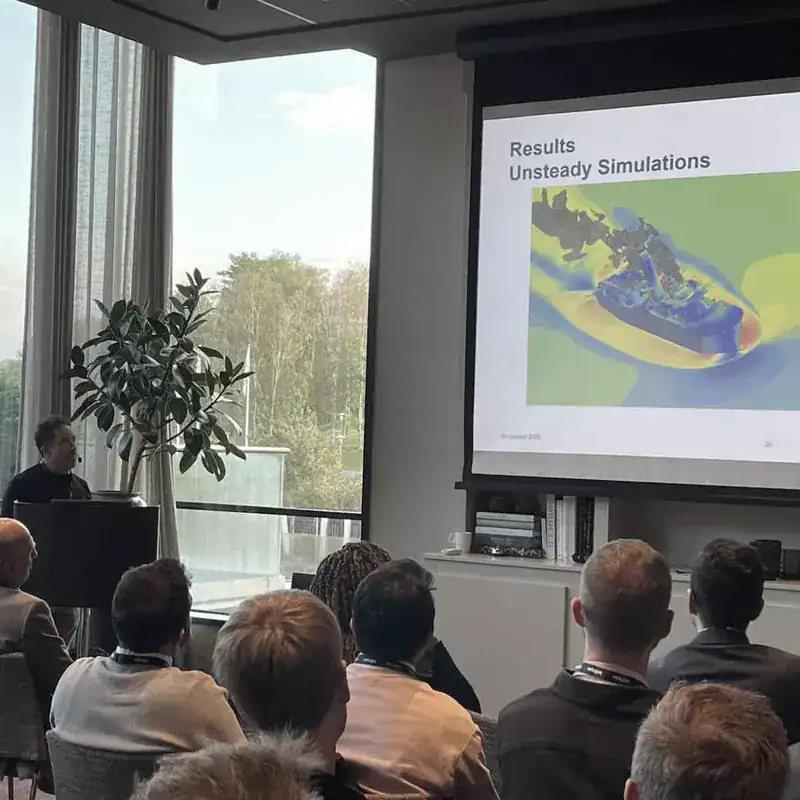
Simcenter User Conference
Talks from Simcenter users and roadmaps from Siemens, hosted by Volupe.
Read about the 2026 conference →Training
Scheduled courses online or at our office, and on-site training customised for your team, including 11 Simcenter STAR-CCM+ courses.
Browse training →CFD Handbook
Calculators and references, maintained by our application engineers. Free, no sign-up.
Open the CFD Handbook →Evaluating Volupe?
Meet the team before you decide
In the first meeting we introduce our team to you, and the expertise and knowledge we have in your industry.
Questions about Simcenter support
Answers reviewed by
Carl Stenson
Technical Lead and Customer Success Manager, M.Sc.
Who is my support engineer?
You are assigned a dedicated application support engineer when you become a customer. Email support@volupe.com and your engineer will take care of your enquiry.
How quickly do you reply?
We reply within one day; the support desk shows how a case runs.
When is a case closed?
When you consider your questions answered and the issue resolved, as described on the support desk.
Is the programme included for every customer?
Yes. All our customers have access to the Customer Success Programme: a dedicated application support engineer, a survey after every support case and regular technical follow-up meetings with our Customer Success Manager.
How do I share large simulation files?
Attach files up to about 15 MB and we set up a shared folder for larger ones; see sharing simulation files.
Can you access my Siemens Support Center account?
No, but we can guide you in Siemens Support Center; see the support desk.