CFD and multiphysics simulation
Simcenter STAR-CCM+
Mesh your CAD, solve flow, heat and coupled physics, and compare designs in one tool, with support from Volupe’s CFD engineers.
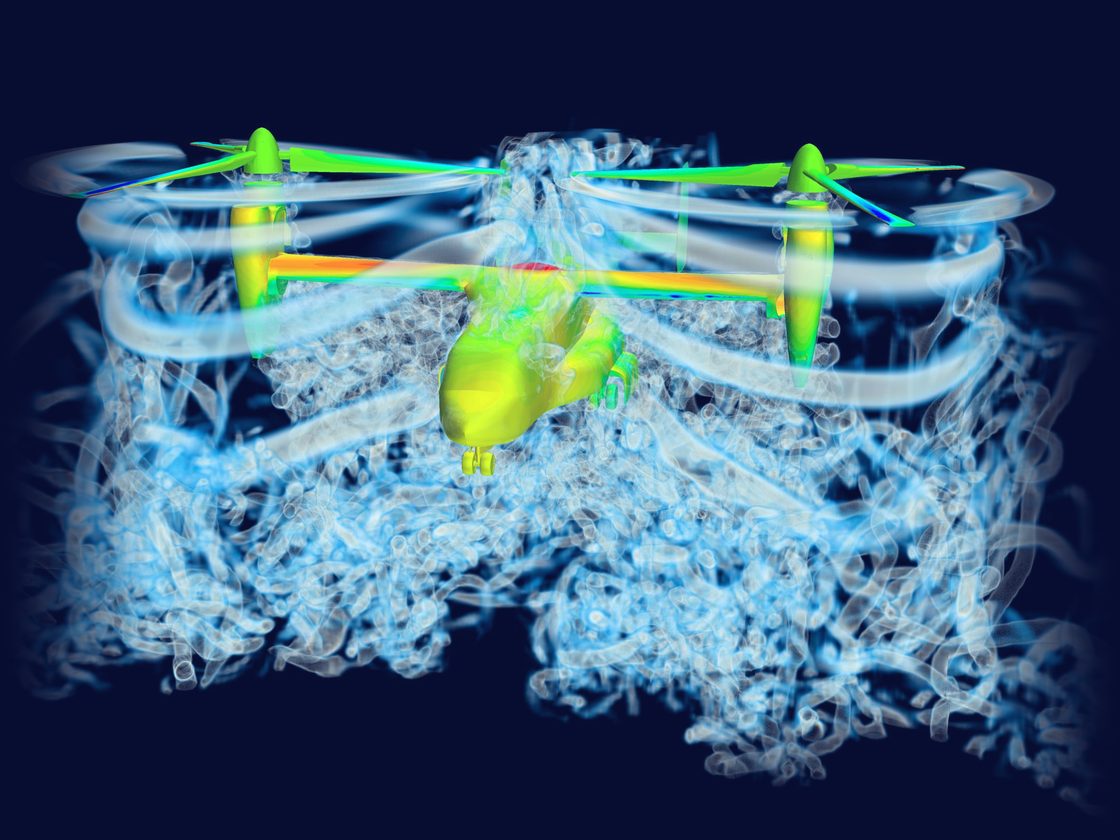
200+ articles
Written by our engineers
Free Simcenter STAR-CCM+ how-tos, from meshing and multiphase flow to GPU solvers.
11 courses
Simcenter STAR-CCM+ training
Run by Volupe, from the introductory course to multiphase flow and Java macros.
Smart Expert
Support from engineers
Siemens-certified expertise, and a Top European Partner award for customer support.
What is Simcenter STAR-CCM+?
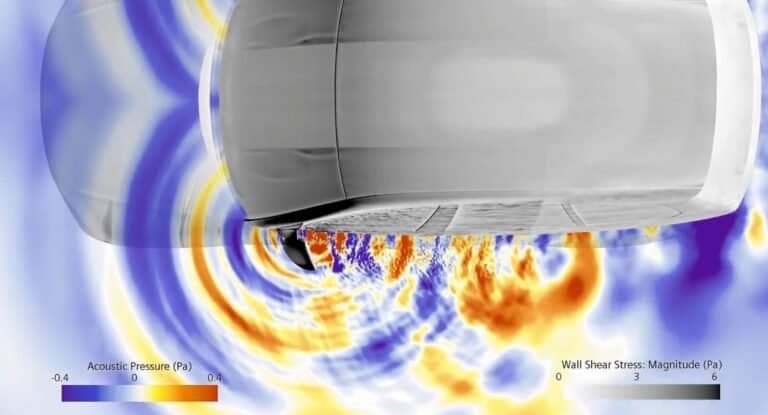
Simcenter STAR-CCM+ is a multiphysics computational fluid dynamics (CFD) tool from Siemens Digital Industries Software that takes a simulation from CAD and meshing through solving to post-processing. It models fluid flow and heat transfer together with multiphase and particle flows, reacting flow, fluid-structure interaction, aeroacoustics, electromagnetics and rheology.
STAR-CCM+ was the flagship product of CD-adapco, which Siemens acquired in 2016. New versions come out regularly, and updates are included in the licence fee.
Find hot spots and noise sources early in development
Narrow down design options before you build a prototype
Rerun a proven setup on each new geometry with Java macros
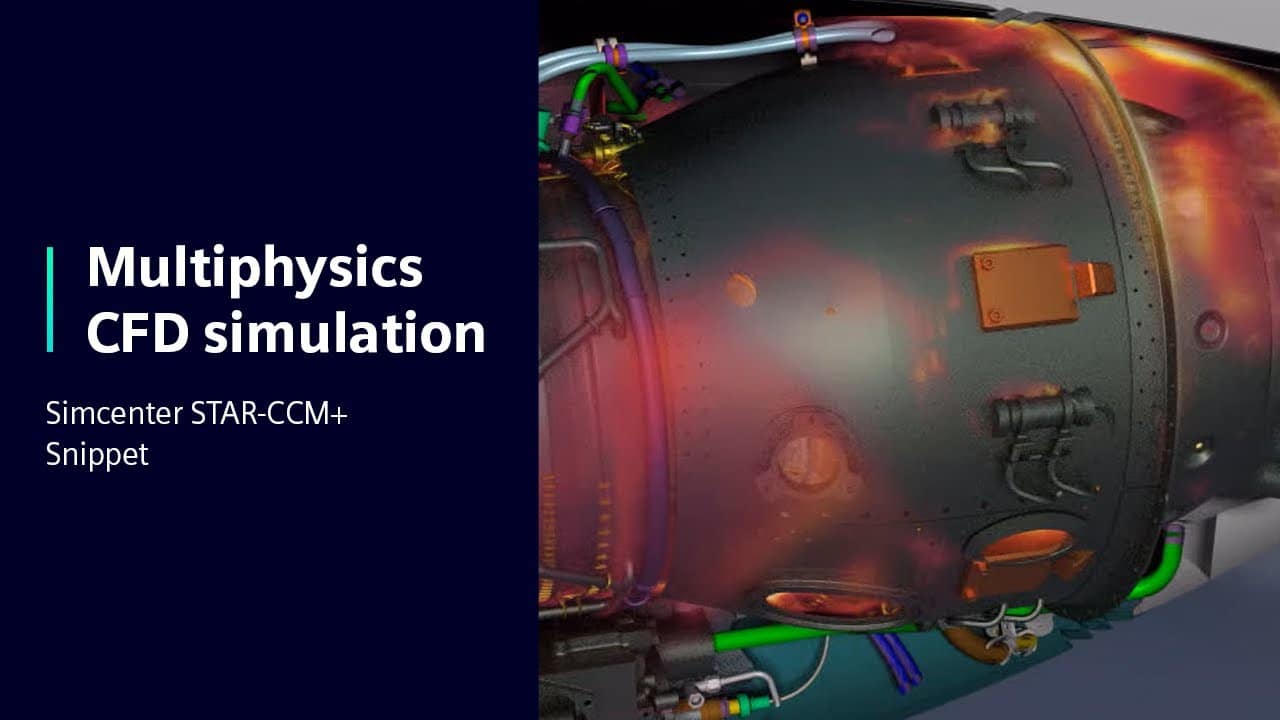
Play video · 0:59
A one-minute Siemens overview of multiphysics in Simcenter STAR-CCM+.
Book a demo with an engineerDeveloper
Siemens Digital Industries Software
Used in
Automotive, aerospace, marine, energy, process engineering, consumer products, and food and beverage
Related tools
Capabilities
Mesh, solve and improve your design
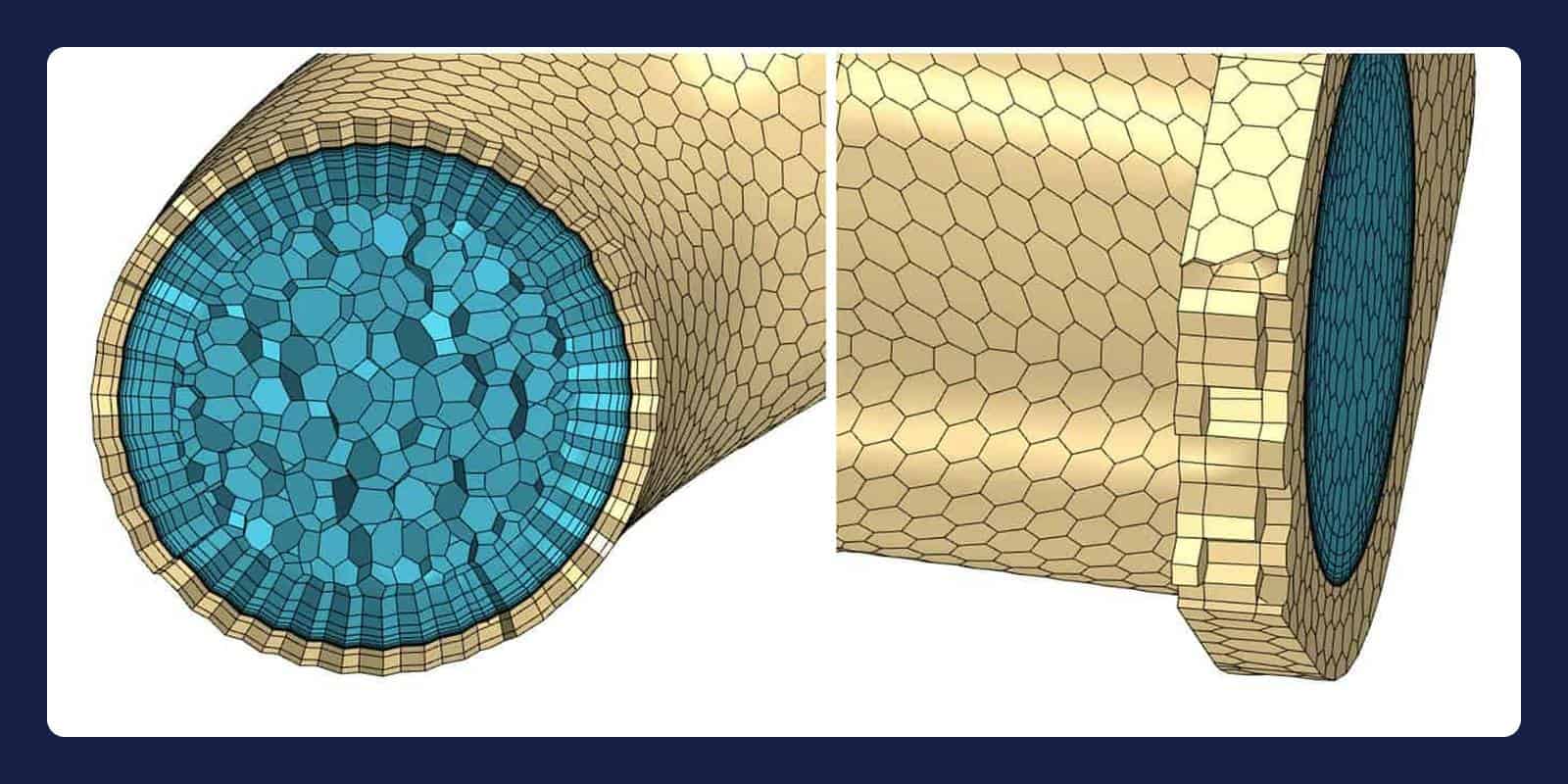
Automated meshing from your CAD
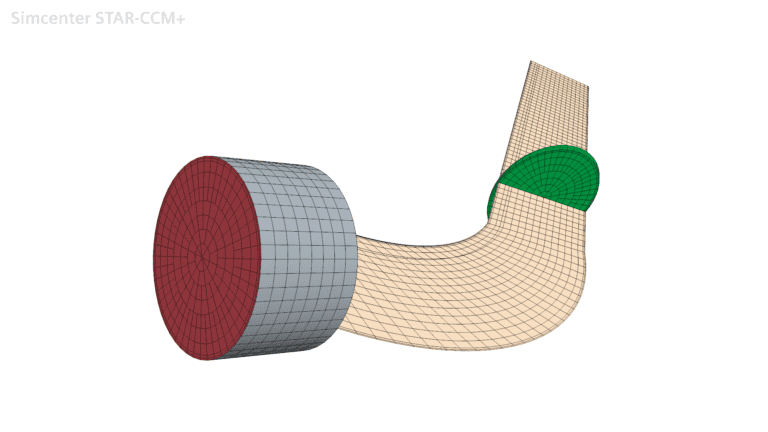
Import your CAD or drive the CAD tool from the CFD environment, with automatic defeaturing and automated surface wrapping. Cells: polyhedral, trimmed hexahedral or tetrahedral with prism layers, plus thin and directed meshing, and adaptive mesh refinement that follows the solution.
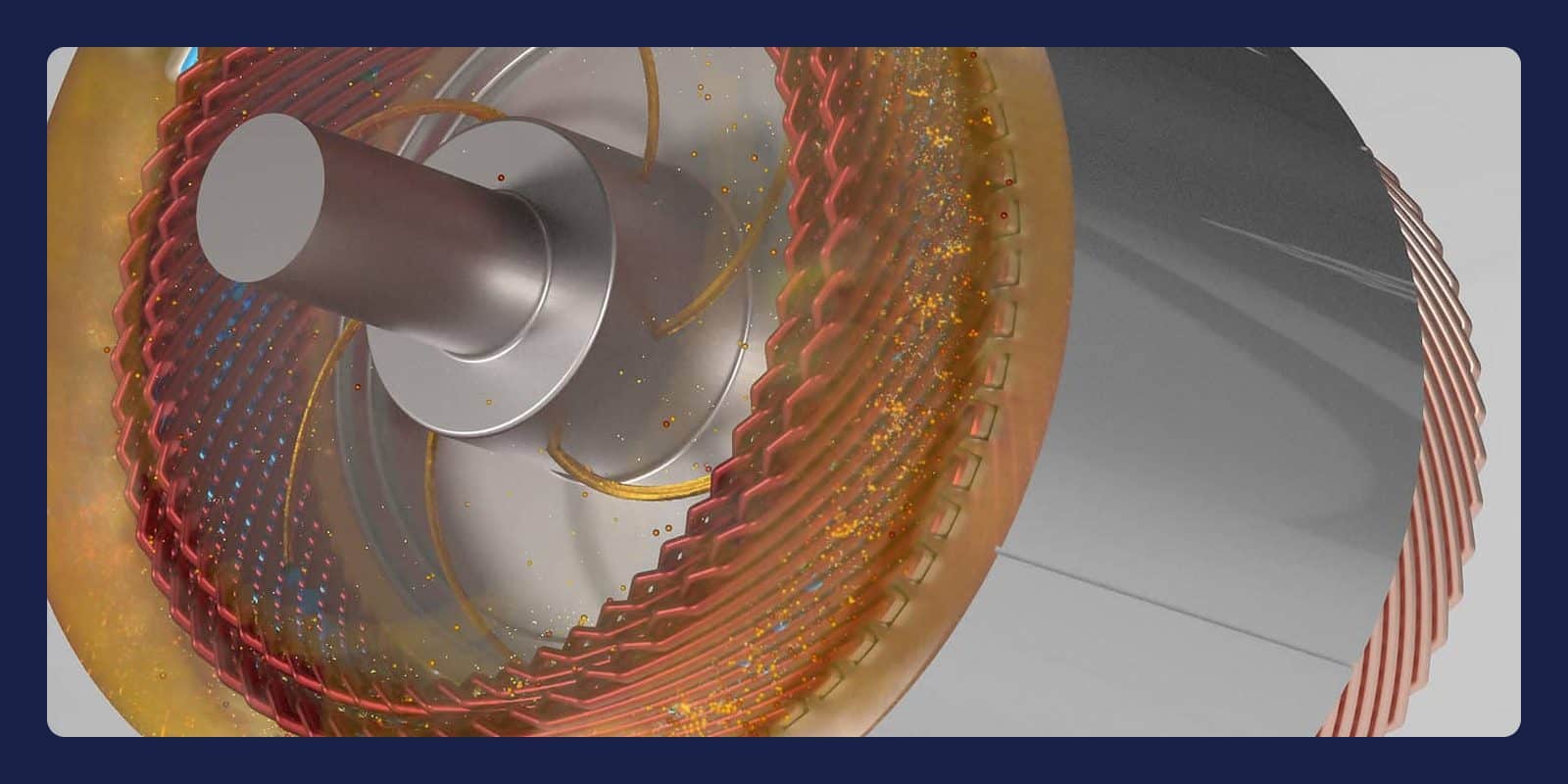
Turbulence, heat and multiphase flow
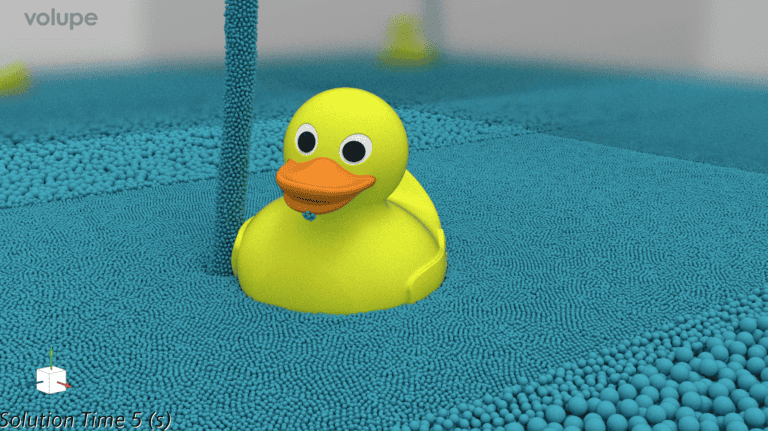
Solve subsonic to hypersonic flow with RANS, DES or LES. Heat: conduction, convection, radiation, conjugate heat transfer and boiling. Multiphase: VOF, Eulerian and Lagrangian models, DEM particles and meshless SPH. Couple the flow to solid mechanics or electromagnetics in the same simulation.
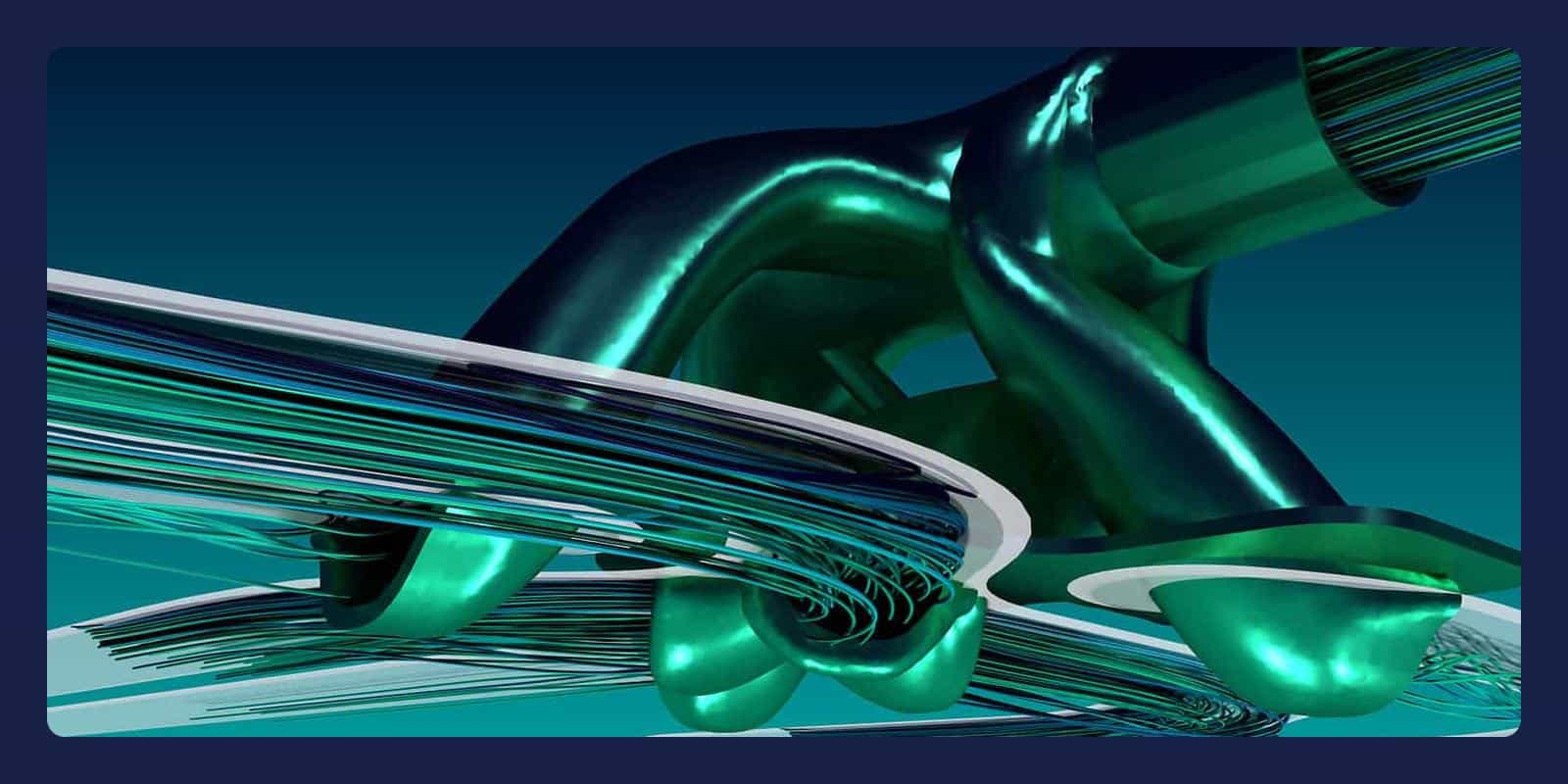
Design exploration and optimisation
Design Manager runs parameter sweeps, design of experiments and stochastic studies, and adjoint topology optimisation is included at no additional cost. Add-ons: Intelligent Design Exploration, with the same SHERPA search technology as Simcenter HEEDS, and Simcenter PhysicsAI, which trains AI models on your results.
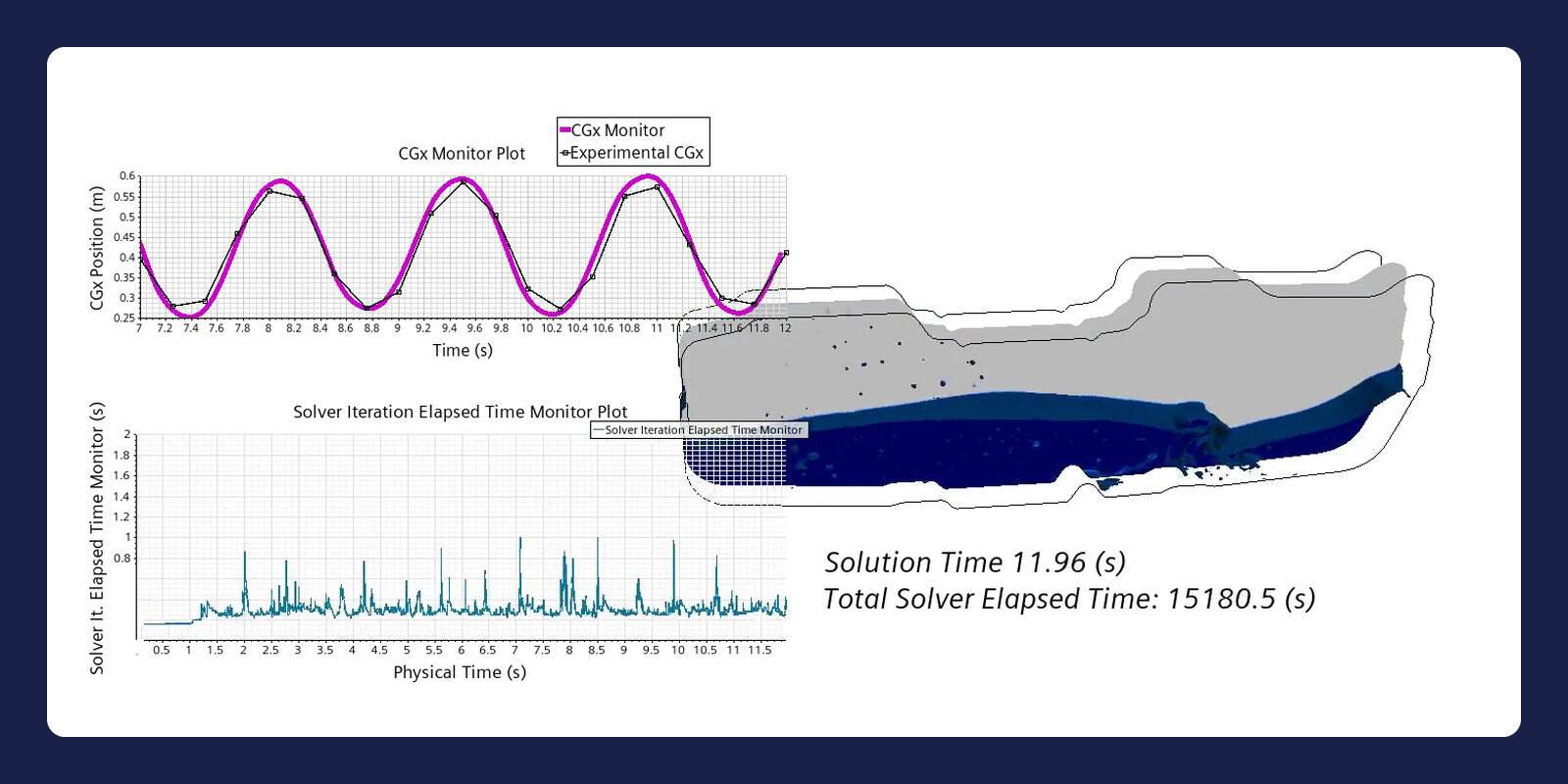
Scale on GPU, CPU and cloud
Run on CPU and ARM hardware, or natively on GPUs for a growing set of models such as VOF, with results consistent with the CPU solvers. Siemens benchmark: one NVIDIA RTX 6000 Ada GPU ran a 5.6-million-cell sloshing case in 4.23 h, against 5.54 h on 192 CPU cores. Simcenter X sends jobs to AWS infrastructure that Siemens manages.
“The level of service and support received has been consistently high, with excellent and timely technical assistance from Robin and Florian. We would happily recommend Volupe to other companies looking for a CFD solution.”
Nicholas Gaudern, CTO, Power Curve
Power Curve chose Volupe as its solution provider for Simcenter STAR-CCM+.
Learn Simcenter STAR-CCM+
Questions about Simcenter STAR-CCM+
Answers reviewed by
Robin Victor
Senior Application Specialist, M.Sc.
Robin has written 100+ Simcenter STAR-CCM+ articles.
We reply within one day.
What does Simcenter STAR-CCM+ cost, and how is it licensed?
The price depends on the number of users, the licence term, any add-ons and the computing power you need, and we quote for your setup. For computing power, you can choose unlimited cores for one session at a fixed price (Power Session, or Power Session Plus with GPUs), hours used within 12 months (Power on Demand) or reusable Power Tokens. Request a licence quote.
Why buy Simcenter STAR-CCM+ through Volupe?
You get licences, support and training for Simcenter STAR-CCM+ from one team. Our simulation engineers answer your support questions and reply within one day, we run 11 Simcenter STAR-CCM+ courses, and our specialists have written more than 200 articles on it. We are a Siemens Platinum Partner at Smart Expert level, with a Top European Partner award for customer support, and we cover the rest of the Simcenter portfolio too.
Can I see a demo or try Simcenter STAR-CCM+ first?
Yes: book a demo with one of our engineers and tell us what you need to simulate. To evaluate Simcenter STAR-CCM+ on your own, ask us for a trial; we reply within one day.
Switching from Ansys Fluent or another CFD tool: how do you help?
Start with a demo on a case like yours, so you can compare the Simcenter STAR-CCM+ workflow with your current tool. Our introductory course, in four 4-hour sessions, gets your team started, and further courses cover advanced meshing, conjugate heat transfer, multiphase flow and Java macros. Our engineers answer your support questions while you move your first projects across, and our CFD Handbook adds a y+ calculator and a turbulence model selector.
CPU, GPU or cloud: which setup fits my cases?
Simcenter STAR-CCM+ runs on CPU and ARM hardware, a growing set of models runs natively on GPUs, and Simcenter X runs jobs on AWS infrastructure that Siemens manages. GPU runs need a GPU-enabled licence option, such as Power Session Plus. Tell us your typical cell counts, run times and hardware, and we will go through the options with you in a scoping call.
Simcenter STAR-CCM+ or Simcenter FLOEFD: which do I need?
Choose Simcenter FLOEFD when design engineers want CFD inside their CAD tool, early in the design process. Choose Simcenter STAR-CCM+ when CFD specialists want a choice of cell types: FLOEFD meshes native CAD geometry automatically with a Cartesian immersed-boundary method, while STAR-CCM+ offers polyhedral, trimmed hexahedral or tetrahedral cells with prism layers. Not sure which fits your cases? Send us a technical question.
Design Manager or Simcenter HEEDS: which do I need?
If your studies run only in Simcenter STAR-CCM+, Design Manager may be enough. Choose Simcenter HEEDS when one automated process links STAR-CCM+ to other tools, such as CAD or structural solvers. HEEDS can also drive STAR-CCM+ directly: in a Siemens customer story, Trek Bicycle used it to cut overall drag by 5.5% after 140 automated iterations of water-bottle placement. Power Tokens can be redeemed for sessions started from either tool.
What is Simcenter STAR-CCM+ used for?
Engineers use Simcenter STAR-CCM+ for vehicle and aerospace aerodynamics, thermal management, ship hydrodynamics, tank sloshing and multiphase flow in process engineering. With the Batteries add-on, it also models battery thermal runaway propagation. In a Siemens customer story on escort-tug certification, tug designer Robert Allan Ltd reported submitting as many as 50 reports a year with STAR-CCM+, about 200% more than with model-scale and full-scale methods.