CAD-based multiphysics
Simcenter SimLab
formerly Altair SimLab
Prepare, solve and review structural, thermal, electromagnetic and flow analyses of complex assemblies, straight from your CAD data.
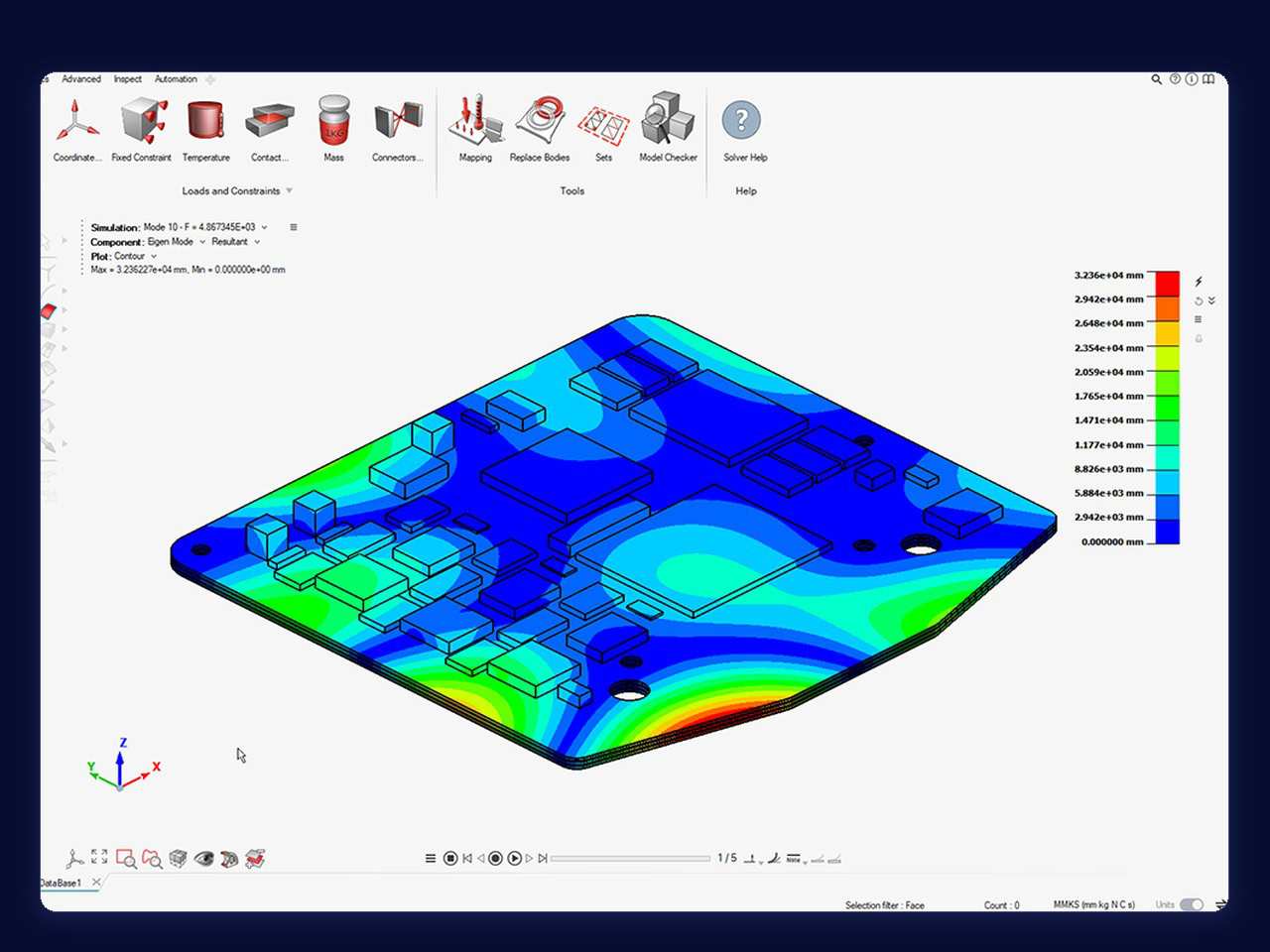
Up to 83%
Faster post-processing
Siemens: up to 83% higher post-processing performance for large Simcenter EDEM result files in Simcenter SimLab 2026.1.
Smart Expert
Support from engineers
Siemens-certified expertise, and a Top European Partner award for customer support.
What is Simcenter SimLab?
Simcenter SimLab, formerly Altair SimLab, is a process-driven multiphysics simulation environment from Siemens Digital Industries Software. It is designed for complex assemblies: you prepare the model on the CAD geometry, set up structural, thermal, electromagnetic or flow analyses, run the solver and review the results in one place. Automated workflows and direct CAD coupling keep the model in step with geometry changes, part variants and assembly updates.
Prepare full assemblies with feature recognition, reusable templates and guided workflows
Repeat a workflow on the next design with templates, batch runs and Python scripting
Set up and review analyses for different solvers from one interface
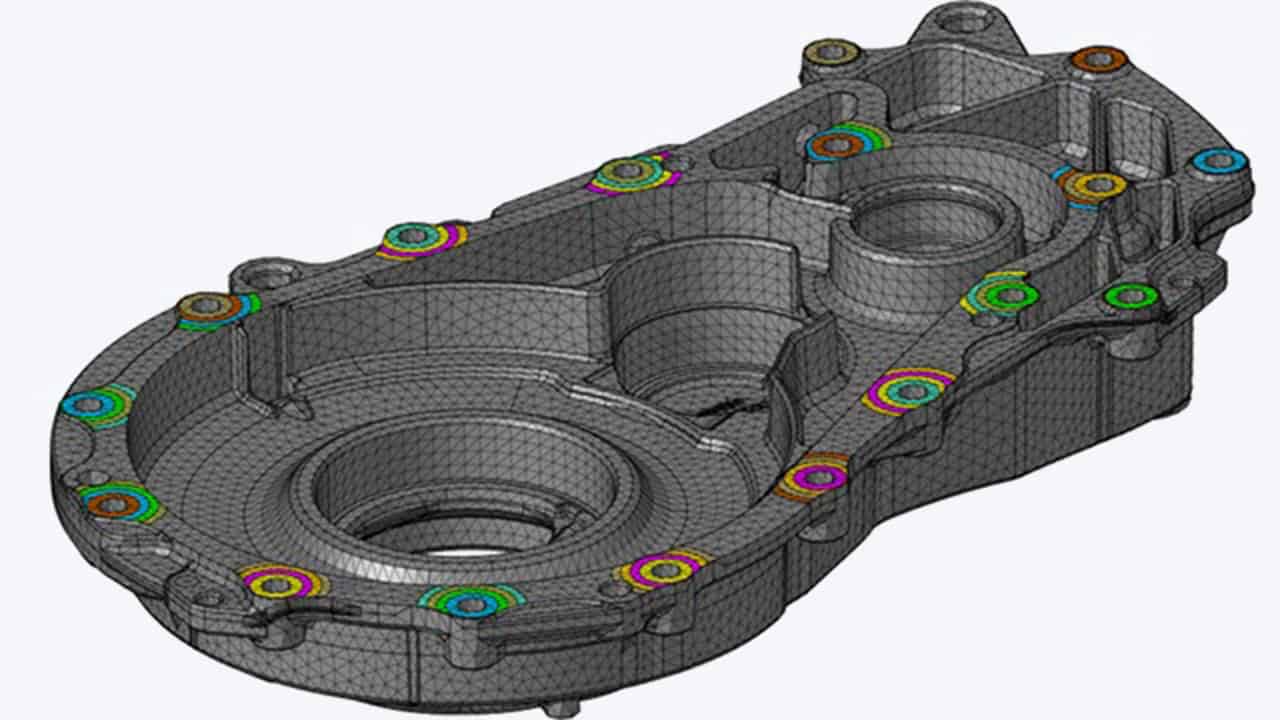
Siemens image: a meshed housing with connector markers, from the Simcenter SimLab 2026.1 release.
Book a demo with an engineerDeveloper
Siemens Digital Industries Software (Siemens acquired Altair in 2025)
Current release
Simcenter SimLab 2026.1 (June 2026)
Physics
Linear and nonlinear structural, thermal, CFD, low- and high-frequency electromagnetics, NVH and particles
Works with
Simcenter OptiStruct for structures, Simcenter Flux and Simcenter Feko for electromagnetics, Simcenter EDEM for particles
Altair users
Coming from Altair SimLab?
Siemens has renamed Altair SimLab and moved it into Simcenter, like the other former Altair tools. The changes focus on naming, packaging and integration; in essence, Siemens says, it is the same technology.
Renewing a SimLab licence? Get a quoteName
Altair SimLab → Simcenter SimLab
Licence
Your Altair SimLab licence → Send us your licence details and renewal date, and we will quote the renewal under Simcenter.
Releases
Altair SimLab → Simcenter SimLab 2026.1 (June 2026), then two Simcenter releases a year from December 2026
Support
Altair support → Siemens Support Center. Bought through Volupe? Your Volupe contacts for licensing, support and training stay the same.
Volupe
Altair channel partner for SimLab → Siemens Platinum Smart Expert Solutions Partner
Applications
Simcenter SimLab applications, from PCBs to electric motors
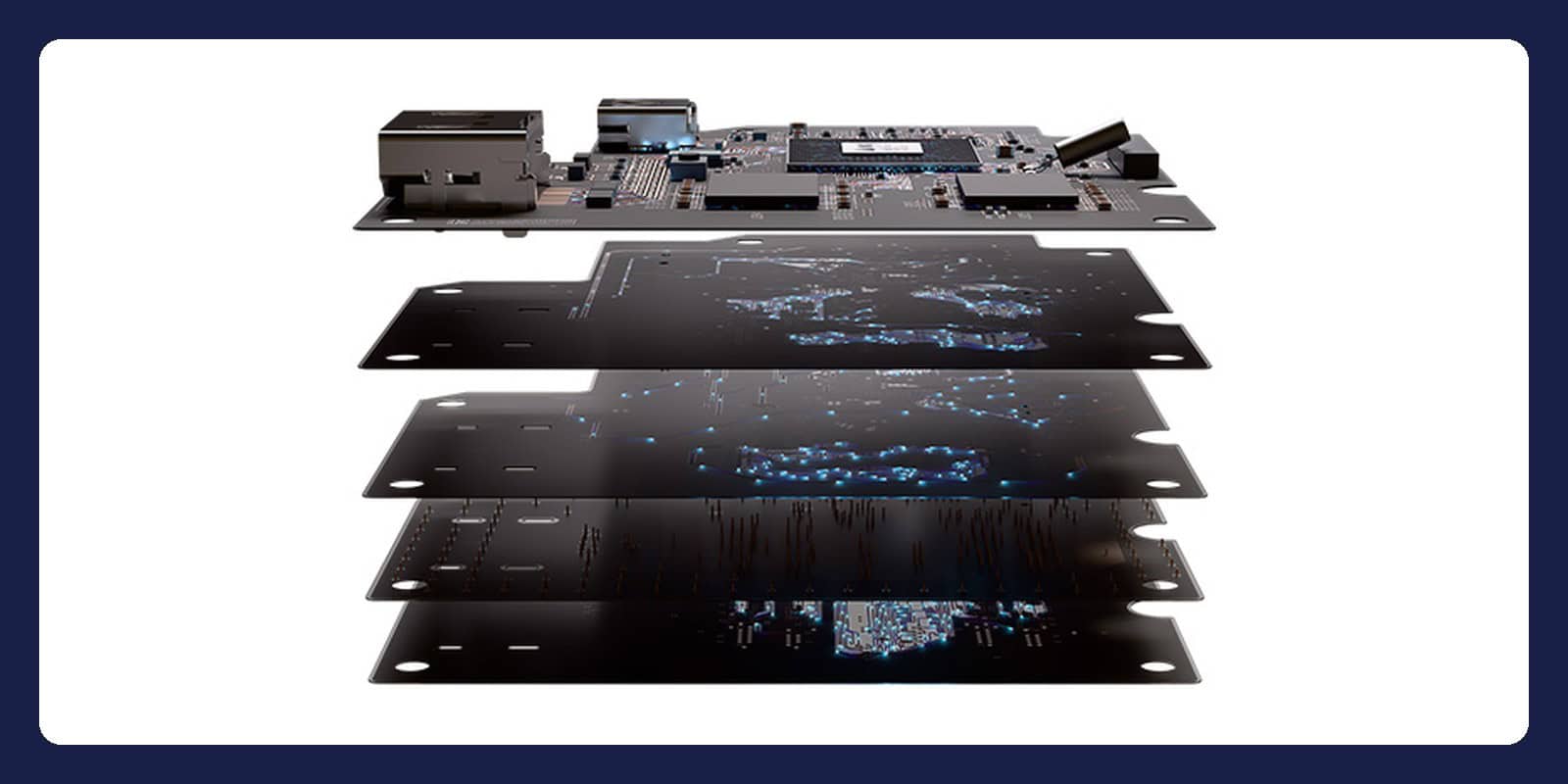
PCBs and electronic packaging
Work directly from ECAD data and choose detailed, homogenised or hybrid PCB models. Siemens lists mechanical, thermal and fatigue evaluations, trace mapping with automated material properties, and thermo-mechanical warpage and shock analysis. Since 2026.1, SimLab generates several sub-models from selected PCB bodies.
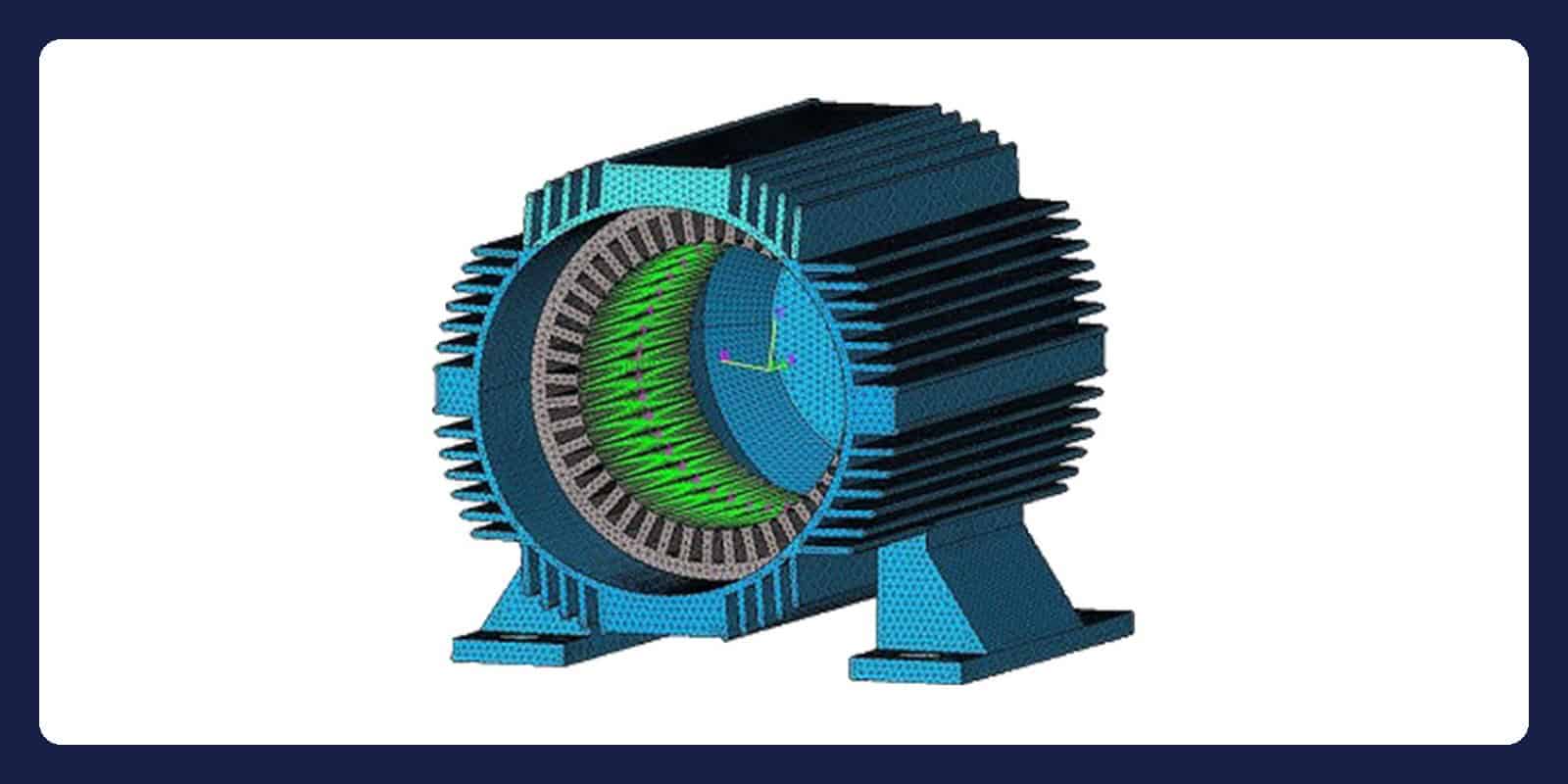
Electric motors and actuators
Electromagnetic analysis powered by Simcenter Flux is built in, and SimLab couples electromagnetic, thermal and structural physics. Since 2026.1, parametric motor models transfer between Flux and SimLab, and automated workflows generate reduced order models for several motor types, ready for system simulation.
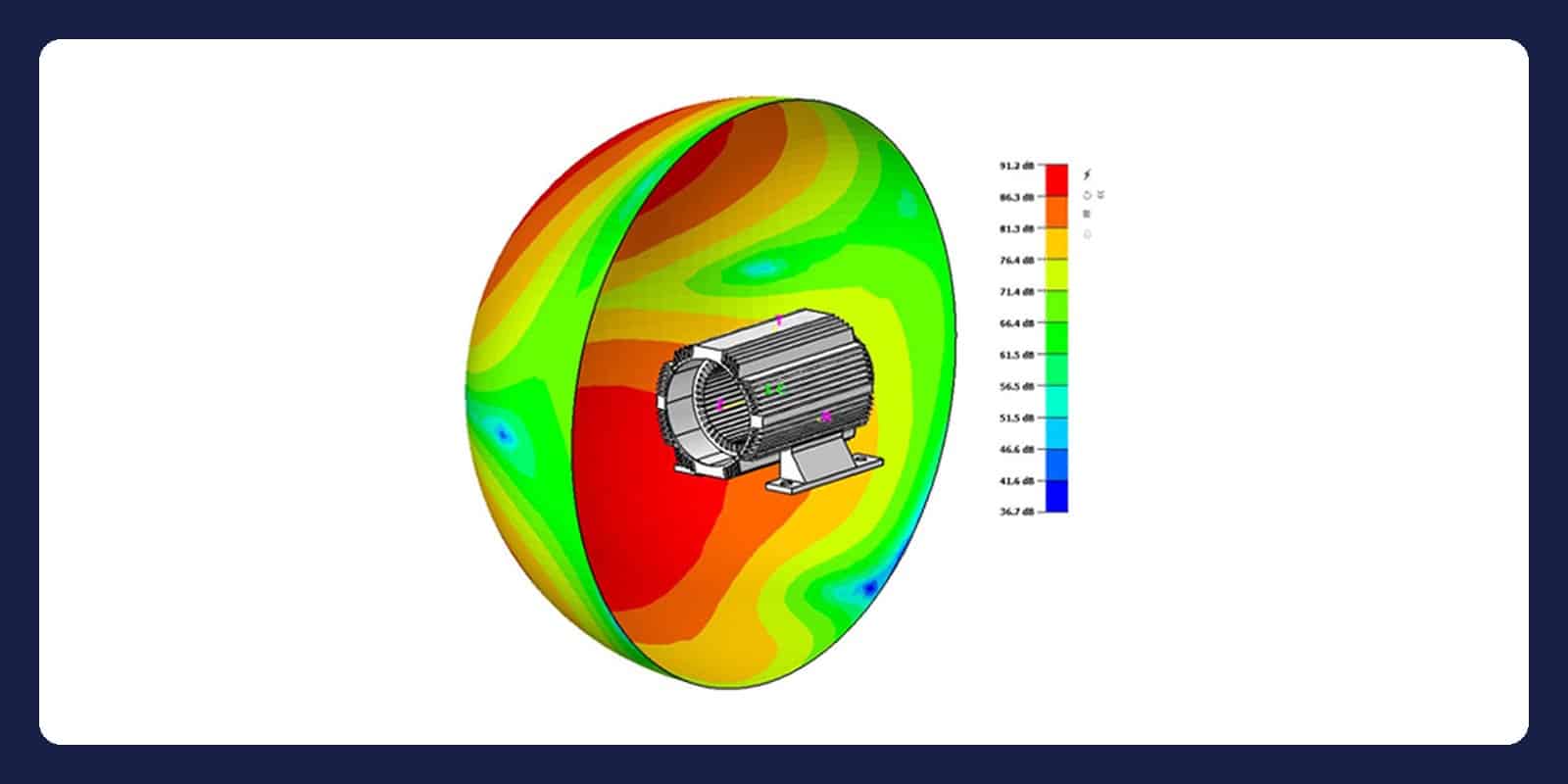
Noise, vibration and acoustics
SimLab supports fully coupled NVH simulation, so acoustic performance can be checked early in the design. Siemens’ use cases include vibro-acoustic simulation of electric motors, waterfall and order tracking analysis, and electromagnetic-to-structural-to-acoustic force mapping.
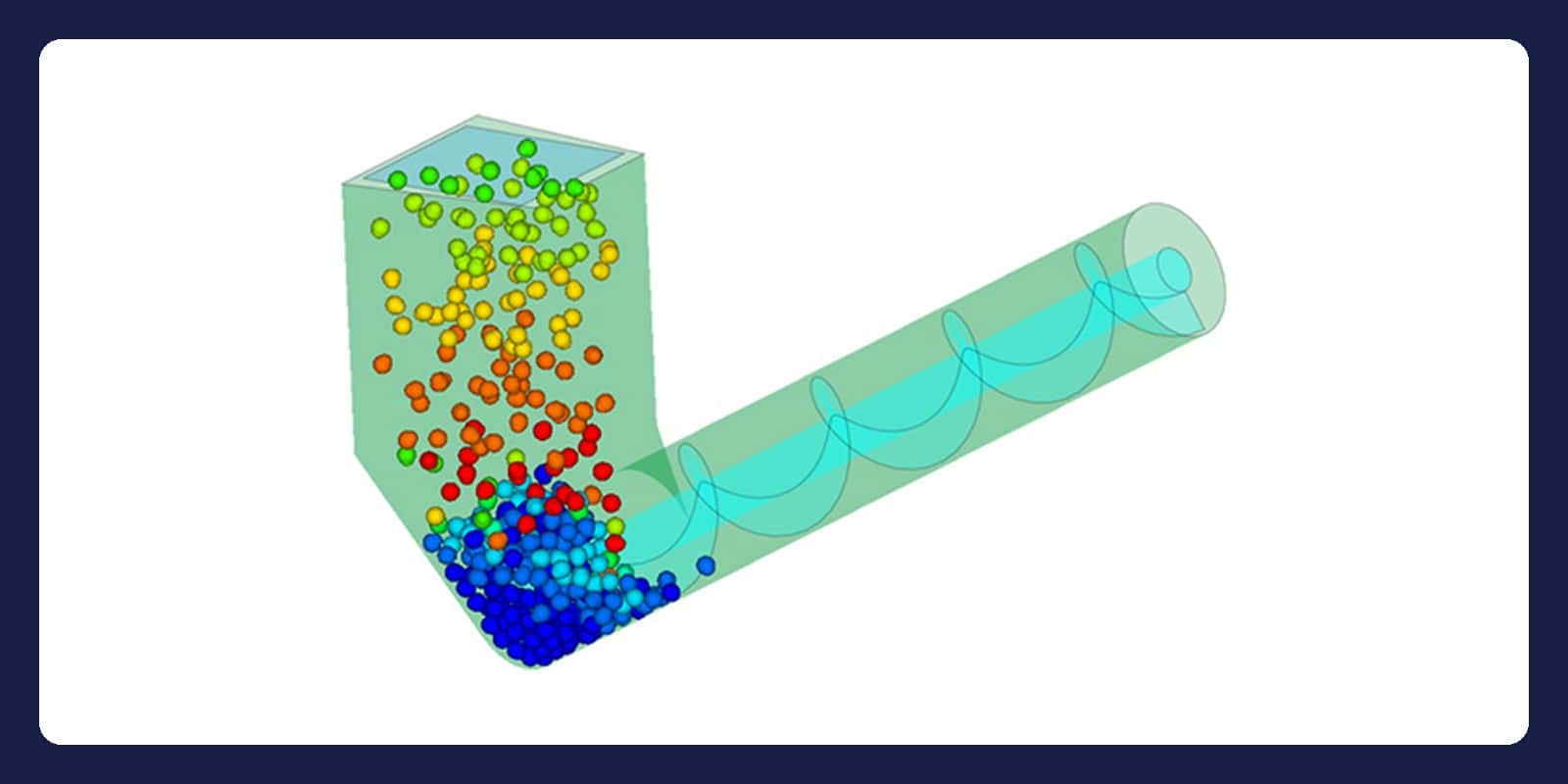
Particles with Simcenter EDEM
Coupling with Simcenter EDEM models how granular material interacts with structures and fluids, from wear and erosion to granular flow in chutes and mixers. Since 2026.1, meta particles cover materials such as fibres and grass, and particles can follow a size distribution.
Related tools
Often used with Simcenter SimLab
From our engineers
A coupled thermal and structural analysis in SimLab, step by step
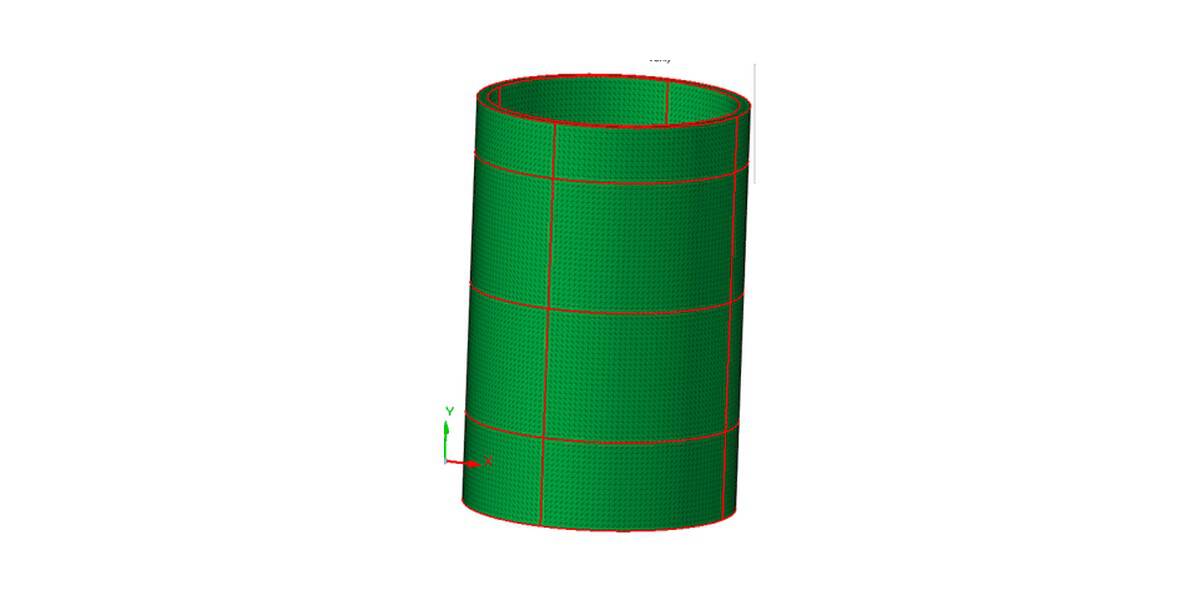
1. Merge, mesh, unmerge
Johan Dahlberg merges four ring sections into one body, meshes the surface and then the solid with tetrahedra, and unmerges it again. The faces stay shared because the bodies were meshed as one, and the Shared Faces check confirms it.
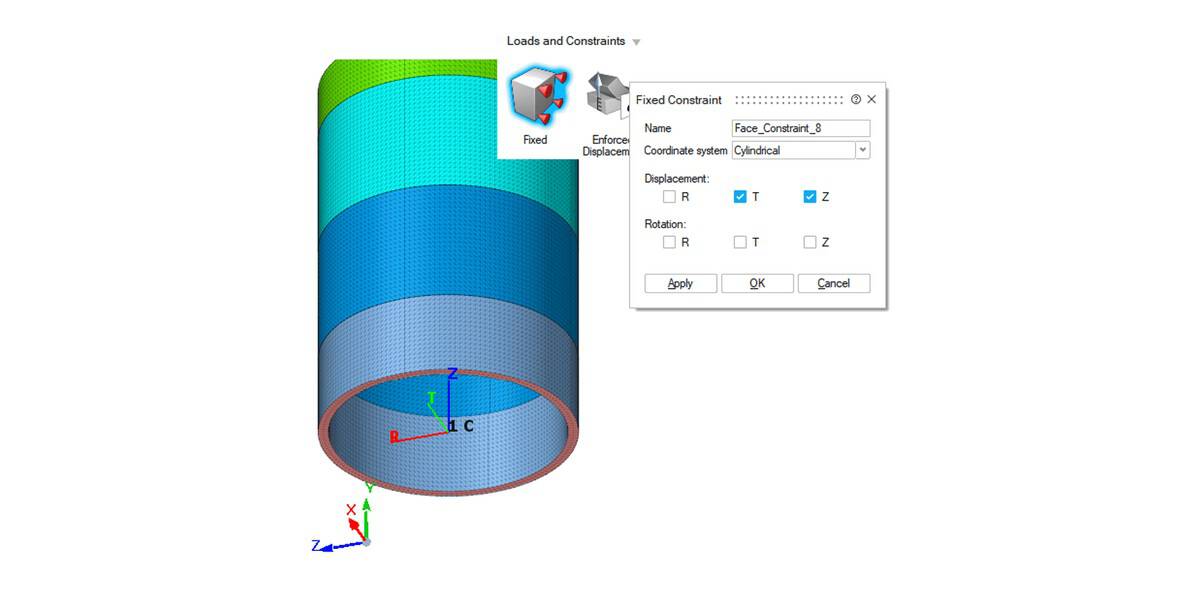
2. Couple the load cases
One coupled solution holds a steady-state heat transfer case with two convection sets and a linear static case that reads its temperatures from it. The base is held in a cylindrical coordinate system.
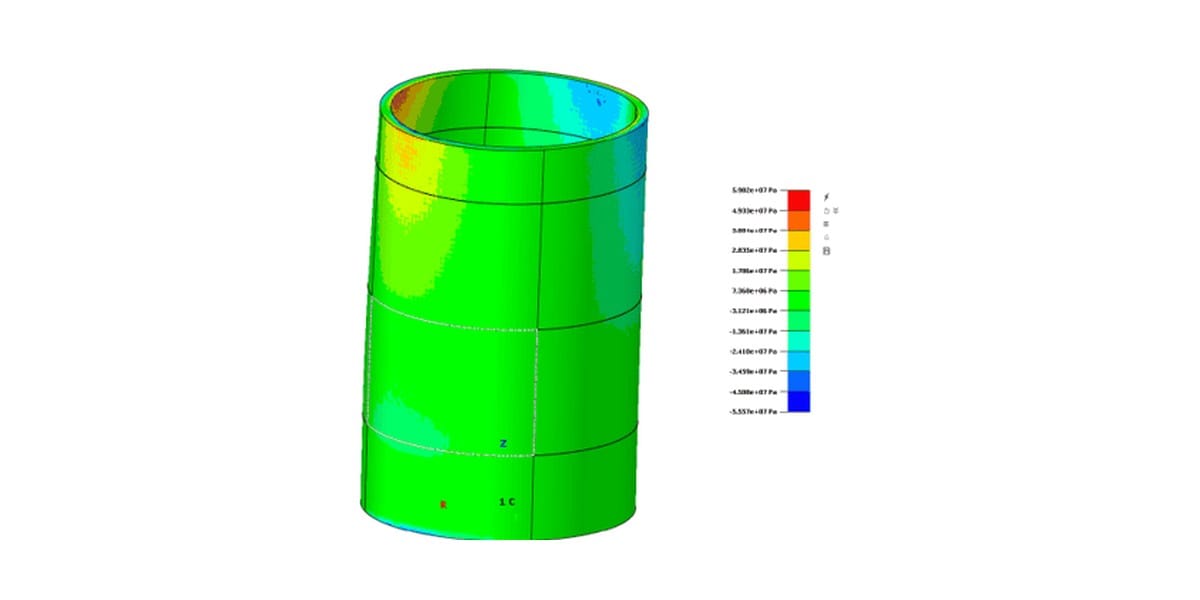
3. Solve and review
SimLab runs OptiStruct in the background. When the results are in, toggle between load cases and result types to see how the heating loads the structure.
Questions about Simcenter SimLab
Your Simcenter SimLab specialist
Johan Dahlberg
Application Support Specialist, Ph.D.
Email Johan · LinkedIn
Licences and renewals: Henrik Pahlitzsch, Business Developer, +46 76 870 11 40.
We reply within one day.
What does Simcenter SimLab cost?
Each set-up is quoted individually. The price depends on how many engineers need access, the licence term and the analyses you need. If you already run Altair SimLab, tell us your current set-up, the workflows you use and your renewal date, then request a licence quote.
What changed for Altair SimLab users?
Siemens completed the acquisition of Altair on 26 March 2025. With the June 2026 release, former Altair products joined Simcenter, and Altair SimLab became Simcenter SimLab. Siemens says the changes focus on naming, packaging and integration and that, in essence, the technology is the same. Altair’s support services have moved to the Siemens Support Center. If you bought SimLab through Volupe, which supported it as an Altair channel partner, your Volupe contacts for licensing, support and training stay the same.
How does Simcenter SimLab compare with HyperMesh and SimSolid?
Siemens describes Simcenter HyperMesh as a robust FEA pre- and post-processor with an open, programmable interface. SimLab is process-driven: it automates the route from CAD to results for applications such as PCBs, electric motors and NVH, across several solvers. Simcenter SimSolid analyses CAD assemblies without a mesh, while SimLab builds finite element models.
Does Simcenter SimLab need a finite element mesh?
Yes. SimLab builds finite element models and aims to cut the time spent on them. Its automatic mesh tool supports hex, tetra and mid-mesh methods across a whole model, and in 2026.1 it checks hex elements after clean-up and generates a tetra mesh if errors persist. Johan’s walkthrough on this page shows a tetrahedral mesh on a four-part assembly.
Which physics can Simcenter SimLab combine?
Siemens lists structural, thermal, electromagnetic and fluid domains, with linear and nonlinear structural, thermal and CFD analyses run locally or in the cloud. Low-frequency electromagnetics is powered by Simcenter Flux and high-frequency electromagnetics by Simcenter Feko, particles come through coupling with Simcenter EDEM, and SimLab supports fully coupled NVH simulation. For electric motors, sensors and actuators, SimLab couples electromagnetic, thermal and structural physics. Ask our engineers which combination fits your case.
Can Simcenter SimLab automate repeat studies?
Yes. Reusable automation templates, guided workflows and feature recognition cut manual steps, and built-in tools set up design of experiments and optimisation studies. Since 2026.1, a Simcenter HEEDS connector generates DOE and optimisation studies, new commands import and solve databases in batch with parameter files, and the Python API has more utility functions.
Does Volupe offer Simcenter SimLab training?
Yes. Volupe sells, supports and trains all the former Altair tools, SimLab included. SimLab is not among the scheduled courses on our training page, so we plan training around your team: ask about SimLab training. Johan Dahlberg’s step-by-step SimLab walkthrough on our blog is a good place to start, and our engineers answer support questions at support@volupe.com.