Finite element pre- and post-processing
Simcenter Femap
Build FE models from multi-CAD geometry for your chosen solver, then review the results.
30+ years
Simcenter Femap in use
Femap is CAD- and solver-independent, using the Parasolid kernel.
Smart Expert
Support from engineers
Siemens-certified expertise, and a Top European Partner award for customer support.
What is Simcenter Femap?
Simcenter Femap is a CAD-independent pre- and post-processor from Siemens Digital Industries Software for finite element analysis (FEA). Analysts use it to build and edit models of components, assemblies or whole structures for Simcenter Nastran or a third-party solver, then review and report the results.
Femap supports Simcenter Nastran, MSC Nastran, Abaqus, Ansys, LS-DYNA, MSC Marc, ADINA and TMG. Siemens offers it on its own or bundled with Simcenter Nastran, with each bundle adding analysis types.
Keep one pre- and post-processor when projects need different solvers
Solve large models with no size limit in the Simcenter Nastran bundles
Clean up imported CAD for meshing and report results in Microsoft Word
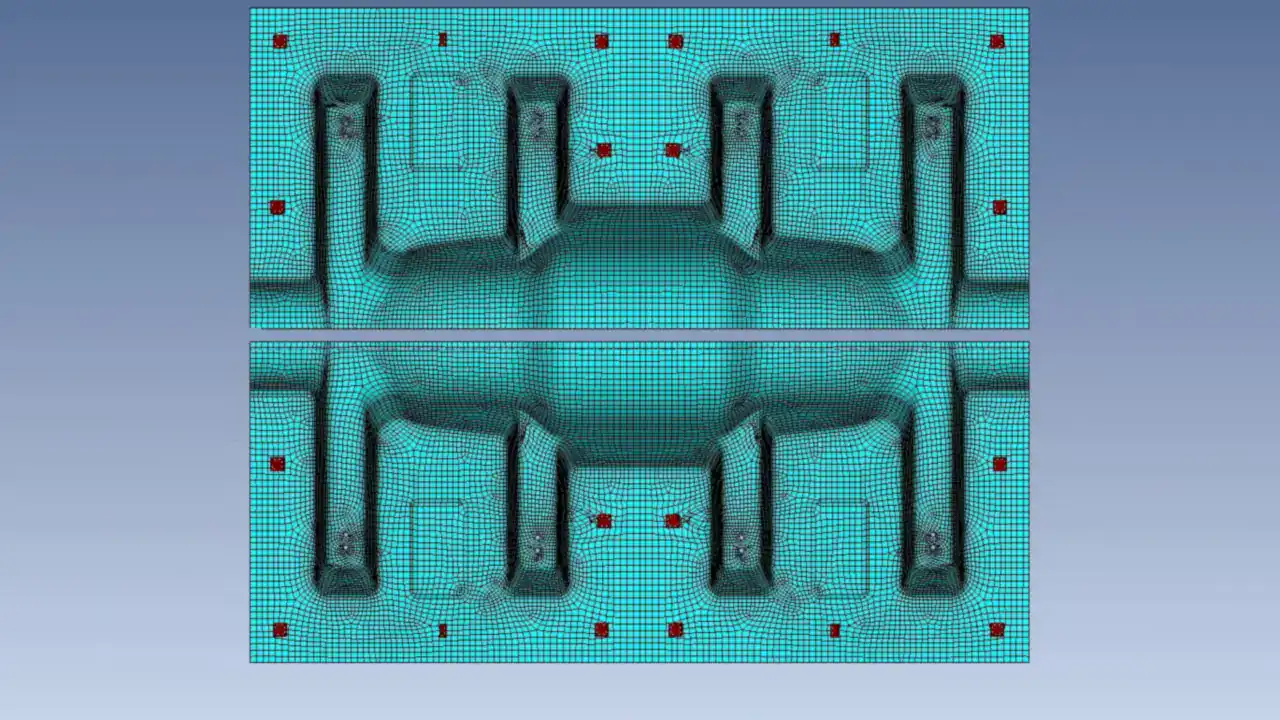
Play video · 1:17
A 2023 Siemens tutorial: Mesh Region on stamped panels.
Book a demo with an engineerDeveloper
Siemens Digital Industries Software
Typical analyses
With Simcenter Nastran: linear statics, normal modes, buckling, heat transfer and basic nonlinear. The Dynamic Response bundle adds transient response, frequency response and random vibration; the Advanced bundle adds aeroelasticity, superelements and parallel solving (DMP).
Used in
Aerospace, automotive and many other industries
Related tools
Simcenter 3D and Simcenter HyperMesh
Platform
Windows
Capabilities
From CAD geometry to results and reports
CAD clean-up
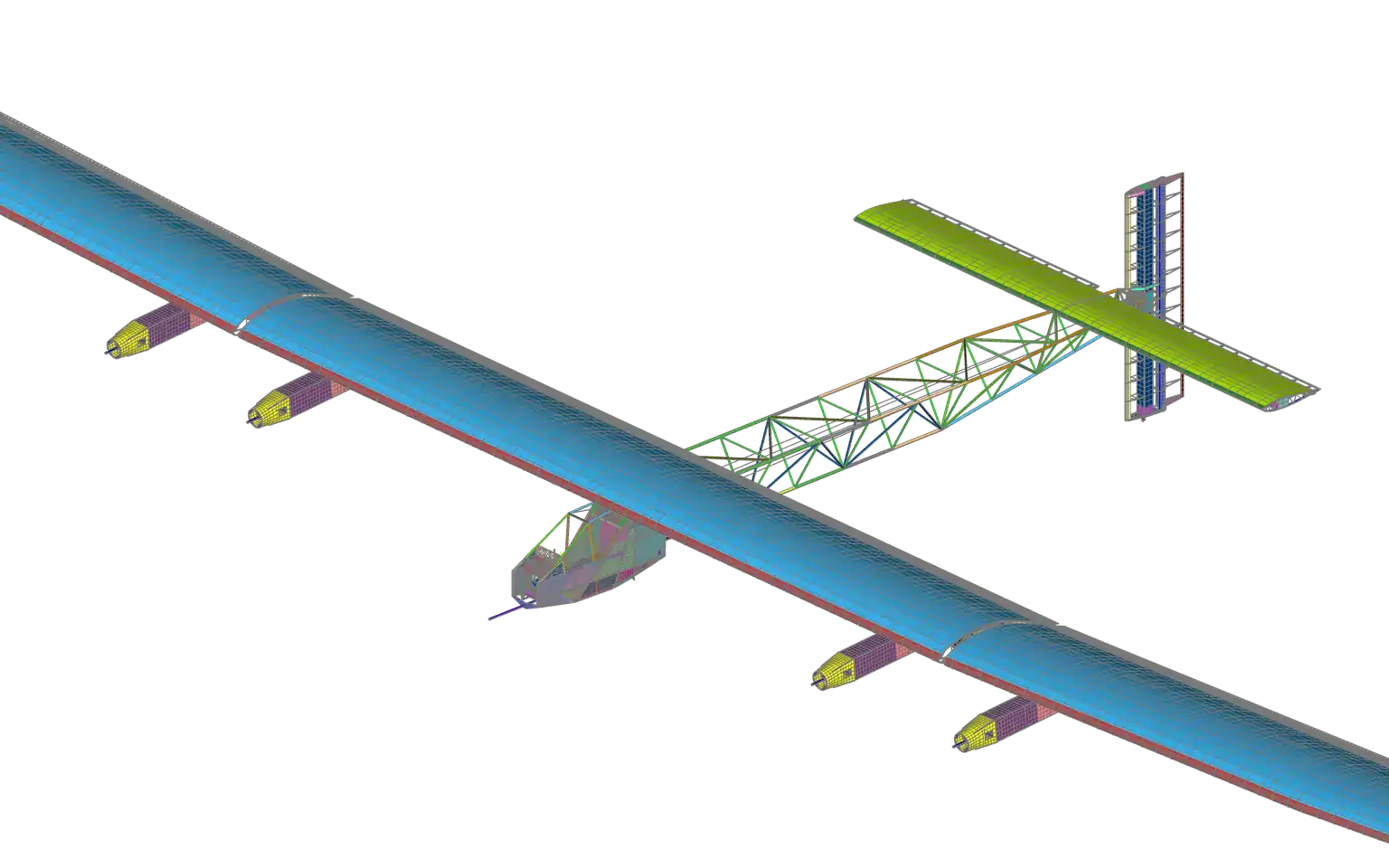
Solar Impulse · shell and beam model · Simcenter Femap
Pre-processing
Idealise imported CAD for analysis
Femap’s CAE geometry editing cleans up and idealises imported CAD for meshing, removing details the analysis does not need. Midsurface extraction turns thin-walled solids into surfaces for 2D shell meshes. For models built from many parts, Femap provides FE assembly management.
Book a demo with an engineer
Meshing
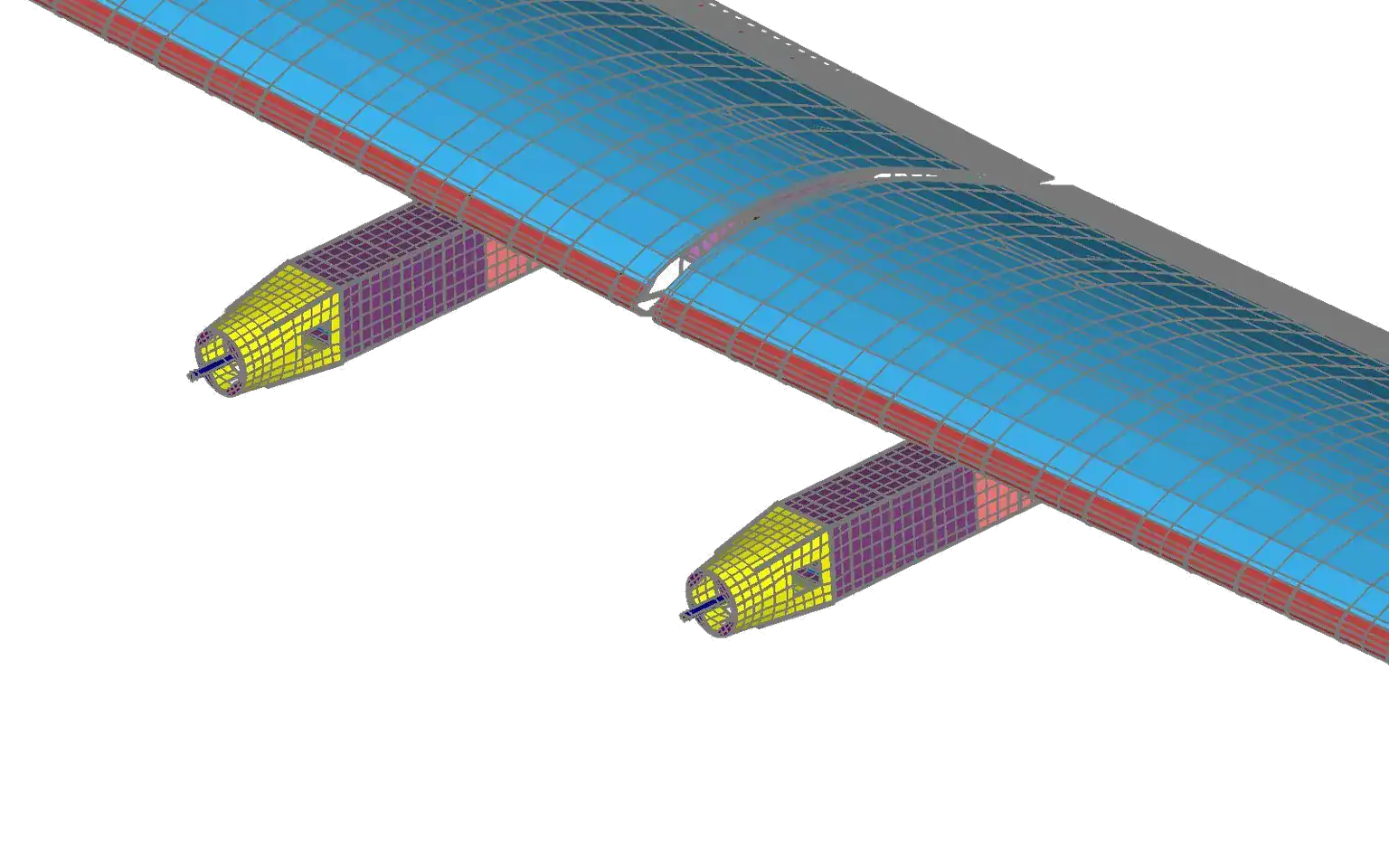
Solar Impulse · wing skin and nacelle mesh · Simcenter Femap
Pre-processing
Beam, shell and solid meshes, sized interactively
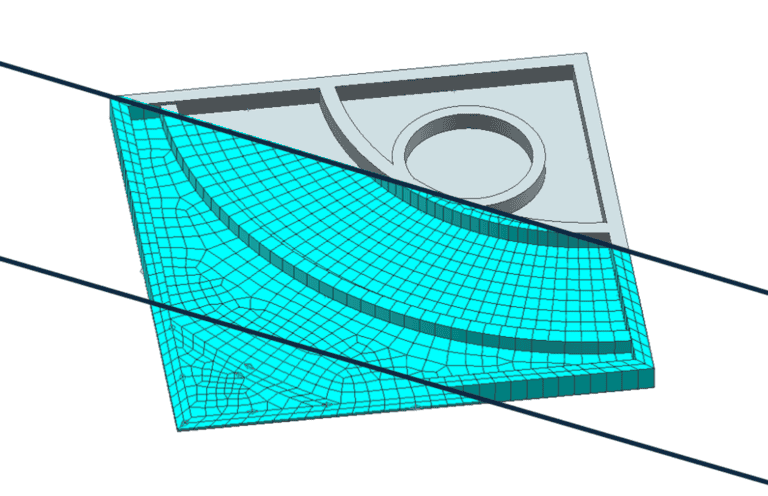
Femap builds 1D beam models, thin-walled shell meshes and 3D solid meshes, tet-dominant or hex-dominant. The Meshing Toolbox keeps geometry editing and mesh sizing in one interactive panel. The Mesh Region command creates a mesh that connects separate sections of a model.
Book a demo with an engineer
Analysis set-up
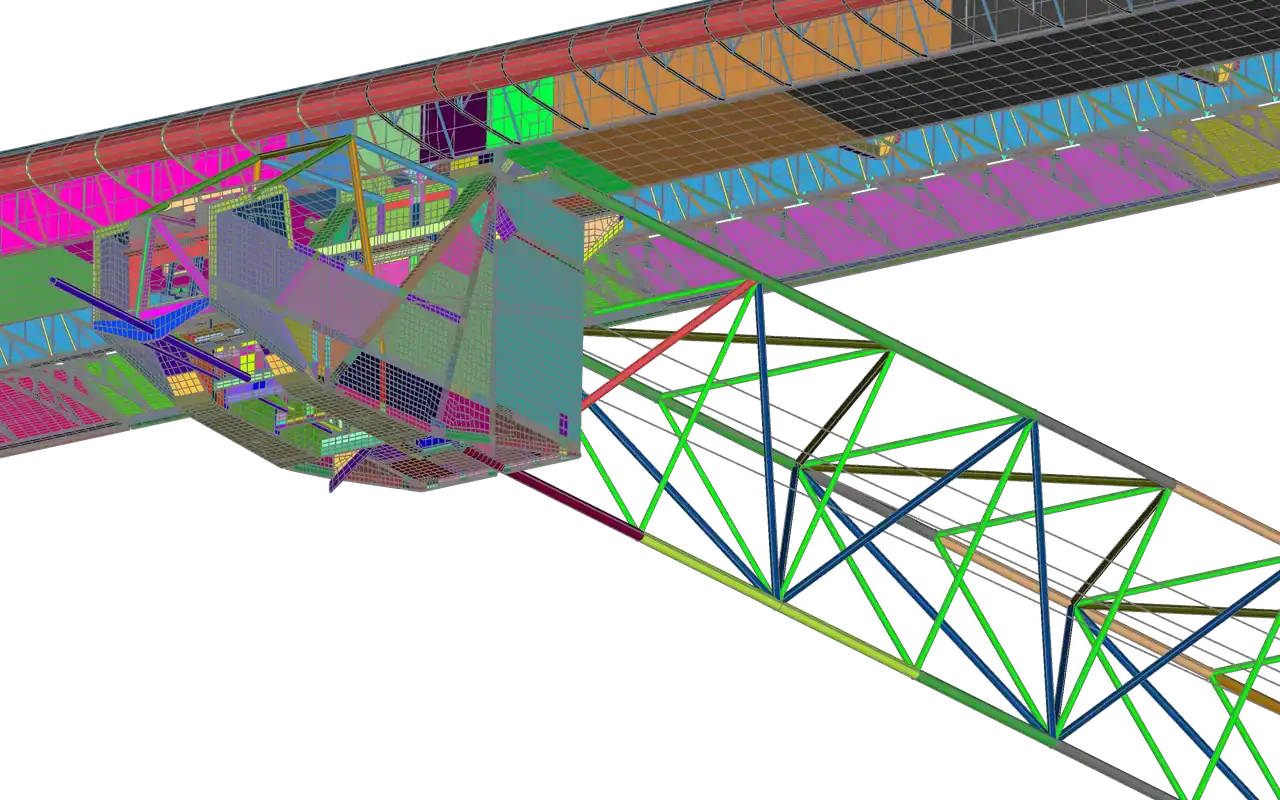
Solar Impulse · cockpit pod and truss boom · Simcenter Femap
Solver set-up
Solver settings stored for every run
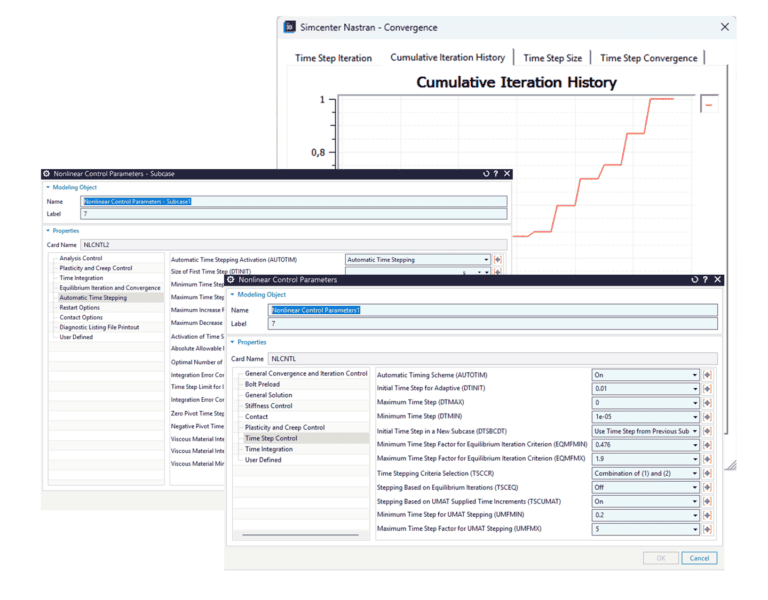
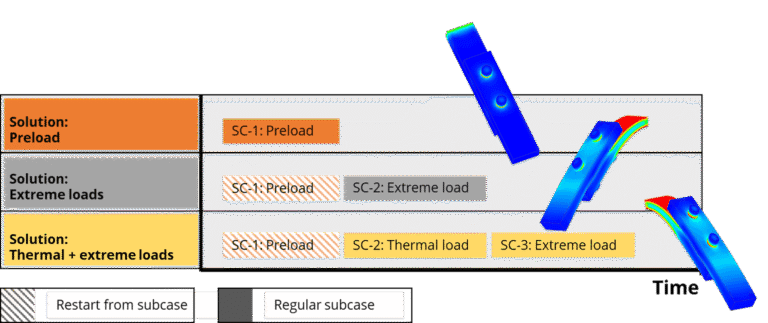
The Analysis Set Manager stores the solver settings for each run. For Simcenter Nastran, Femap supports multistep nonlinear analysis (SOL 401) and rotor dynamics (SOL 414). Since version 2512, Femap also sets up Simcenter ZAERO aeroelastic trim analysis. Ask us what your licence covers.
Book a demo with an engineer
Results and reports
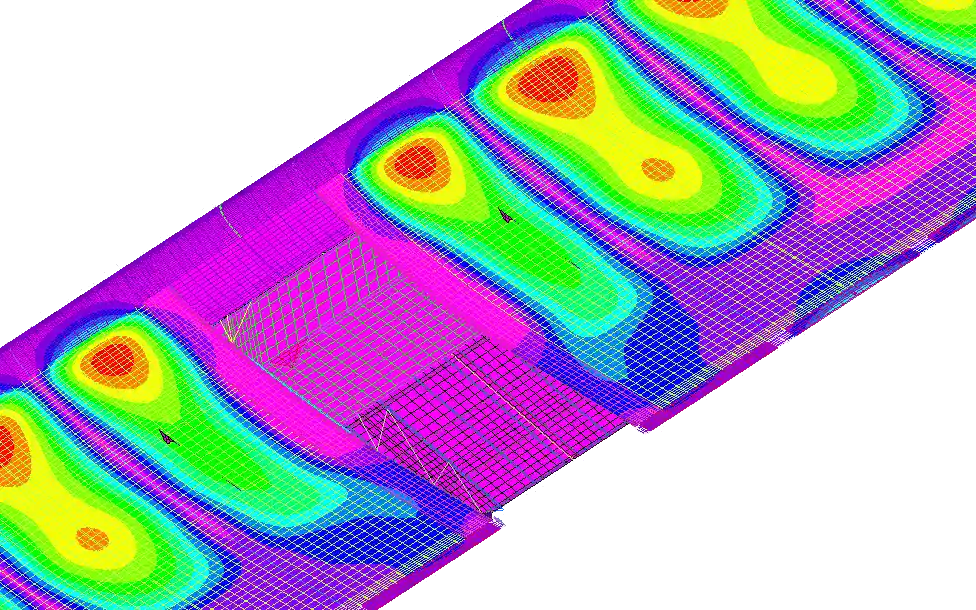
Solar Impulse wing · displacement contour · Simcenter Femap
Post-processing
From contour plots to a Word report
Contour plots show stresses and partial results such as contact forces. Free body tools with section cuts reveal interface loads and load paths. Output tables can be charted, the report generator builds analysis reports in Microsoft Word, and the Femap API automates repeated steps in VBA or Python.
Book a demo with an engineerLearn Simcenter Femap
Questions about Simcenter Femap
Answers reviewed by
Viktor Hultgren
Application Specialist, M.Sc.
What is Simcenter Femap used for?
Engineers use Simcenter Femap to mesh CAD geometry, set up analyses for Simcenter Nastran or another supported solver, and post-process the results. It is used for components, assemblies and whole structures in aerospace, automotive and many other industries.
What does Simcenter Femap cost, and how is it licensed?
We don't publish fixed prices: the quote depends on whether you need Simcenter Femap alone or with Simcenter Nastran, which analyses you run, and how many engineers need access. Siemens offers Femap with Simcenter Nastran in three bundles: the base bundle, Dynamic Response and Advanced. We can also quote it through Simcenter X, whose tokens cover Simcenter Femap and Simcenter 3D. Tell us which solvers and CAD data you work with, then request a licence quote or book a meeting. Already using Simcenter Femap? Tell us your current bundle and number of seats when you ask.
Can I see a demo of Simcenter Femap?
Yes: book a demo with one of our engineers and tell us what you model and which solvers you use. We reply within one day.
How does Simcenter Femap relate to Simcenter 3D?
Simcenter Femap and Simcenter 3D both prepare models for Simcenter Nastran and third-party solvers. Femap is a CAD-independent pre- and post-processor, sold alone or in bundles with Simcenter Nastran that cover structural, dynamic and thermal analysis. Simcenter 3D is an integrated environment for structural, NVH, acoustic, thermal and motion simulation. Built on the NX platform, it runs standalone with any CAD geometry. Since version 2022.1, Femap can have Simcenter Nastran write results for Simcenter 3D. Not sure which fits your work? Ask our engineers.
Which solvers and CAD data does Simcenter Femap work with?
Simcenter Femap prepares models and post-processes results for Simcenter Nastran, MSC Nastran, Abaqus, Ansys, LS-DYNA, MSC Marc, ADINA and TMG. It reads Parasolid data directly and handles geometry from multiple CAD systems. Siemens’ release notes name added or updated interfaces for NX, Solid Edge, Creo, SolidWorks, ACIS, Inventor and Rhino, plus CATIA V6 through an add-in module. For a format or version not named here, check with our engineers.
Is Simcenter Femap the same as Femap with NX Nastran?
It is the same product line under newer names: with the 2019.1 release, Femap became Simcenter Femap and NX Nastran became Simcenter Nastran. The pair is now sold as Simcenter Femap with Simcenter Nastran, and the solver is also licensed separately for whichever pre- and post-processor you choose. Siemens’ June 2026 release includes Simcenter Femap 2606.
Why buy Simcenter Femap through Volupe?
You get licences, support and training from one company, and support questions go to simulation engineers. We sell, support and train the full Simcenter portfolio, including Simcenter 3D and former Altair tools such as HyperMesh and OptiStruct, so one team supports Simcenter Femap alongside them. We are a Siemens Platinum Partner at Smart Expert level, with a Top European Partner award for customer support.
How it works
From first question to running Simcenter Femap
Scoping meeting
With one of our engineers
We talk through your needs, then demonstrate the software that fits.
A look at your case
When it helps
We can show how Simcenter Femap could handle a problem you are working on, before you decide.
Order and set-up
A quote for your set-up
After your order, we help with any installation until everything is in place.
Support and training
Your own support engineer
A dedicated application support engineer is your first point of contact. Training for your team is available on request.