Low-frequency electromagnetic simulation
Simcenter MAGNET
Formerly Infolytica MagNet
Predict how motors, generators, actuators and transformers with magnets or coils will perform, using 2D and 3D field simulation.
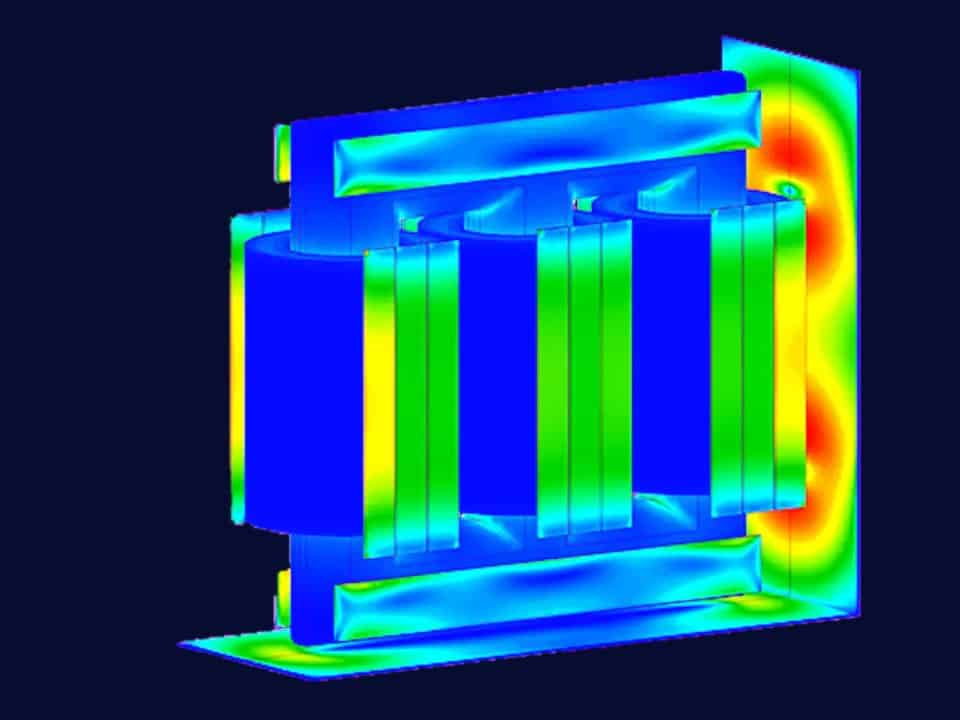
2D and 3D
Field models in Simcenter MAGNET
2D translational, 2D axisymmetric or full 3D models, and transient motion in up to six degrees of freedom.
Smart Expert
Support from engineers
Siemens-certified expertise, and a Top European Partner award for customer support.
What is Simcenter MAGNET?
Simcenter MAGNET is low-frequency electromagnetic field simulation software from Siemens Digital Industries Software. Engineers use it to predict the performance of motors, generators, sensors, transformers, actuators, solenoids and other components with permanent magnets or coils, from the field distribution to forces, losses and temperatures.
Model nonlinear, anisotropic and temperature-dependent materials, hysteresis loss and magnet demagnetisation
Simulate rotating, linear or arbitrary motion with up to six degrees of freedom, using smart remeshing
Couple fields with circuits and the MAGNET thermal solver, and export 1D models to Simcenter Amesim

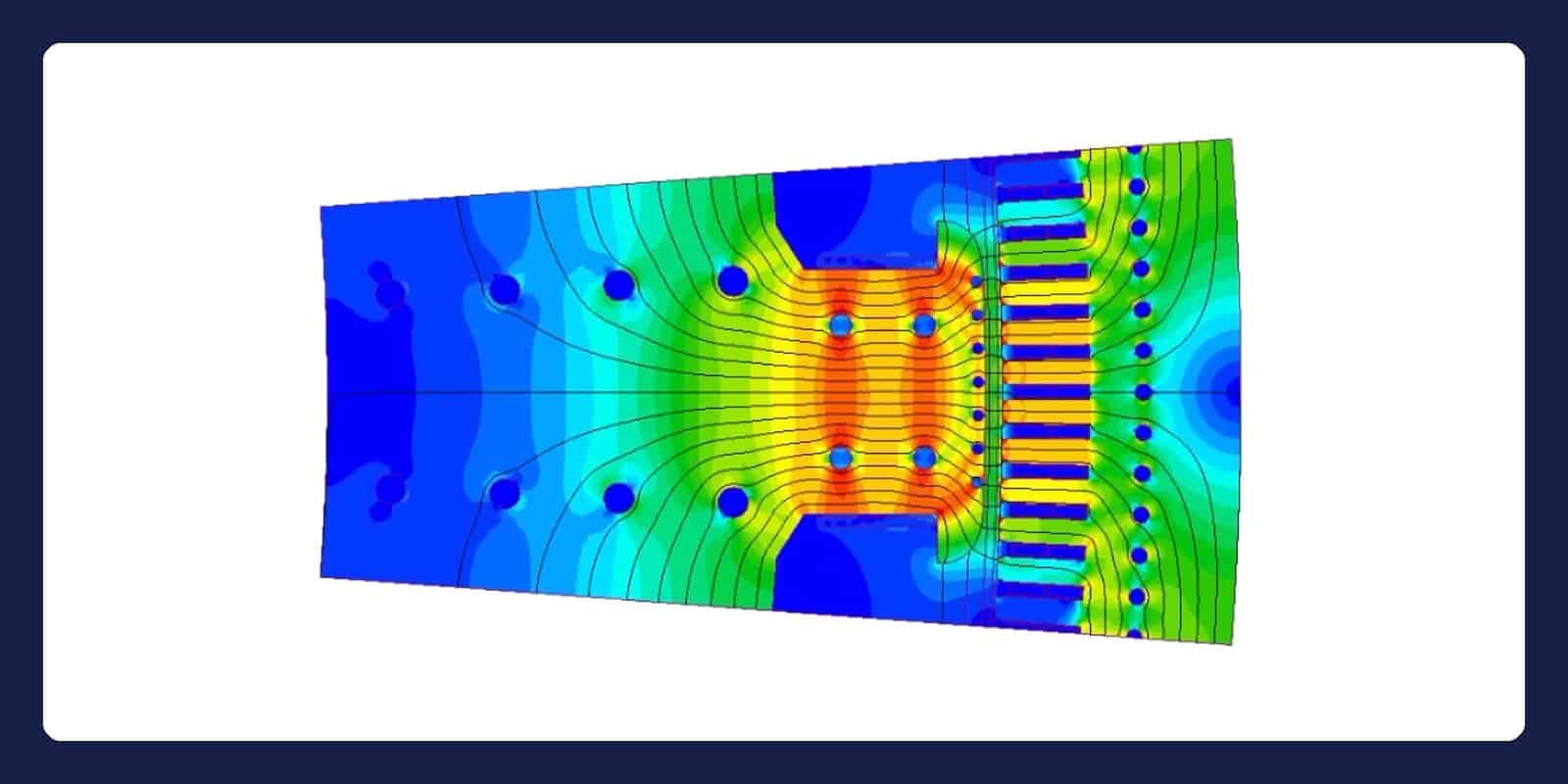
A hydro generator pole segment modelled in Simcenter MAGNET: stator teeth, windings and damper bars. Image: Siemens.
Book a demo with an engineerDeveloper
Siemens Digital Industries Software
Typical analyses
Static, time-harmonic (AC) and transient magnetic fields, with motion in transient runs; static, AC and transient electric fields; steady-state and transient temperatures with the MAGNET thermal solver
Used in
Electric machines, actuators, sensors, transformers and high-voltage equipment, for example in automotive and transportation or aerospace
Related tools
Capabilities
From magnetic fields to forces, losses and heat
Static, AC and transient solvers
Simcenter MAGNET solves static, time-harmonic and transient electromagnetic problems. Time-harmonic (AC) analysis uses a single frequency to shorten solution time and captures eddy-current and proximity effects. Transient analysis handles time-varying current or voltage sources, nonlinear materials, switching effects and eddy-current induced torque.

Motion in six degrees of freedom
Transient simulations can include rotational, linear or arbitrary motion with up to six degrees of freedom, for any number of moving parts. Smart remeshing follows them, and the mechanical model includes inertia, springs, viscous friction, gravity and mechanical stops. Induced currents due to motion are taken into account, for problems such as magnetic levitation.

Circuits, thermal and automation
Native circuit simulation and co-simulation connections link the field model with electrical circuits and other tools. The MAGNET thermal solver calculates steady-state and transient temperatures from the electromagnetic losses. Scripting and fully parametrised CAD automate studies across design variants, and 1D system models export to Simcenter Amesim and Simcenter Flomaster.

Materials, losses and demagnetisation
Material models cover nonlinear, temperature-dependent and anisotropic behaviour, with vector hysteresis models for hysteresis loss. You can check where permanent magnets risk demagnetisation, for example at high temperature or under fault currents, to verify their service life. Winding and core losses, including eddy-current and hysteresis losses, can all be included in the energy balance.
Related tools
Often used with Simcenter MAGNET
Multiphysics CAE
Simcenter 3D
Run structural, NVH, thermal and motion analyses in one environment, on models that follow CAD changes.
→
System simulation
Simcenter Amesim
Model hydraulic, thermal, electrical and mechanical systems together in 1D, early in development.
→
1D thermo-fluid
Simcenter Flomaster
Model pumps, valves and pipes as one network, then check surge and failure cases.
→
Questions about Simcenter MAGNET
Your Simcenter MAGNET specialist
Viktor Hultgren
Application Specialist, M.Sc.
How is Simcenter MAGNET priced and licensed?
We don’t publish fixed prices for Simcenter MAGNET: the price depends on the configuration you need, for example which modules your studies call for, and on how many engineers need access. Tell us which devices you simulate and which results matter, such as torque, force, losses or temperature, then request a licence quote. We reply within one day.
Can I see a demo of Simcenter MAGNET?
Yes: book a demo with one of our engineers. Tell us about the device you are working on, such as a motor, actuator, sensor or transformer, and the results you need from the simulation, for example torque, force or losses. We reply within one day.
Should I model my device in 2D or 3D?
Simcenter MAGNET supports 2D translational, 2D axisymmetric and full 3D models. A 2D model suits a device whose cross-section or rotational symmetry represents it well. Full 3D is for effects that a 2D section cannot show, such as end windings. Ask our engineers which model fits your question.
Can Simcenter MAGNET simulate temperature?
Yes. Used together, the thermal and electromagnetic modules of Simcenter MAGNET simulate steady-state and transient temperature distributions from winding and core losses, including eddy-current and hysteresis losses. The MAGNET thermal solver uses finite elements and can run in a coupled thermal-electromagnetic co-simulation. Ask us which modules your configuration needs.
How does Simcenter MAGNET relate to Simcenter 3D?
With Simcenter 3D low-frequency electromagnetics, you can create and edit Simcenter MAGNET models inside the Simcenter 3D interface on native NX CAD, next to structural, thermal and acoustic simulations of the same geometry. Simcenter MAGNET also has its own modelling environment with fully parametrised CAD. Tell us about your workflow.
Can Simcenter MAGNET simulate antennas or RF?
No. Simcenter MAGNET is built for low-frequency electromagnetics: devices with magnets, coils and conductors, such as motors, actuators, sensors and transformers. Antennas and other devices that radiate electromagnetic waves need a high-frequency electromagnetic solver, which Siemens offers as separate software. Describe your application and we will point you to the right tool.
Do you offer training and support for Simcenter MAGNET?
Every Volupe customer has a dedicated support engineer as the first point of contact, and support questions go to simulation engineers. Simcenter MAGNET training for your team is available on request: ask us about training and tell us which devices and analyses you work with. Scheduled courses for other Simcenter tools are on our training page.
How it works
From first question to running Simcenter MAGNET
Scoping meeting
With one of our engineers
We talk through your needs, then demonstrate the software that fits.
A look at your case
When it helps
We can show how Simcenter MAGNET could handle a device or problem you are working on, before you decide.
Order and set-up
A quote for your set-up
After your order, we help with any installation until everything is in place.
Support and training
Your own support engineer
A dedicated application support engineer is your first point of contact. Training for your team is available on request.