Simcenter training
Simcenter training from the engineers who support it
Eighteen courses in seven Simcenter tools, from half-day introductions to advanced courses over several sessions. Join a scheduled date online or at our Gothenburg office, or plan a course for your own team.




Learning path
Simcenter STAR-CCM+ training
Eleven courses. Start with the introduction, then choose the topics that match your work. The advanced courses assume basic CFD and STAR-CCM+ knowledge, from the introduction or your own work in the software, so experienced users can start with any of them.
Start here
The introduction
Four half-day sessions that take you from CAD to results. The advanced courses build on what it covers.
Introduction to Simcenter STAR-CCM+
From CAD to results: geometry in 3D-CAD, surface wrapping, meshing, physics and solver settings, then monitoring and post-processing.
Before you join: An engineering background. CFD experience helps.
What the four sessions cover
- CFD theory and how it is implemented
- 3D-CAD and fluid-domain preparation
- Surface wrapping
- Meshing, boundary conditions, solver and turbulence settings
- Monitoring and post-processing
- Design manager, transient simulations, tips
See dates for Introduction to Simcenter STAR-CCM+€1,500 per participant, excl. VAT
See the upcoming dates
Prepare the model, present the results
Pre- and post-processing
Geometry in the built-in 3D-CAD, detailed control of the mesh, and results you can present.
3D-CAD in Simcenter STAR-CCM+
Sketch, edit and parameterise geometry in the built-in 3D-CAD, and prepare the fluid domain.
Course content of 3D-CAD in Simcenter STAR-CCM+
Sketch, edit and parameterise geometry in the built-in 3D-CAD, and prepare the fluid domain.
- Sketching
- Operations
- Feature handling
- Preparing the fluid domain
- Design parameters
See dates for 3D-CAD in Simcenter STAR-CCM+€750 per participant, excl. VAT
See the upcoming dates
Advanced meshing and pre-processing
Surface wrapping, prism layers, directed meshing, volume meshes, remeshing, morphing, overset and adaptive refinement.
Course content of Advanced meshing and pre-processing
Surface wrapping, prism layers, directed meshing, volume meshes, remeshing, morphing, overset and adaptive refinement.
- Surface wrapping and custom controls
- Prism (boundary) layers
- Directed and generalised cylinder meshing
- Volume meshing
- Remeshing, morphing, overset, AMR, thin mesher
See dates for Advanced meshing and pre-processing€750 per participant, excl. VAT
See the upcoming dates
Advanced post-processing
Field functions, vortex cores, iso-surfaces, advanced rendering and Screenplay animations.
Course content of Advanced post-processing
Field functions, vortex cores, iso-surfaces, advanced rendering and Screenplay animations.
- Field functions, vectors, streamlines
- Vortex cores, iso-surfaces, thresholds
- Resampled volumes
- Advanced rendering
- Screenplay animations
- Plots and graphs
See dates for Advanced post-processing€400 per participant, excl. VAT
See the upcoming dates
Physics
Heat transfer, multiphase, marine and turbomachinery
Specialist set-ups for the physics in your application.
Conjugate heat transfer (CHT)
Heat transfer in fluids and solids: meshing for thermal layers, convection, radiation, solver settings and heat exchangers.
Before you join: Basic heat transfer knowledge as well.
Course content of Conjugate heat transfer (CHT)
Heat transfer in fluids and solids: meshing for thermal layers, convection, radiation, solver settings and heat exchangers.
- Modes of heat transfer
- Meshing for CHT: thermal layers, interfaces
- Convection and radiation
- Boundary conditions and source terms
- Solver settings, stages and time scales
- Heat exchangers
See dates for Conjugate heat transfer (CHT)€1,500 per participant, excl. VAT
See the upcoming dates
Multiphase flow
Three modules: Lagrangian and DEM, VOF and fluid film, Eulerian multiphase. Booked as the full course; ask us about a single module.
Before you join: Some working experience of STAR-CCM+ after the introduction.
Course content of Multiphase flow
Three modules: Lagrangian and DEM, VOF and fluid film, Eulerian multiphase. Booked as the full course; ask us about a single module.
- Module 1: Lagrangian (LMP) and DEM
- Module 2: VOF and fluid film
- Module 3: Eulerian EMP, MMP and DMP
Related article: Multiphase modelling capabilities in Simcenter STAR-CCM+
Related article: Turbulence for multiphase simulations
Related article: Particulate flows with the Eulerian multiphase model
Related article: When VOF is not enough: MMP with LSI
See dates for Multiphase flow€1,900 per participant for all three modules, excl. VAT
See the upcoming dates
Marine: virtual towing tank
Virtual towing tank: VOF and VOF waves, DFBI motion with overset meshes, and propeller models.
Course content of Marine: virtual towing tank
Virtual towing tank: VOF and VOF waves, DFBI motion with overset meshes, and propeller models.
- VOF method and meshing for marine cases
- VOF waves, damping and forcing
- DFBI motion and overset mesh
- Propeller analysis: virtual disk, MRF, rigid body motion
See dates for Marine: virtual towing tank€1,500 per participant, excl. VAT
See the upcoming dates
Turbomachinery introduction
Turbomachinery set-up with MRF on a coarse mesh, best practice, then a transient run on a fine mesh.
Course content of Turbomachinery introduction
Turbomachinery set-up with MRF on a coarse mesh, best practice, then a transient run on a fine mesh.
- Coarse-mesh set-up with MRF
- Turbomachinery best practice
- Transient simulation on a fine mesh
- Post-processing
See dates for Turbomachinery introduction€400 per participant, excl. VAT
See the upcoming dates
Automate and explore designs
Automation and design exploration
Cut manual set-up work and search the design space systematically.
Workflow automation
Parameters, design manager sweeps, simulation operations, recorded Java scripts and templates.
Course content of Workflow automation
Parameters, design manager sweeps, simulation operations, recorded Java scripts and templates.
- Parameterisation
- Design manager sweeps
- Field function syntax
- Simulation operations (loops)
- Recording and editing Java scripts
- Templates, tags, filters, queries, simulation guide
Related article: Model reimport for design iterations in Simcenter STAR-CCM+
See dates for Workflow automation€750 per participant, excl. VAT
See the upcoming dates
Java macros for Simcenter STAR-CCM+
Write and structure Java macros that automate meshing and link them to simulation operations.
Before you join: Install NetBeans and the Java libraries beforehand.
Course content of Java macros for Simcenter STAR-CCM+
Write and structure Java macros that automate meshing and link them to simulation operations.
- Macro structure and execute()
- Mesh automation
- Structuring code, reading and writing files
- Linking macros to simulation operations
See dates for Java macros for Simcenter STAR-CCM+€400 per participant, excl. VAT
See the upcoming dates
Design exploration and adjoint optimisation
Design-space exploration with DOE and surrogates, SHERPA and multi-objective optimisation, adjoint sensitivities and topology optimisation.
Course content of Design exploration and adjoint optimisation
Design-space exploration with DOE and surrogates, SHERPA and multi-objective optimisation, adjoint sensitivities and topology optimisation.
- CAD-to-mesh automation
- DOE, adaptive sampling, surrogate models
- Gradient, genetic and SHERPA optimisation, Pareto fronts
- Adjoint sensitivities
- Topology optimisation
See dates for Design exploration and adjoint optimisation€750 per participant, excl. VAT
See the upcoming dates
Other Simcenter tools
Courses in other Simcenter tools
Seven courses in six more Simcenter tools, most of them an introduction.
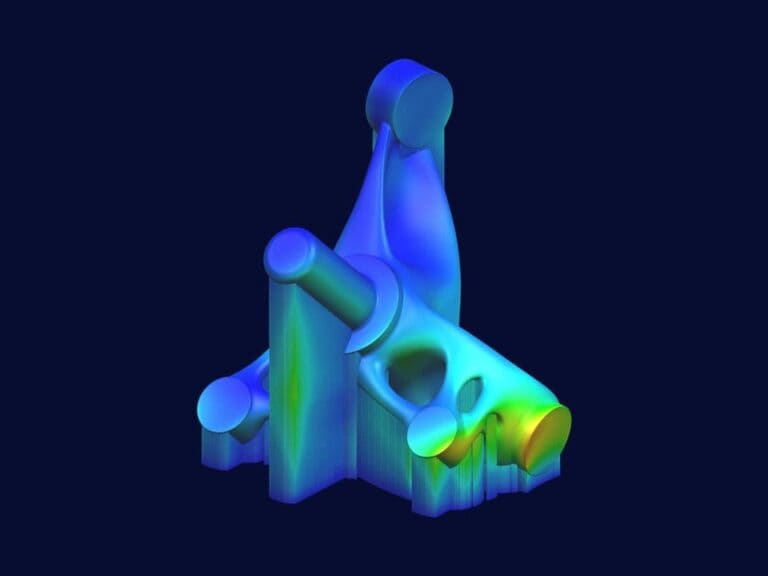
Simcenter 3D training
Two courses: the introduction, and topology optimisation for users who know the basics.
About Simcenter 3DIntroduction to Simcenter 3D
From CAD to post-processing: meshing, SOL101 static and SOL103 eigenmode analyses, multiple bodies and assemblies.
Before you join: An engineering background. FEM experience helps.
Course content of Introduction to Simcenter 3D
From CAD to post-processing: meshing, SOL101 static and SOL103 eigenmode analyses, multiple bodies and assemblies.
- GUI and file hierarchy
- Idealisation and abstraction
- 2D and 3D meshing
- SOL101 static and SOL103 eigenmodes
- Geometry updates, multiple bodies, contacts
- 1D and 3D fasteners, assembly FEM
Related article: SOL101 and SOL200 restarts in Simcenter 3D
Related article: Result probes in Simcenter 3D
€1,300 per participant, excl. VAT
See the upcoming dates
Topology optimisation in Simcenter 3D
Set up a SOL200 topology optimisation in Simcenter 3D and post-process the optimised geometry.
Before you join: The Simcenter 3D introduction, or similar experience.
Course content of Topology optimisation in Simcenter 3D
Set up a SOL200 topology optimisation in Simcenter 3D and post-process the optimised geometry.
- Preparing geometry for topology optimisation
- Meshing and the SOL200 set-up
- Objectives, design areas, constraints
- Post-processing and exporting the optimised geometry
Related article: SOL101 and SOL200 restarts in Simcenter 3D
€400 per participant, excl. VAT
See the upcoming dates
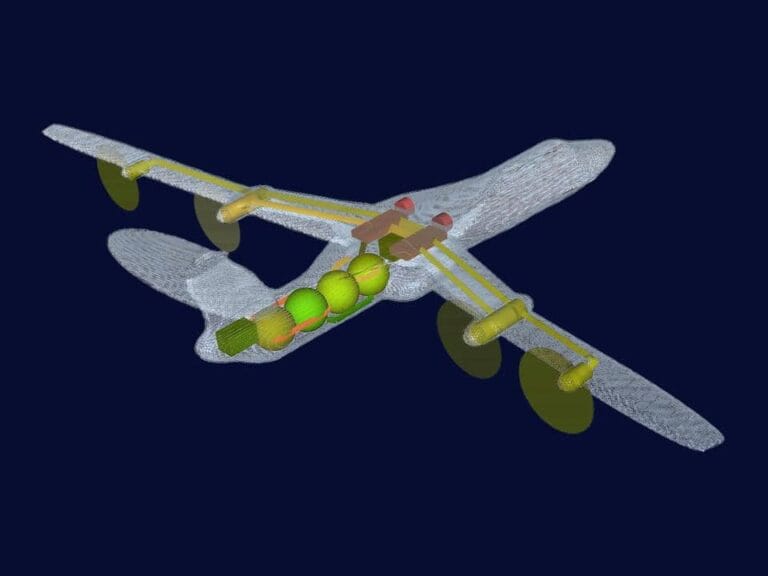
Simcenter Amesim training
About Simcenter AmesimIntroduction to Simcenter Amesim
System simulation from the ground up: build models, run studies and post-process the results.
Before you join: An engineering background.
Course content of Introduction to Simcenter Amesim
System simulation from the ground up: build models, run studies and post-process the results.
- System simulation and the environment
- Bond graphs and sign convention
- Solvers and run parameters
- Apps, wizards, plotting
- Study manager: batch, DOE, optimisation
- Performance Analyzer, CAD import
€750 per participant, excl. VAT
See the upcoming dates
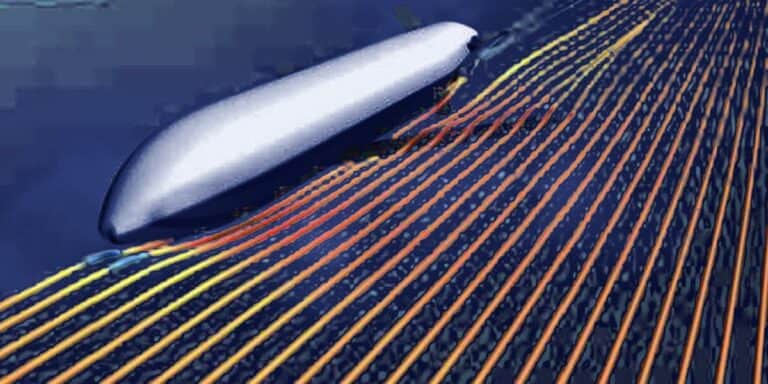
Simcenter HEEDS training
About Simcenter HEEDSIntroduction to Simcenter HEEDS
Process automation and design-space exploration: set up, run and review a HEEDS study.
Before you join: Basic knowledge of Simcenter software.
Course content of Introduction to Simcenter HEEDS
Process automation and design-space exploration: set up, run and review a HEEDS study.
- Process automation and MDO
- HEEDS Post
- Objectives, constraints, performance
- Dependent and discrete variables
- Search methods, multi-objective optimisation
- Multiple analyses
€1,200 per participant, excl. VAT
See the upcoming dates
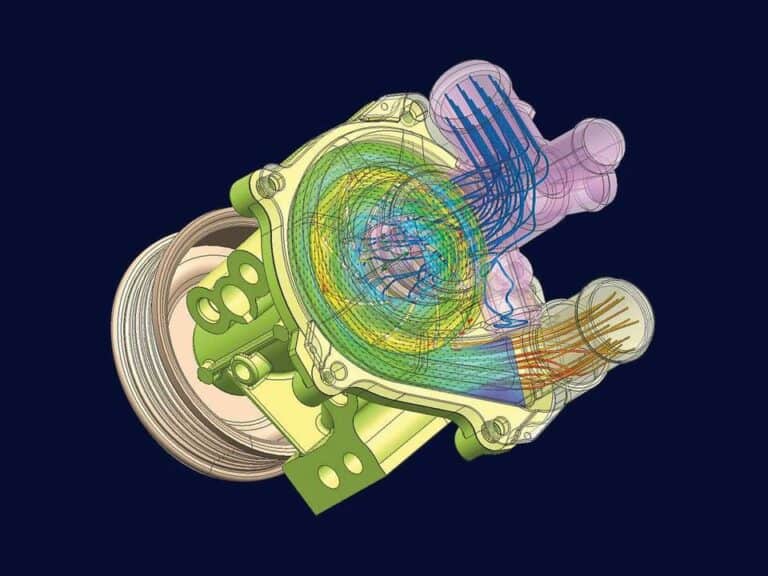
Simcenter FLOEFD training
About Simcenter FLOEFDIntroduction to Simcenter FLOEFD
Go from geometry to results with CFD inside your CAD tool, following best practice.
Before you join: Simcenter FLOEFD installed with a valid licence, and an engineering background.
Course content of Introduction to Simcenter FLOEFD
Go from geometry to results with CFD inside your CAD tool, following best practice.
- CFD theory
- Geometry and fluid domain
- Wizard and physics
- Meshing and boundary conditions
- Solving and post-processing
- Heat transfer, transient runs, modules
€750 per participant, excl. VAT
See the upcoming dates
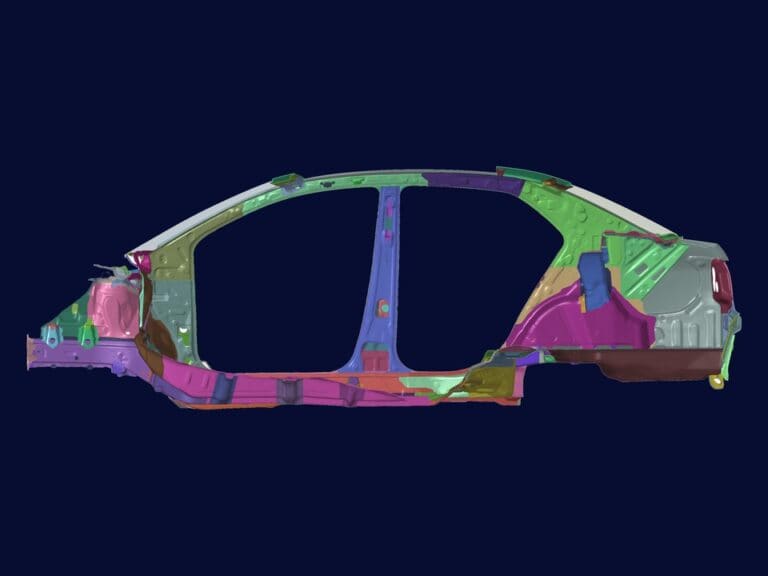
Simcenter HyperMesh training
About Simcenter HyperMeshIntroduction to Simcenter HyperMesh
Build 1D to 3D finite element models, from simple CAD to shell and solid meshes, and solve them with OptiStruct.
Before you join: Basic knowledge of CAD and structural simulation.
Course content of Introduction to Simcenter HyperMesh
Build 1D to 3D finite element models, from simple CAD to shell and solid meshes, and solve them with OptiStruct.
- CAD generation of simple parts
- Midsurfaces and 2D shell mesh
- Surface editing
- 1D and 3D meshing
- Assemblies and metadata, connectors
- Linear static and eigenmodes with OptiStruct
€400 per participant, excl. VAT
See the upcoming dates
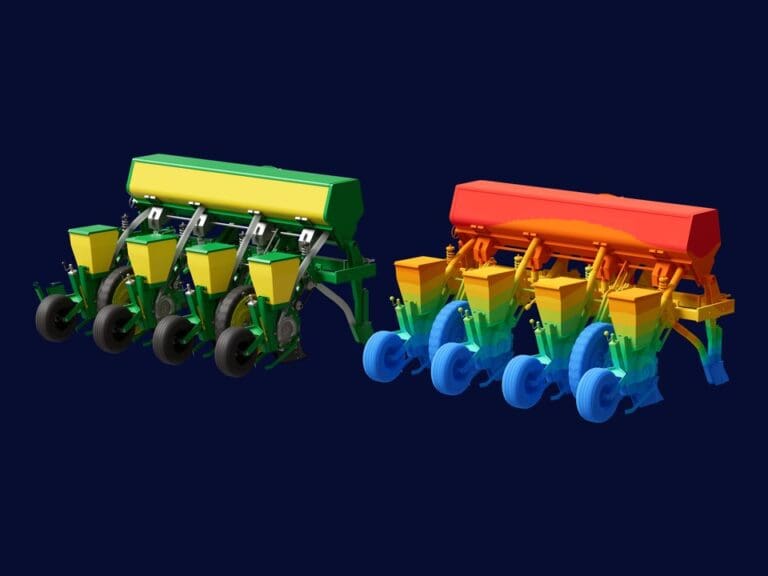
Simcenter SimSolid training
About Simcenter SimSolidIntroduction to Simcenter SimSolid
Import assemblies, connect parts with bolts, welds and rivets, and run linear static and modal analyses.
Before you join: Basic knowledge of CAD and structural simulation.
Course content of Introduction to Simcenter SimSolid
Import assemblies, connect parts with bolts, welds and rivets, and run linear static and modal analyses.
- Importing assemblies, auto contact
- Bolts, welds, rivets
- Linear static and eigenmodes
- Post-processing and saving scenes
€400 per participant, excl. VAT
See the upcoming dates
Free webinars, live and on demand
Simcenter workflows, software updates and real applications, including sessions in Polish.
Browse Simcenter webinarsOur support team
Taught by our application engineers
Courses are led by engineers from this team, who also write our technical articles and answer support cases.
- Carl StensonTechnical Lead and Customer Success Manager
- Robin VictorSenior Application Specialist
- Florian VestingSenior Application Specialist
- Christoffer JohanssonSenior Application Specialist
- Fabian HasselbySenior Application Specialist
- Johan BernanderSenior Application Specialist
- Viktor HultgrenApplication Specialist
- Johan DahlbergApplication Support Specialist
- Randi FranzkeApplication Specialist
- Meet the support teamWho covers which tool, and how a support case runs
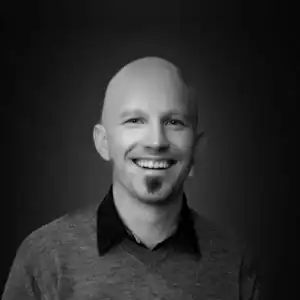 Carl Stenson
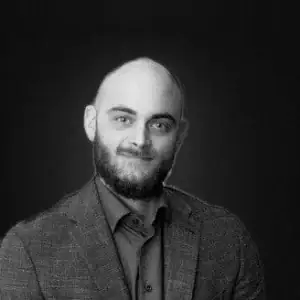 Robin Victor
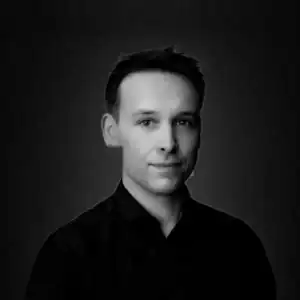 Florian Vesting
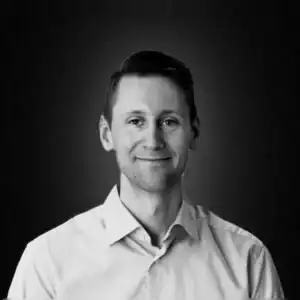 Christoffer Johansson
 Fabian Hasselby
 Johan Bernander
 Viktor Hultgren
 Johan Dahlberg
 Randi Franzke
Training questions
What if none of the dates suits me?
If a scheduled date does not suit you, email support@volupe.com or send the form below, and tell us which course you are interested in.
Can you train our team at our premises?
Yes. We run standard or customised courses for one company, on site or online.
What should I know before I start?
Each course lists its prerequisites. The advanced Simcenter STAR-CCM+ courses assume basic knowledge of CFD and the software, for example from our introductory course.
Are the courses online or in person?
Most scheduled dates run online in Microsoft Teams, and some run at our office in Gothenburg. The format is shown next to each date.
How do I book a place?
Open a date in the schedule and book on its page with your name, email and company. You can book several places in one booking. The booking is confirmed by email, and we invoice your company afterwards.
What does a course cost, and how do we pay?
Prices range from €400 to €1,900 per participant, excluding VAT, and each course shows its own. You book online, and we invoice your company afterwards.
Which tools do you teach?
Simcenter STAR-CCM+, Simcenter 3D, Amesim, HEEDS, FLOEFD, HyperMesh and SimSolid. For another Simcenter tool, ask us.