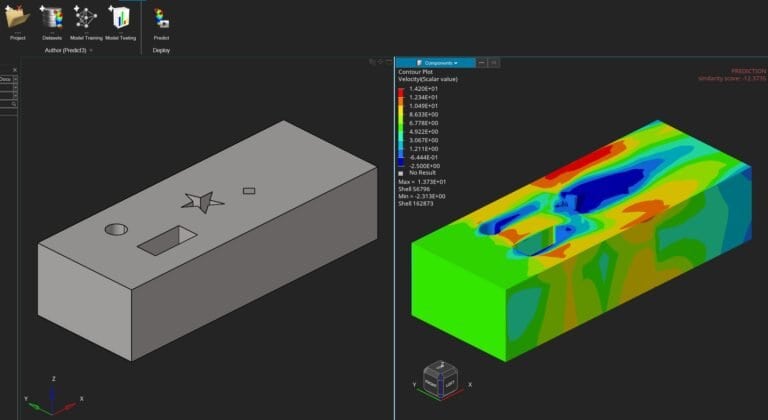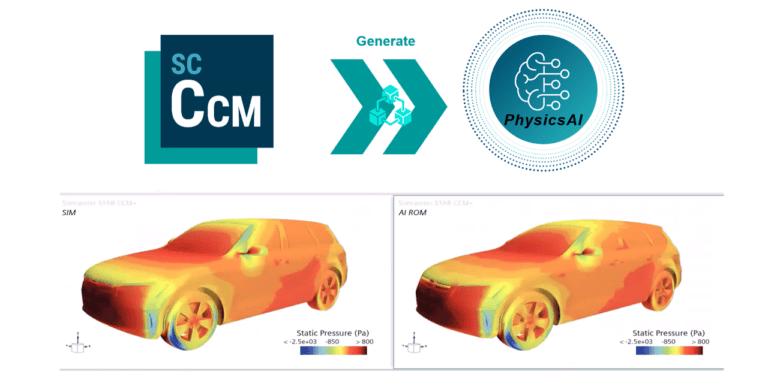
How to train a geometric deep learning ROM with the Simcenter PhysicsAI add-on in Simcenter STAR-CCM+ Design Manager, test it and use it for
Engineering data science and AI
formerly Altair PhysicsAI
Train a model on the simulation results you already have, test new shapes against it and keep the solver for the designs that matter. Siemens offers it as an add-on to Simcenter STAR-CCM+ and HyperMesh, and it is also accessible in SimLab and Inspire.
10
Representative result files
Siemens’ rule of thumb for when to start checking model quality.
Smart Expert
Support from engineers
Siemens-certified expertise, and a Top European Partner award for customer support.
Simcenter PhysicsAI, formerly Altair PhysicsAI, is Siemens’ machine learning software for simulation data, based on geometric deep learning. It learns how shape relates to performance from FEA and CFD results you have already solved, then predicts those results for new designs directly on the mesh or CAD model, with no hand-built design parameters.
Trains on the meshes your solvers already produce, from Simcenter OptiStruct, Nastran, STAR-CCM+ or other industry-standard solvers
Predicts single values such as drag or lift as well as full fields: stress, pressure, temperature or velocity at every node
Gives each new design a similarity score between 0 and 1 that shows how close it is to the training data, one of the checks before you trust a prediction
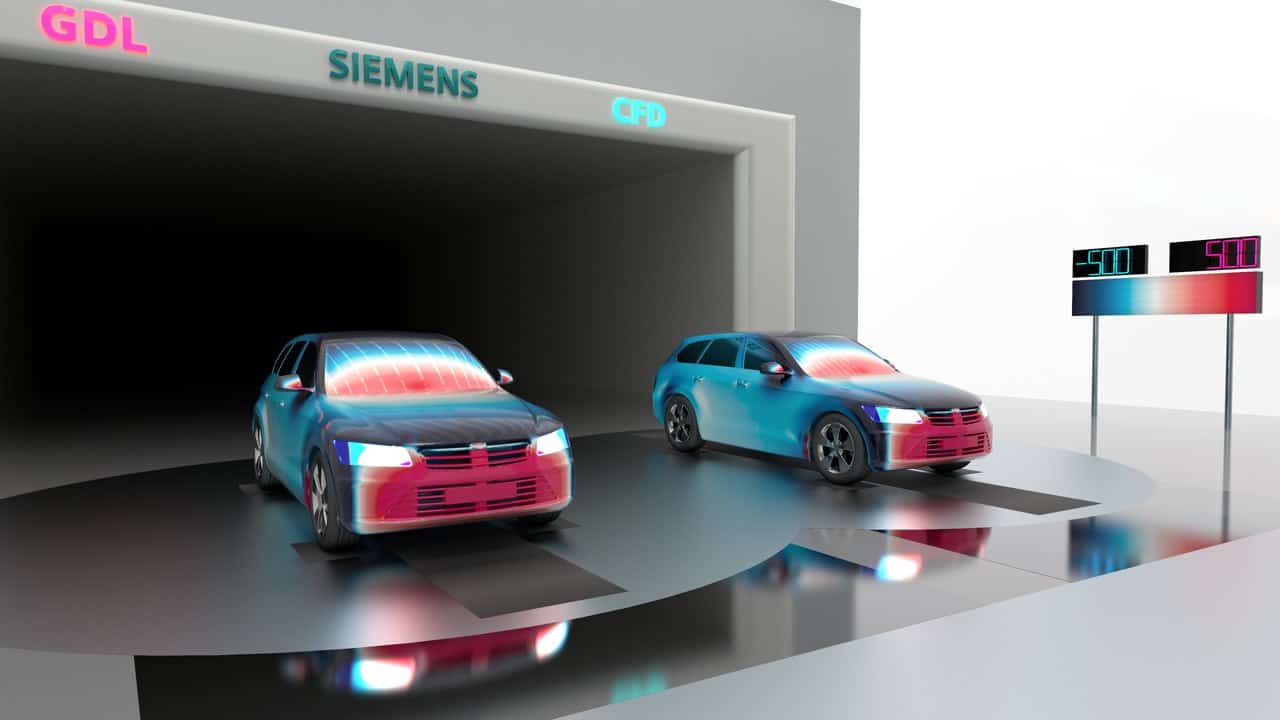
Play video · 24:29
Siemens: geometric deep learning in Simcenter STAR-CCM+ Design Manager, the workflow behind the PhysicsAI add-on.
Book a PhysicsAI demo with an engineerDeveloper
Siemens Digital Industries Software; formerly an Altair product
Current release
Simcenter PhysicsAI 2026.1
Runs in
Add-on to Simcenter STAR-CCM+ (Design Manager) and HyperMesh; also accessible in SimLab and Inspire
Predicts
Single values, surface fields and 3D volume fields
Training
On CPU or GPU, locally, on your own servers or in the cloud
Altair users
Siemens has renamed Altair PhysicsAI and moved it into Simcenter. Here is what that means for you.
Renewing PhysicsAI? Get a quoteName
Altair PhysicsAI → Simcenter PhysicsAI
Licence
Siemens offers it as an add-on to Simcenter STAR-CCM+ and HyperMesh. Before you renew, we check with you what your current Altair licence covers.
Releases
Altair PhysicsAI 2026 (in HyperWorks 2026) → Simcenter PhysicsAI 2026.1 (June 2026 release)
Support
Altair support → Siemens Support Center. Bought through Volupe? Your Volupe contacts for licensing, support and training stay the same.
How it works
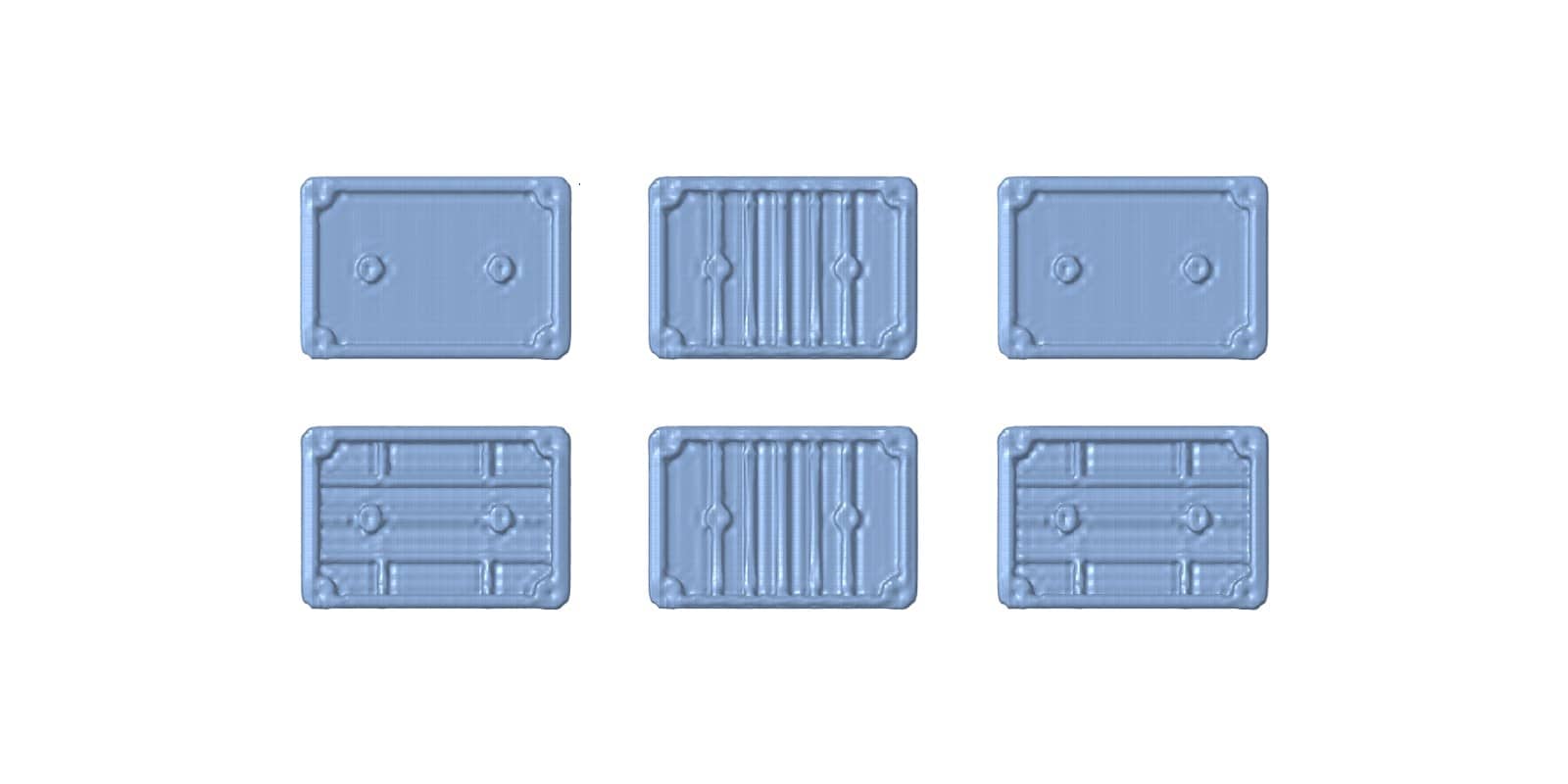
Use solved designs from earlier projects, or generate new ones with a Design Manager study in Simcenter STAR-CCM+. The results should represent the shapes and conditions you want to predict.
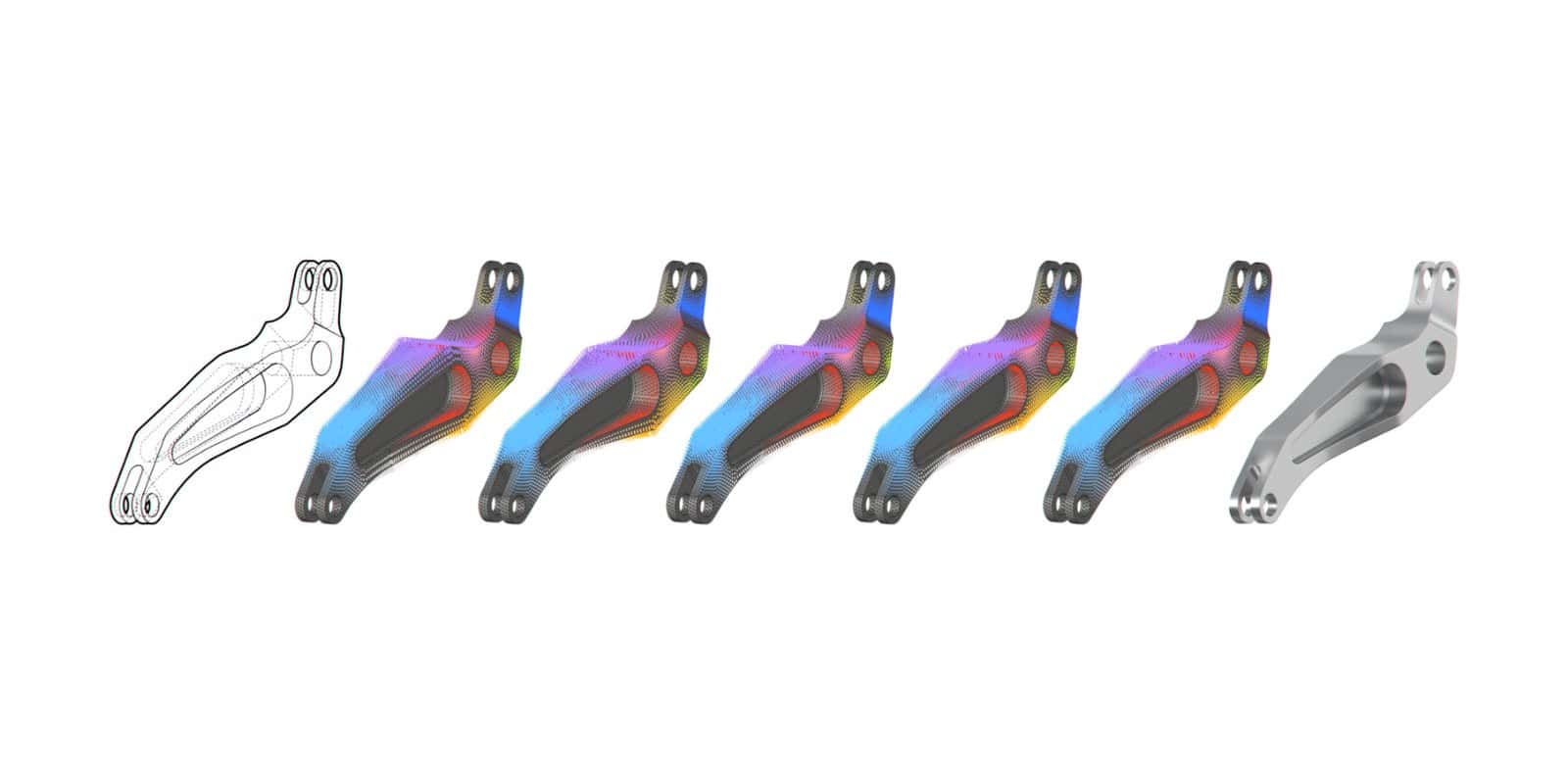
Geometric deep learning reads the mesh or CAD model directly, so nobody has to describe each design with parameters. Training runs on CPU or GPU, locally or on your own servers.
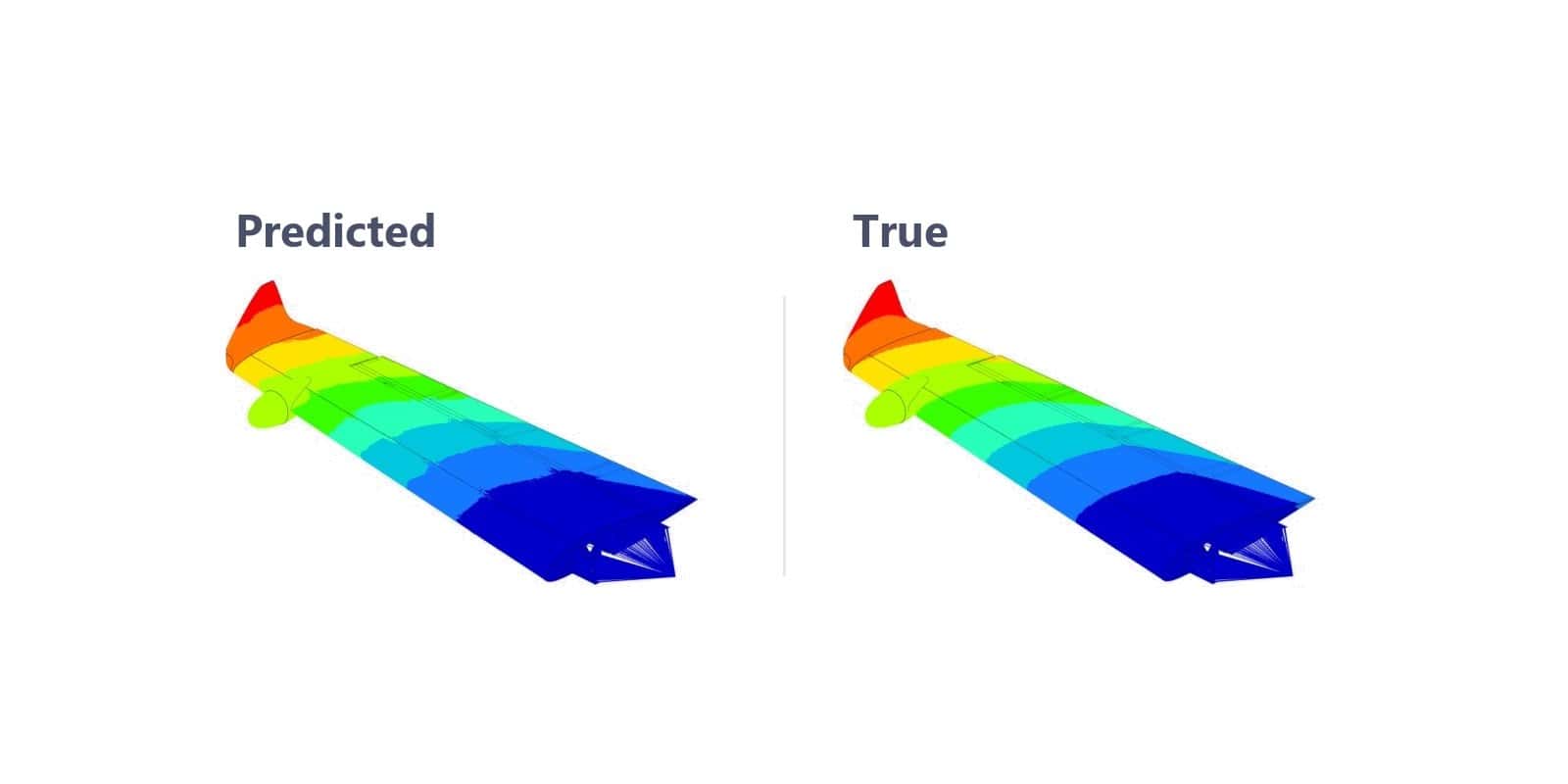
Predict fields and values for a new shape, check its similarity score, and confirm the critical designs with a full solver run, as Siemens recommends.
Related tools
Multiphysics CFD
Mesh your CAD, solve flow, heat and coupled physics, then compare design variants in the same tool.
→
Formerly Altair HyperMesh
Pre-processing and meshing for CAE models and solver workflows.
→
Formerly Altair SimLab
CAD-based multiphysics workflows with automated meshing and assembly analysis.
→
Your Simcenter PhysicsAI specialists
PhysicsAI in STAR-CCM+
Senior Application Specialist, M.Sc.
PhysicsAI in HyperMesh
Senior Application Specialist, M.Sc.
Fabian and Christoffer wrote our PhysicsAI guides.
We reply within one day.
Siemens offers Simcenter PhysicsAI as an add-on to Simcenter STAR-CCM+, where it runs inside Design Manager, and to Simcenter HyperMesh; it is also accessible in Simcenter SimLab and Inspire. How it is licensed for you depends on your current set-up, for example Altair Units or a STAR-CCM+ licence, so tell us what you have and we check what it covers. Then request a PhysicsAI licence quote.
The name: Altair PhysicsAI is now Simcenter PhysicsAI, and Siemens says the changes focus on naming, packaging and integration. Simcenter PhysicsAI 2026.1 was announced in July 2026. In Simcenter STAR-CCM+, the same geometric deep learning has been part of Design Manager since release 2602, and Siemens now offers it there as the PhysicsAI add-on. Volupe supported the tool as an Altair channel partner, and you keep the same contacts for licensing, support and training.
There is no fixed number. Siemens suggests you start checking model quality once you have at least 10 representative result files, and in its STAR-CCM+ car example roughly 40 designs were enough for a predictive model within that design space. What matters most is that the results cover the shapes and conditions you want to predict.
No. It learns from solver results and predicts results for new designs, which suits early screening and design exploration. Siemens recommends validating critical designs with a traditional CAE or CFD solver, and the similarity score shows when a new design is far from the training data.
A classic surrogate model predicts selected values from explicit design variables. Simcenter PhysicsAI learns from the geometry itself, so it can also predict full fields for new shapes that were never described by those variables. For a system model over time, a reduced order model, for example from Simcenter Amesim, is often the better fit; our digital twin guide explains where each one fits.
Siemens offers it as an add-on to Simcenter HyperMesh and to Simcenter STAR-CCM+, where it runs inside Design Manager and works with manual studies, sweeps, smart sweeps and optimisation; it is also accessible in Simcenter SimLab and Simcenter Inspire. Training data can come from Simcenter OptiStruct, Nastran, Radioss, STAR-CCM+ or other industry-standard solvers. Altair offered PhysicsAI through its HyperWorks platform.
Yes for support: Fabian Hasselby and Christoffer Johansson answer technical questions on PhysicsAI in STAR-CCM+ and HyperMesh. PhysicsAI is not among our scheduled courses, so ask us about training as part of your project.