Structural and multiphysics CAE
Simcenter 3D
formerly NX CAE and NX Nastran
Run structural, NVH, thermal and motion analyses on models that update when the design changes.
50+ years
Nastran in industry use
Simcenter Nastran is the core structural solver of Simcenter 3D.
2 courses
Simcenter 3D training
Run by Volupe: introductory and topology optimisation courses.
Smart Expert
Support from engineers
Siemens-certified expertise, and a Top European Partner award for customer support.
What is Simcenter 3D?
Simcenter 3D is an integrated computer-aided engineering (CAE) environment from Siemens Digital Industries Software for structural finite element analysis (FEA), NVH, acoustic, thermal, motion and low-frequency electromagnetic simulation. Built on the NX platform, it also runs standalone with any CAD geometry, combining geometry editing, meshing and post-processing with Simcenter Nastran and other Simcenter 3D solvers.
Simcenter 3D Engineering Desktop is the base of every configuration. Modules such as Simcenter 3D Motion, Laminate Composites, Additive Manufacturing and Design Space Explorer are added for specific applications.
Check strength, noise and temperatures before a physical prototype exists
Test new design versions without rebuilding the analysis model
Cut model preparation time on large assemblies and thin-walled parts
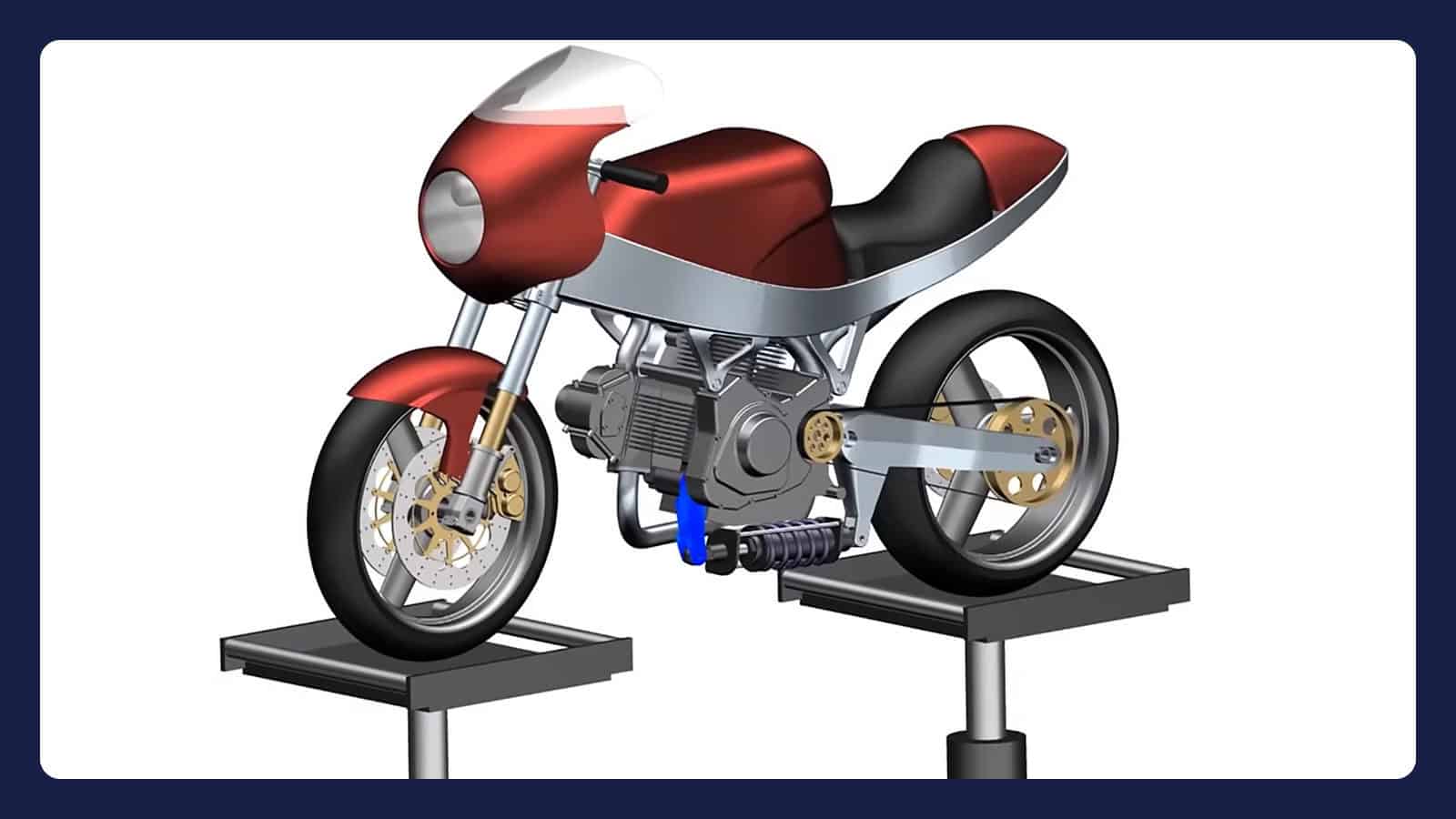
Play video · 1:04
A one-minute 2024 Siemens overview of Simcenter 3D.
Book a demo with an engineerDeveloper
Siemens Digital Industries Software
Typical analyses
Linear and nonlinear structural analysis, dynamics and NVH, acoustics, durability, composites, thermal, motion, low-frequency electromagnetics, multiphysics coupling and topology optimisation
Used in
Automotive, aerospace and industrial machinery
Related tools
Simcenter Femap, Simcenter FLOEFD, Simcenter HEEDS and Simcenter STAR-CCM+
Capabilities
Prepare, solve and review without switching tools
Geometry editing and meshing
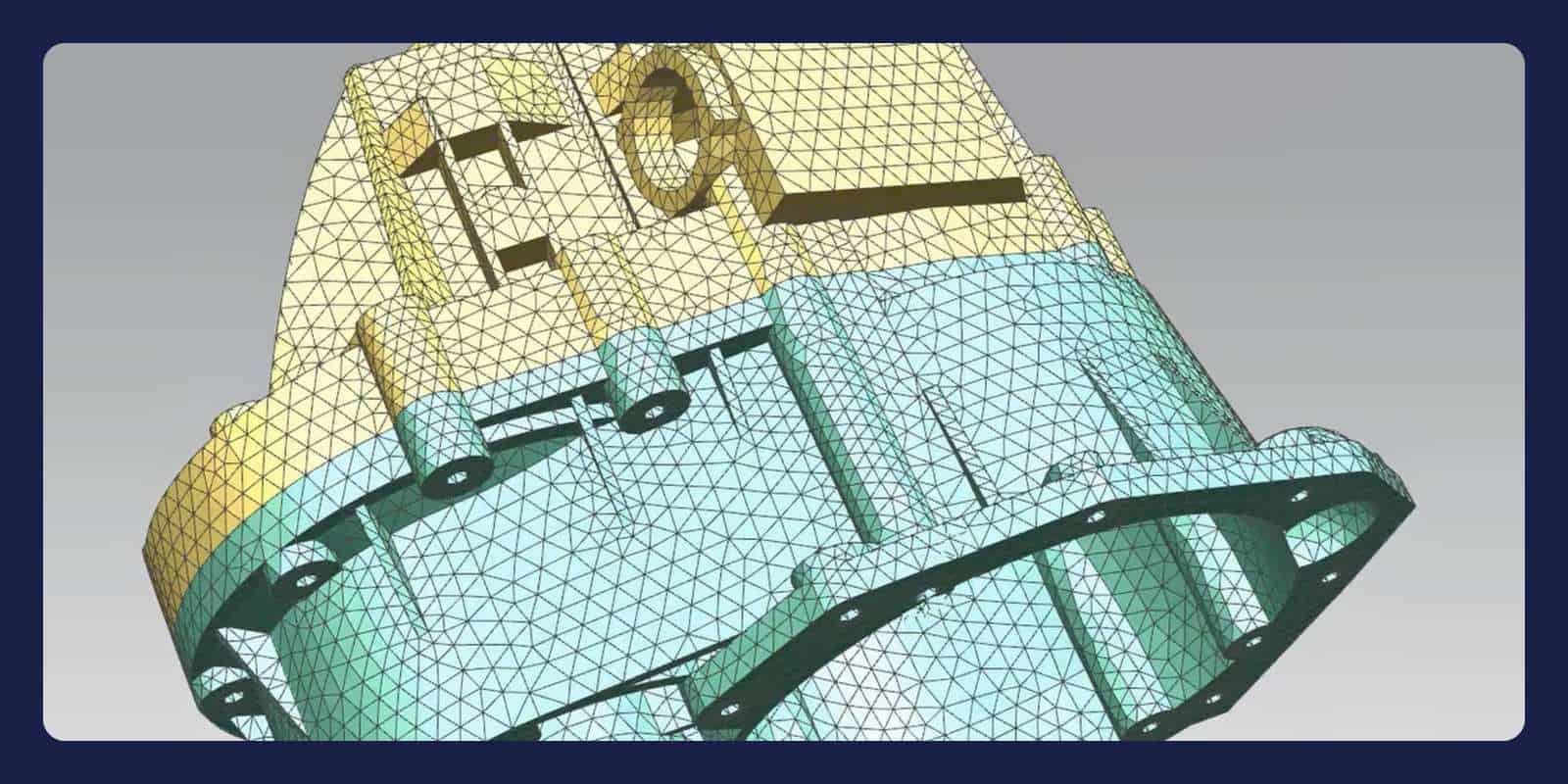
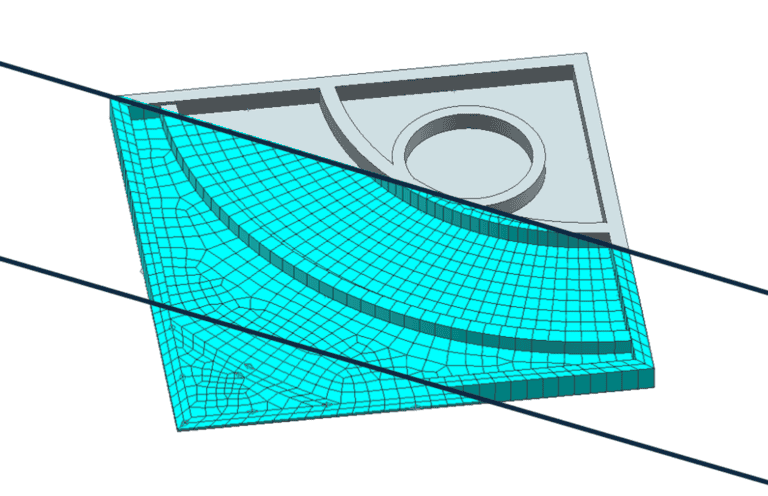
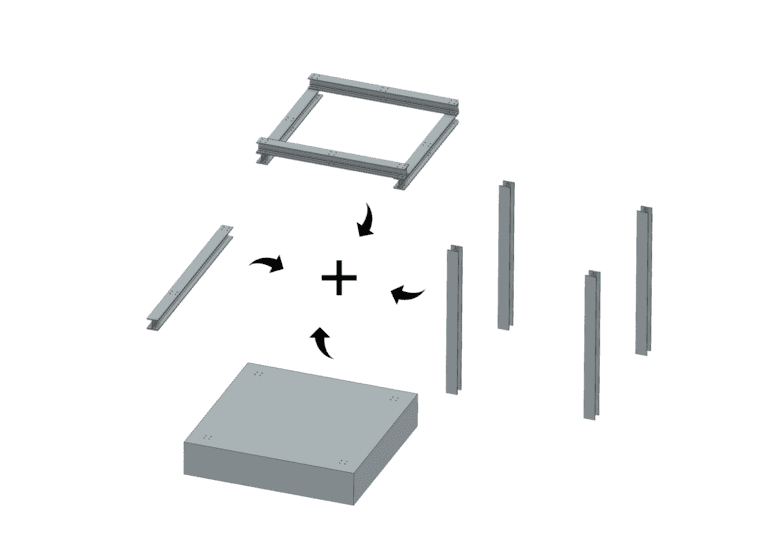
Edit geometry directly with synchronous technology, repair it, remove holes and fillets, and extract midsurfaces of constant or variable thickness. Meshing covers 0D to 3D elements, from automated shell and tetrahedral to swept hexahedral meshes. In an assembly FEM, a repeated component is meshed once, and CAD changes carry through to its FE model.
Strength, fatigue and composites
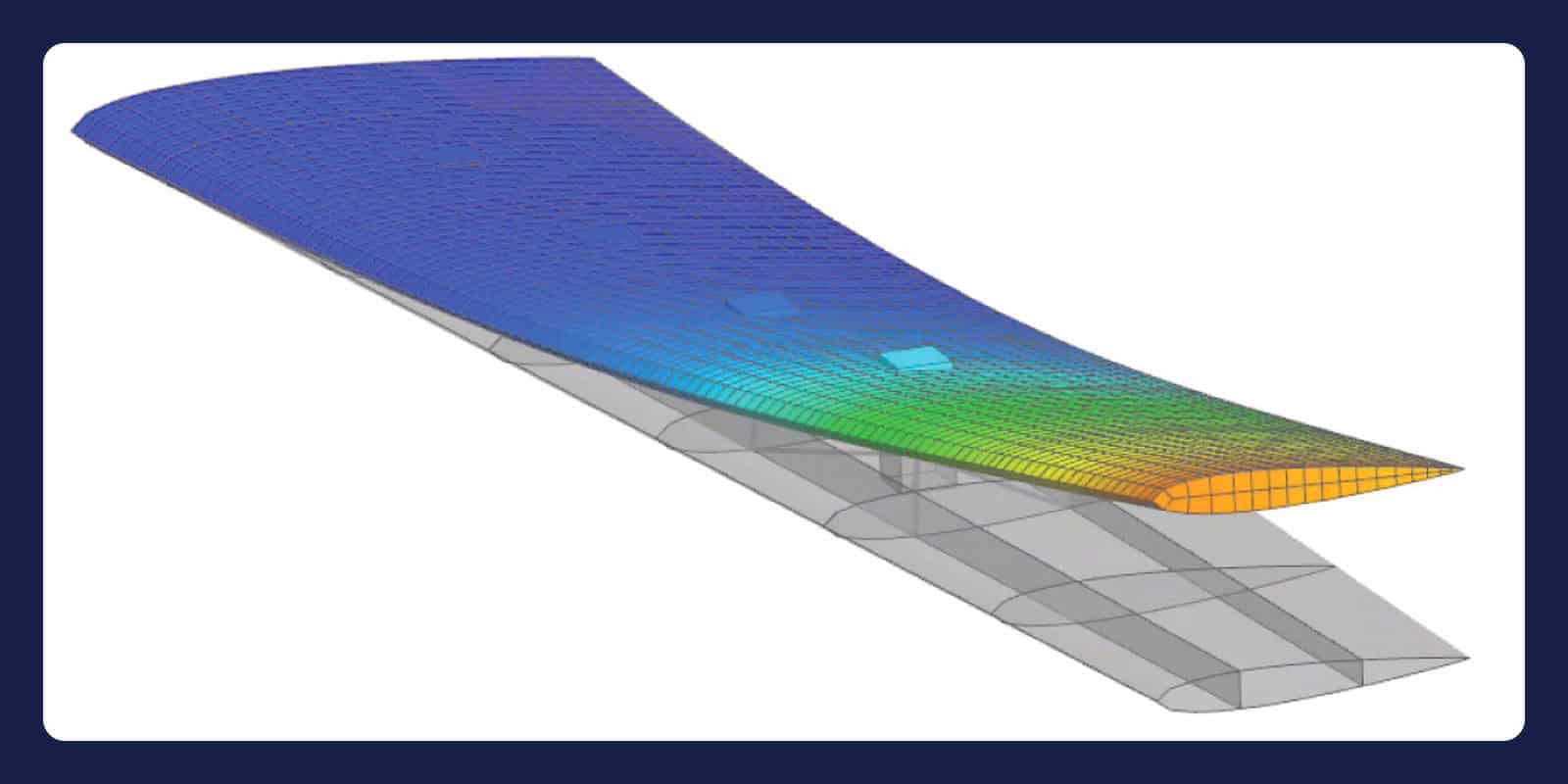
Simcenter Nastran runs linear and multistep nonlinear analysis, normal modes, frequency and transient response, and rotor dynamics. Durability tools predict fatigue life, including weld and composite fatigue, and in Simcenter 3D Laminate Composites you define plies and laminates. Through Simcenter 3D Design Space Explorer, Simcenter HEEDS runs design studies on these models.
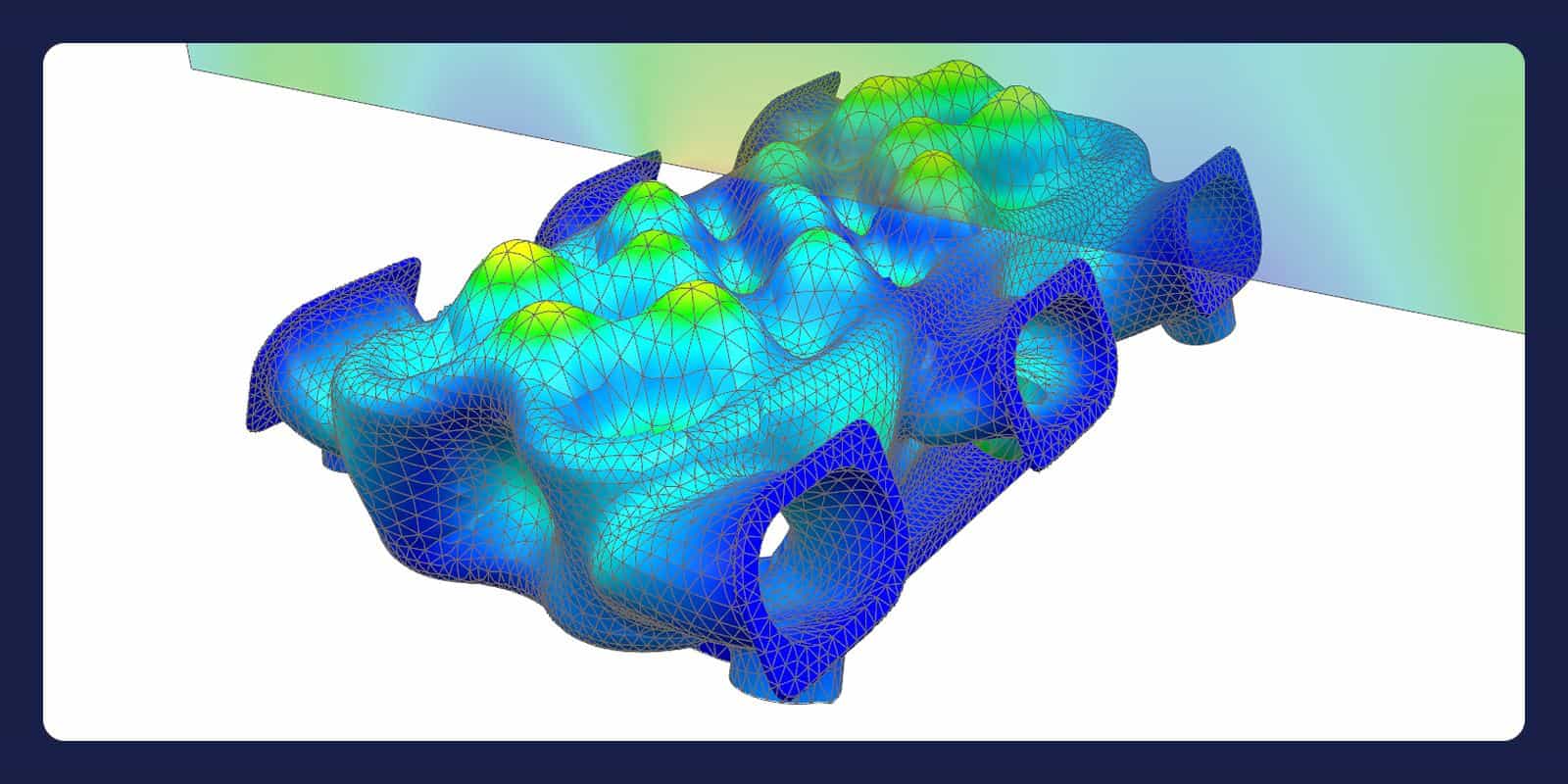
Acoustics, NVH and motion
Acoustic simulation covers interior and exterior problems with FEM and BEM, plus aeroacoustics, aero-vibro-acoustics and ray acoustics. Vibroacoustic coupling links structural vibration to radiated noise, and pass-by noise simulation imports Simcenter Testlab LMS files directly. Simcenter 3D Motion predicts mechanism loads and movement with multibody dynamics.
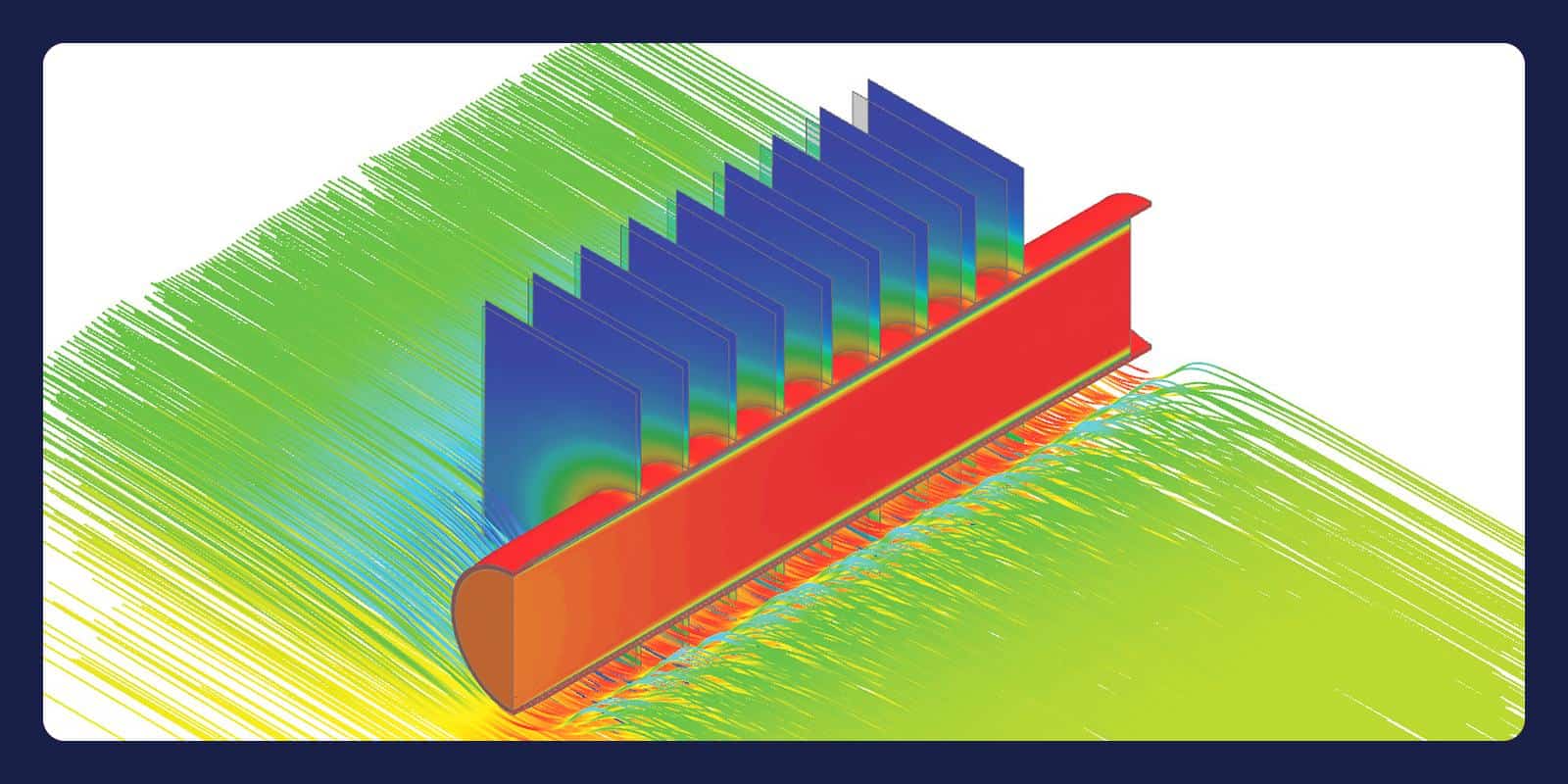
Thermal and multiphysics
Thermal analysis covers nonlinear and transient conduction, convection and radiation, including conjugate heat transfer between solid and fluid. Low-frequency electromagnetic solvers support e-machine and transformer design. Physics can be coupled one-way, two-way or in an integrated solution, for thermo-mechanical, fluid-structure or electromagnetic-thermal problems.
“Very good technical support for acquiring, deploying and using our applications. Highly recommended.”
Viktor Szente
Google review
Learn Simcenter 3D
Questions about Simcenter 3D
Answers reviewed by
Viktor Hultgren
Application Specialist, M.Sc.
We reply within one day.
Ask a technical question →
What is Simcenter 3D used for?
Engineers use Simcenter 3D to predict strength, fatigue life, vibration, noise and temperatures in automotive, aerospace and machinery designs. It also covers multibody motion, e-machine electromagnetics, aeroelasticity, composites, topology optimisation and additive manufacturing builds. In a Siemens customer story, DENSO cut component simulation time by 80 percent, from five days to one, with Simcenter 3D and NX.
What does Simcenter 3D cost, and how is it licensed?
We don't publish fixed prices: the quote depends on the number of users and the modules you add to Simcenter 3D Engineering Desktop. Besides licences for individual modules, Siemens offers value-based token licensing that gives a team access to most modules, and we can also quote Simcenter 3D through Simcenter X. Tell us which analyses you run, which CAD data and third-party solvers you use, and how many engineers need access, then request a licence quote or book a meeting.
Can I see a demo of Simcenter 3D?
Yes: book a demo with one of our engineers and tell us what you analyse and which CAD tools and solvers you use. We reply within one day.
How does Simcenter 3D relate to Simcenter Femap?
Simcenter 3D is an integrated environment for structural, NVH, acoustic, thermal and motion simulation. Built on the NX platform, it runs standalone with any CAD geometry and keeps analysis models linked to the design, so they update when it changes. Simcenter Femap is a CAD-independent pre- and post-processor, also sold in bundles with Simcenter Nastran. Both prepare models for Simcenter Nastran and third-party solvers. Not sure which fits your work? Send us a technical question.
Does Simcenter 3D work with my CAD and solvers?
Usually, yes: Simcenter 3D runs standalone or with NX, works directly with NX geometry and imports other CAD as IGES, STEP, JT or Parasolid. Direct CATIA V4, CATIA V5 and Pro/E transfer is an add-on. Besides Simcenter Nastran, add-on environments import Abaqus, Ansys, LS-DYNA and MSC Nastran input decks and results, and write run-ready input decks. Simcenter 3D also connects to Teamcenter, and NX Open scripts automate repeated steps.
Is Simcenter 3D the same as NX CAE or NX Nastran?
Not quite: Siemens describes Simcenter 3D as the successor to NX CAE, LMS Virtual.Lab and LMS Samtech. Its structural solver, Simcenter Nastran, was called NX Nastran until the 2019.1 release, and is also sold standalone and in Simcenter Femap bundles. If you have models from an older release, ask our engineers and name the version.
Why buy Simcenter 3D through Volupe?
You get licences, support and training from one company, and support questions go to simulation engineers. New users can start with our introductory Simcenter 3D course. We sell, support and train the full Simcenter portfolio, including Simcenter Femap and former Altair tools such as HyperMesh and OptiStruct, so one team supports Simcenter 3D alongside them. We are a Siemens Platinum Partner at Smart Expert level, with a Top European Partner award for customer support.