High-frequency electromagnetic simulation
Simcenter Feko
formerly Altair Feko
Design antennas and see how they perform once installed on a car, aircraft or ship. Find EMC problems and predict radar cross section before you test.
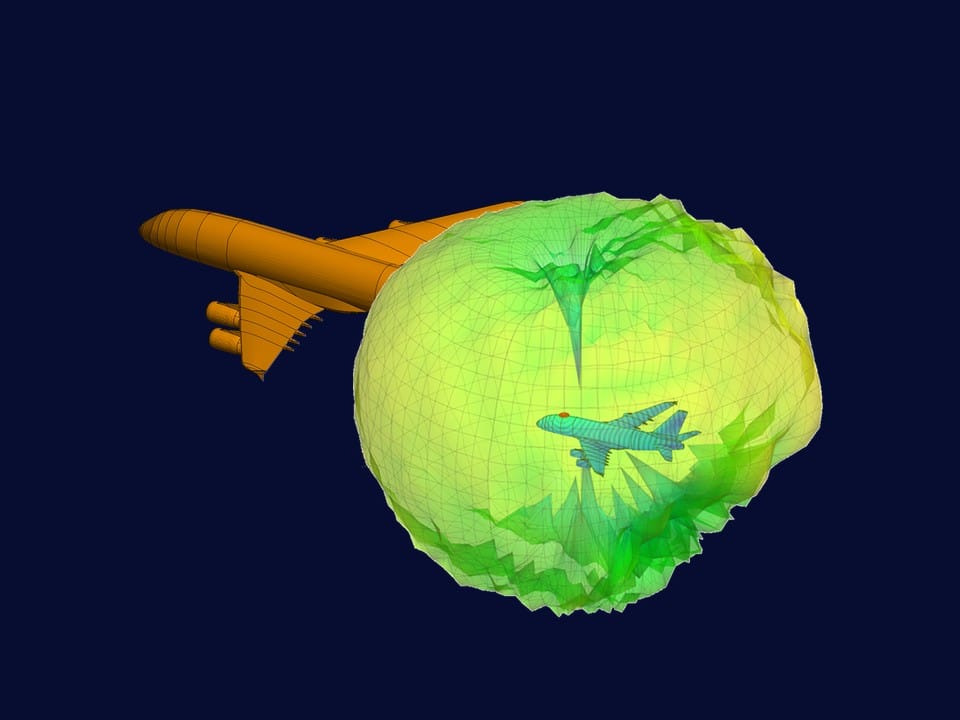
Up to 87%
Less memory for large models
In Siemens’ benchmark examples, with the new advanced iterative solver (AIS) for MLFMM in Simcenter Feko 2026.1.
1991
Over three decades
The original FEKO began as a method of moments code at the University of Stuttgart; Altair acquired its developer, EM Software & Systems (EMSS), in 2014.
Smart Expert
Support from engineers
Siemens-certified expertise, and a Top European Partner award for customer support.
What is Simcenter Feko?
Simcenter Feko, formerly Altair Feko, is high-frequency electromagnetic simulation software from Siemens Digital Industries Software for antenna design, electromagnetic compatibility (EMC) and radar. Its hybrid solvers analyse electrically large, complex systems in realistic environments, from component design to full-system validation.
Combine numerical methods in one model, from the method of moments and the multilevel fast multipole method (MLFMM) to finite elements, physical optics and ray-launching geometrical optics (RL-GO)
Run electrically large models on multiple CPUs and on GPUs
Explore designs automatically with Simcenter HEEDS, and generate simulation data for machine learning
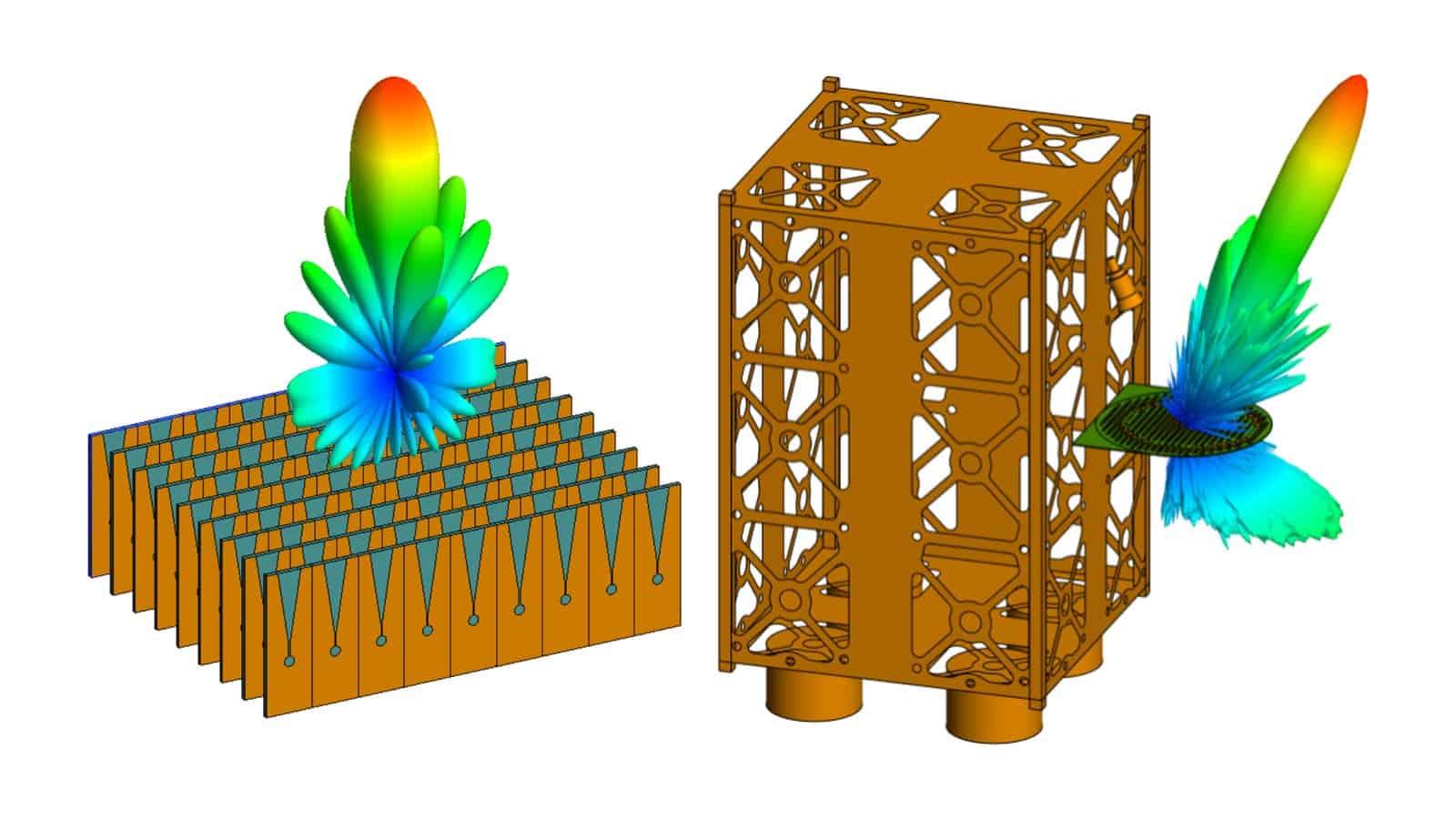
Siemens example from Simcenter Feko 2026.1: radiation patterns of a phased antenna array and of an antenna on a satellite structure.
Ask our engineers about your modelDeveloper
Siemens Digital Industries Software (Siemens acquired Altair in 2025)
Current release
Simcenter Feko 2026.1 (June 2026)
Applications
Antennas and RF, EMC/EMI, radar and RCS, wireless coverage
Altair users
Coming from Altair Feko?
Siemens has renamed Altair Feko and moved it into Simcenter, together with other former Altair tools. Siemens calls the rebrand “additive, not disruptive”: it keeps the tools and workflows you rely on.
Renewing a Feko licence? Get a quoteName
Altair Feko → Simcenter Feko
History
FEKO (1991), EMSS, Altair from 2014 → Siemens, as Simcenter Feko
Licence
Altair Feko licence or Altair Units pool, from Altair or a partner → send Henrik Pahlitzsch your set-up (seats, or your Units pool and the tools that draw on it) and your renewal date for a Simcenter Feko quote
Releases
Altair Feko releases → Simcenter Feko 2026.1 (June 2026), then a Simcenter release every June and December
Support
Altair support → Siemens Support Center, plus Volupe’s engineers when you license Feko through us
What you can simulate
Antenna, EMC and radar simulation in one tool
Siemens describes Feko work in automotive, with antenna placement, EMC/EMI and radar sensors for ADAS, and in aerospace and defence, with platform integration, radome effects and electromagnetic scattering.
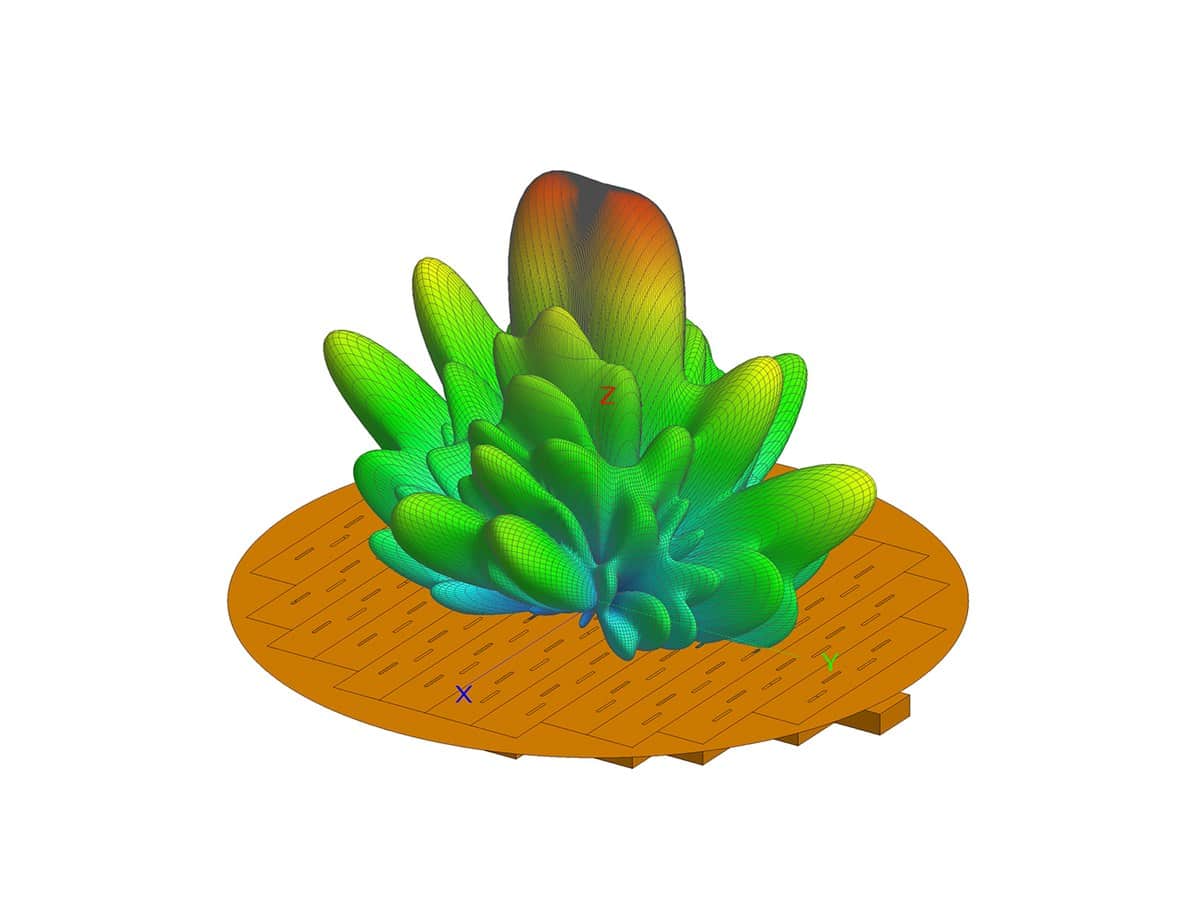
Antennas and arrays
Design and analyse a wide range of antenna types and arrays. The 2026.1 release adds nine parameterised antenna models to the CADFEKO component library, among them lens and conformal patch antennas.
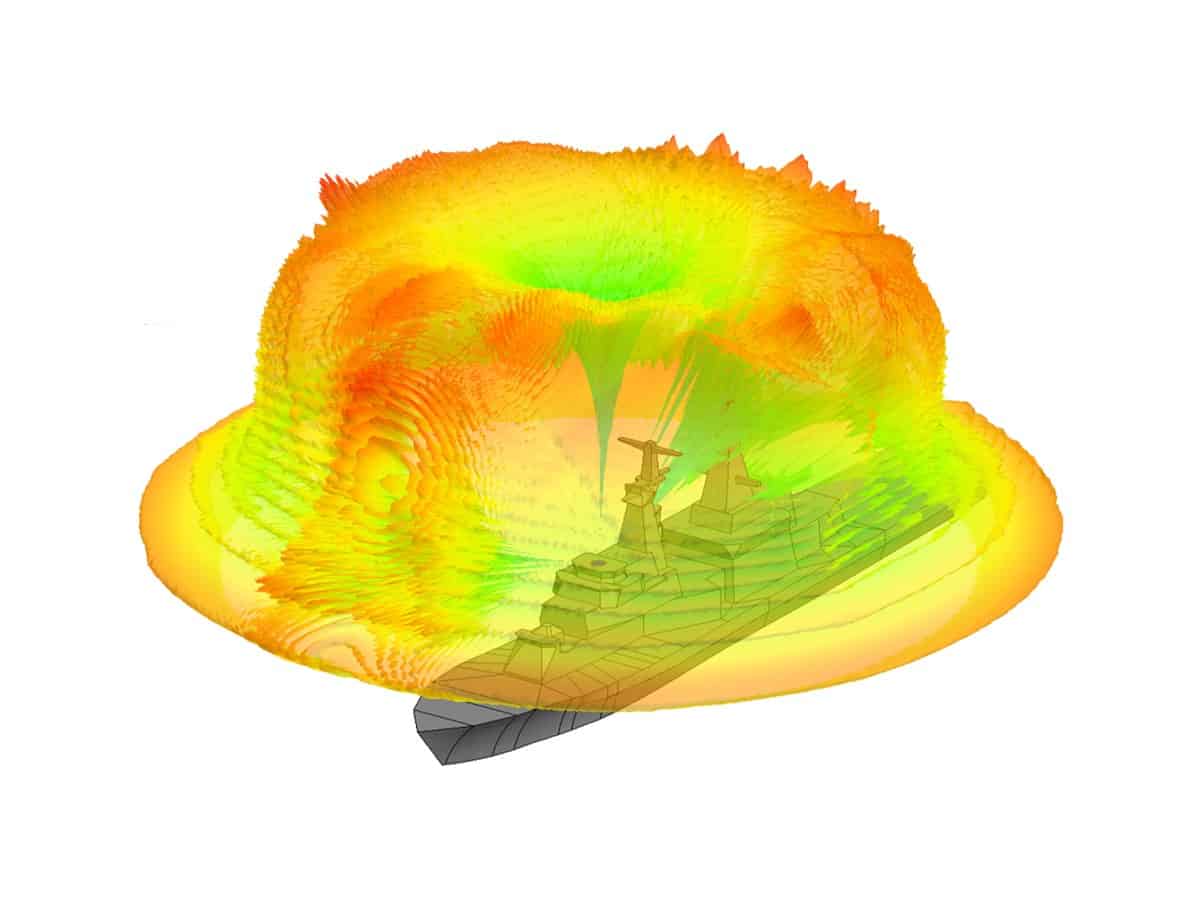
Installed antennas, radar and RCS
Check how antennas perform once installed on a vehicle, aircraft or ship, including placement and coupling. Evaluate radar cross section (RCS) and scattering for stealth design and radome analysis.
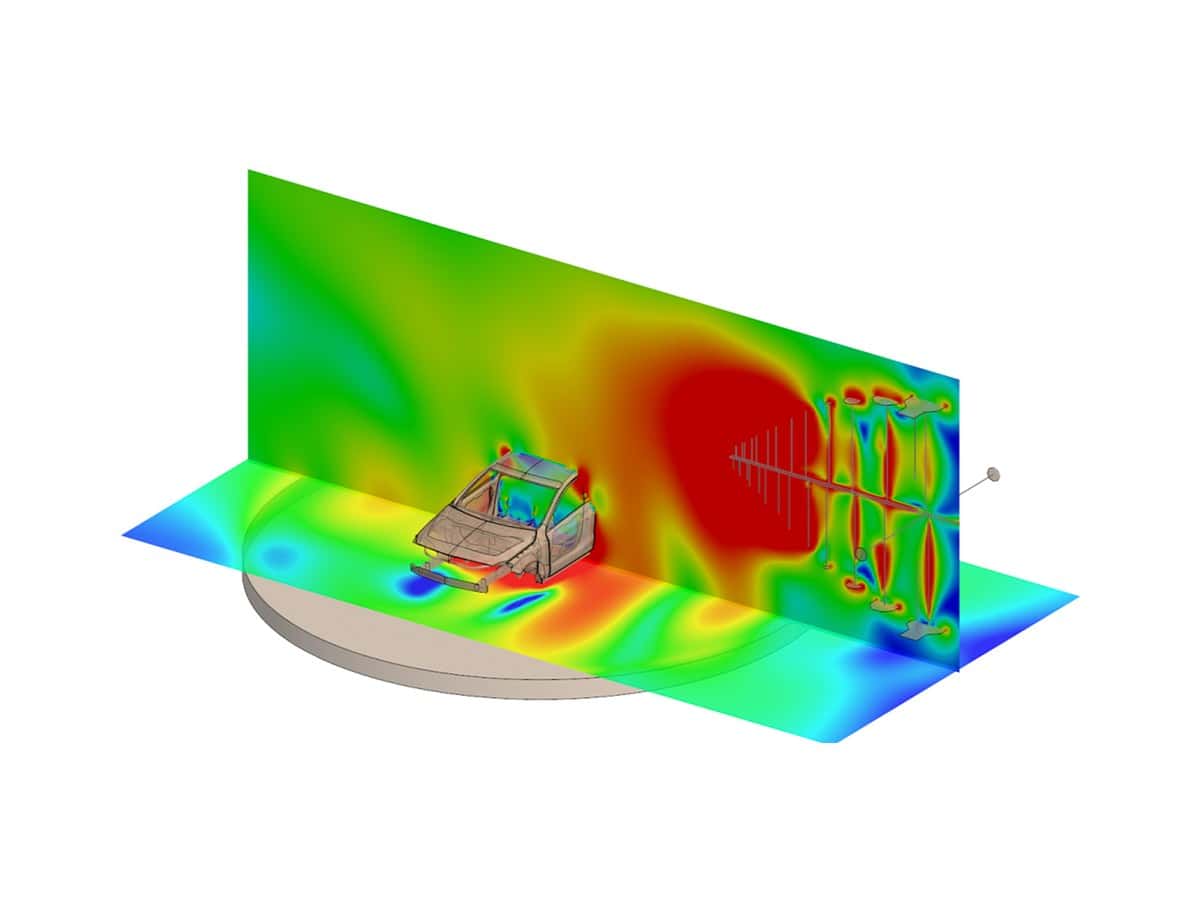
EMC and EMI
Evaluate shielding effectiveness, cable coupling and electromagnetic interference (EMI) in electronic systems and vehicles, and spot potential compliance issues before physical testing.
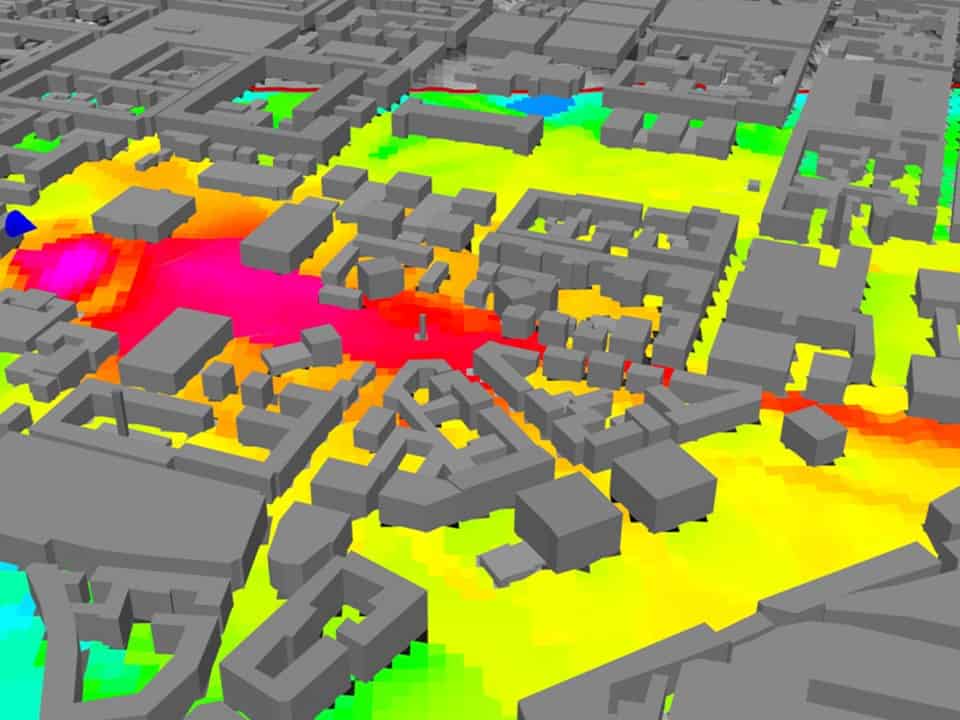
Wireless coverage
Simulate wireless coverage and plan networks, from a single device to buildings and cities, and analyse interference and spectrum use. Ask us which modules your set-up needs.
Related tools
Often used with Simcenter Feko
Design optimisation
Simcenter HEEDS
Set up your CAD and CAE workflow once, and HEEDS searches for designs that meet your targets.
→
Formerly Altair SimLab
Simcenter SimLab
CAD-based multiphysics workflows with automated meshing and assembly analysis.
→
Formerly Altair PhysicsAI
Simcenter PhysicsAI
Fast predictions trained on your own simulation results.
→
On demand
Recorded Feko webinars
Five recordings in Polish on the YouTube channel of Endego, whose Siemens and Altair software resale business in Poland joined Volupe in July 2026. Each card opens the video on YouTube in a new tab.
Radar cross-section simulation
Electromagnetic scattering for radar systems.
↗
Radomes and antenna covers
Feko workflows for radome and antenna cover simulation.
↗
Optimising radar and radio coverage
Electromagnetic simulation for radar and radio system coverage.
↗
Optimising antenna installation performance
Antenna installation analysis for aerospace and defence.
↗
Designing for electromagnetic radiation safety
Feko for electromagnetic radiation assessments.
↗
Questions about Simcenter Feko
Your Feko contacts
Technical questions
Johan Dahlberg
Application Support Specialist, Ph.D.
Specialist in the former Altair tools · LinkedIn
How is Simcenter Feko priced?
Each set-up is quoted individually: the price depends on the number of users, the licence term and any add-on modules. If you run Altair Feko today, tell us how you license it (for example seats, or Altair Units, Altair’s units-based subscription model) and when it is due for renewal, then request a Feko licence quote. Henrik Pahlitzsch handles Feko licences and renewals.
What changed for Altair Feko users?
Siemens completed the acquisition of Altair on 26 March 2025. With the June 2026 release, former Altair products joined Simcenter, and Altair Feko became Simcenter Feko; the current release is Simcenter Feko 2026.1. Altair’s support services have moved to the Siemens Support Center, and from December 2026 Simcenter products get two major releases a year. Volupe sells, licenses and supports Simcenter Feko in all its markets.
Which solvers does Simcenter Feko use?
Feko combines several numerical methods in one simulation, so each part of a model gets a method that suits it. It started as a method of moments (MoM) code and adds the multilevel fast multipole method (MLFMM) for electrically large models, physical optics (PO) and ray-launching geometrical optics (RL-GO) for large platforms, and the finite element method (FEM) for dielectric structures. Large models run on multiple CPUs and on GPUs.
Is Simcenter Feko for high- or low-frequency electromagnetics?
High frequency: wave propagation and radiation in antennas, RF systems, radar and EMC. For low-frequency work, where inductive, conductive and magnetic effects dominate, as in electrical machines, transformers and actuators, we offer Simcenter MAGNET. Siemens adds that the right approach depends on the size of the system and the physics involved, not only on the frequency.
Can Simcenter Feko check antenna placement on a vehicle, aircraft or ship?
Yes. Siemens describes antenna placement, coupling and installed performance on complex platforms: in automotive for connectivity, EMC and radar sensors for ADAS, and in aerospace and defence for platform integration, radome effects and scattering. Siemens’ own examples include an installed antenna on a ship model. The Optical Coverage tool in 2026.1 adds a quick line-of-sight check on the CAD geometry, before you mesh or solve.
What is new in Simcenter Feko 2026.1?
Among Siemens’ highlights: a new advanced iterative solver (AIS) for MLFMM cut memory needs by up to 87% in benchmark examples, so larger models fit on existing hardware. The CADFEKO component library gains nine parameterised antenna models, among them lens and conformal patch antennas. A new Optical Coverage tool checks line of sight and field of view on the CAD geometry, and closer links to Simcenter HEEDS support automated design exploration.
Do you offer Simcenter Feko support and training?
Yes, we support Simcenter Feko: Johan Dahlberg answers technical questions, and once you have a licence you can also use the Siemens Support Center. For training, Feko is not among the scheduled courses on our training page, so tell us what your team needs. Five recorded Feko webinars, in Polish, are listed on this page and on our webinars page.