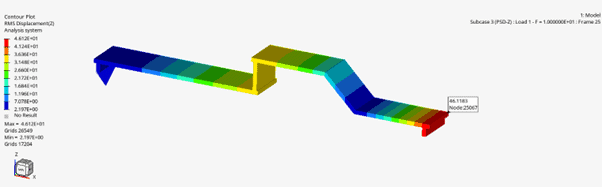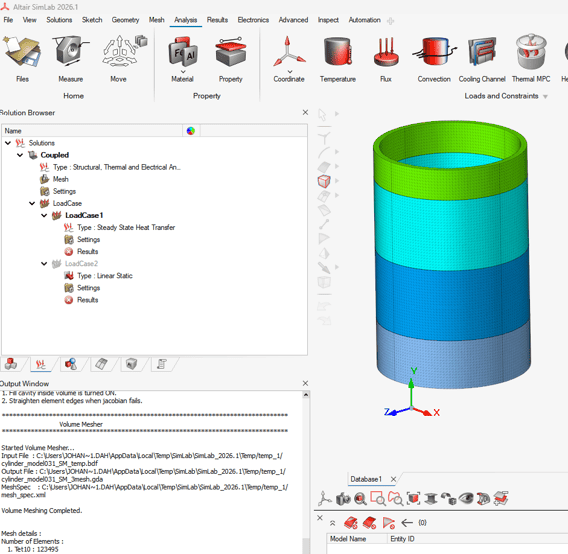
How to run a coupled thermal and linear static analysis in Simcenter SimLab, with Simcenter OptiStruct as the solver.
Structural FEA and optimisation
formerly Altair OptiStruct
Altair OptiStruct is now Simcenter OptiStruct: analyse strength, vibration and heat transfer, then optimise in the same solver.
1994
First commercial release
Developed by Altair; part of Simcenter since the June 2026 release.
Smart Expert
Support from engineers
Siemens-certified expertise, and a Top European Partner award for customer support.
Simcenter OptiStruct, formerly Altair OptiStruct, is a finite element solver for structural analysis and design optimisation from Siemens Digital Industries Software. It covers linear and nonlinear statics, dynamics, vibration, acoustics, fatigue and heat transfer, from implicit to explicit analysis. Optimisation is built into the solver, so analysis and optimisation share one model, with the same loads and constraints.
Topology, topography, size, shape, free-size and free-shape optimisation, with manufacturing controls and several load cases in one run
Nonlinear contact, bolts, gaskets and hyperelastic or viscoelastic materials, plus explicit analysis of drop tests and impacts
Since 2026.1, cost and CO2 can be optimisation responses, and subcase contribution output shows which load cases drive the design
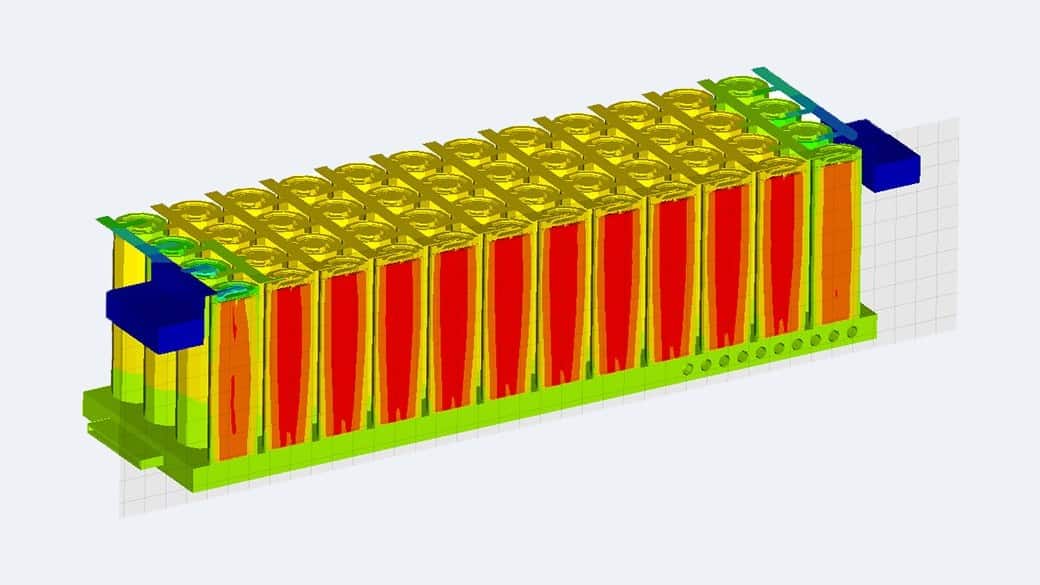
Temperatures in a battery module during a transient heat transfer analysis in Simcenter OptiStruct. Image: Siemens.
Book a demo with an engineerDeveloper
Siemens Digital Industries Software (Altair until the 2025 acquisition)
Current release
Simcenter OptiStruct 2026.1 (June 2026)
Typical analyses
Linear and nonlinear statics, normal modes, frequency and random response, buckling, fatigue, heat transfer, explicit dynamics
Used in
Automotive, aerospace and manufacturing
Set-up and results
Simcenter HyperMesh, Simcenter SimLab or Simcenter Inspire for set-up; Simcenter HyperView for results
Altair users
Siemens has moved the Altair HyperWorks software, including OptiStruct, into Simcenter and renamed it. Here is what changes for you. See what the other former Altair tools are called now.
Renew an OptiStruct licenceName
Altair OptiStruct → Simcenter OptiStruct
Releases
Altair OptiStruct 2026 and earlier → Simcenter OptiStruct 2026.1 (June 2026), then two Simcenter releases a year from December 2026
Support
Altair support → Siemens Support Center. Bought through Volupe? Your Volupe contacts for licensing, support and training stay the same.
Volupe
Supported OptiStruct as an Altair channel partner; also a Siemens Platinum Smart Expert Solutions Partner
Capabilities
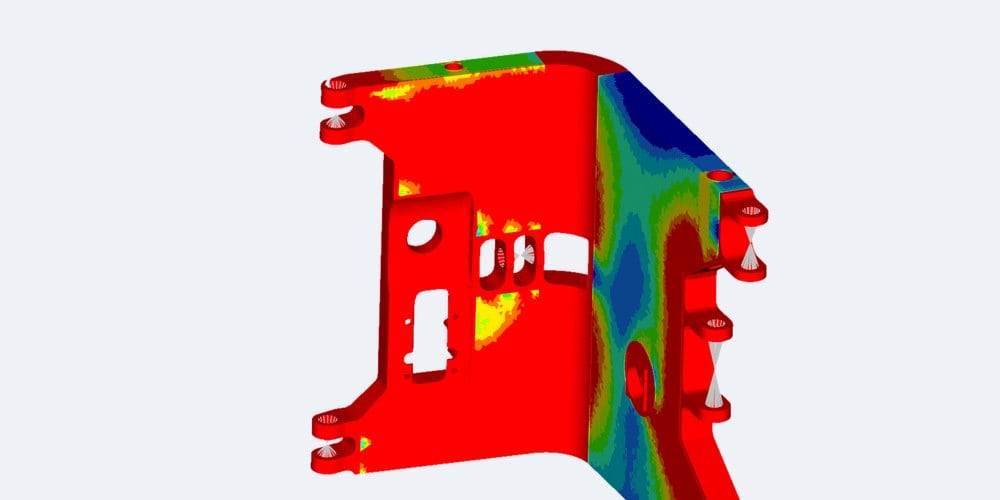
Topology optimisation finds the material layout for your load cases within a design space; size, shape and free-shape optimisation then refine it, while draw direction, extrusion and symmetry controls help keep the result manufacturable. Topography adds bead patterns to sheet-metal parts.
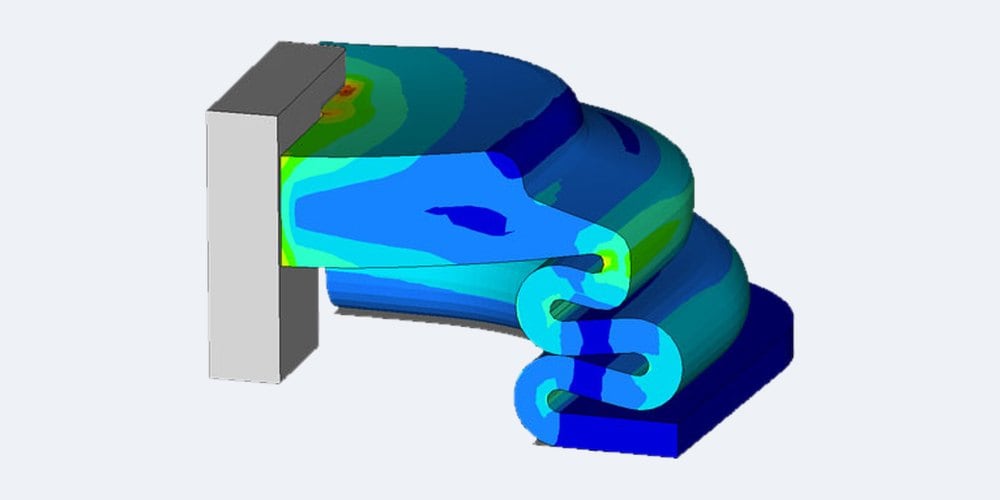
Run linear statics and buckling, then nonlinear analysis with contact, large deformation, bolts and gaskets. Material models cover elasto-plastic, hyperelastic, viscoelastic and composite behaviour, with data from Simcenter Material Data Center or your own definitions.
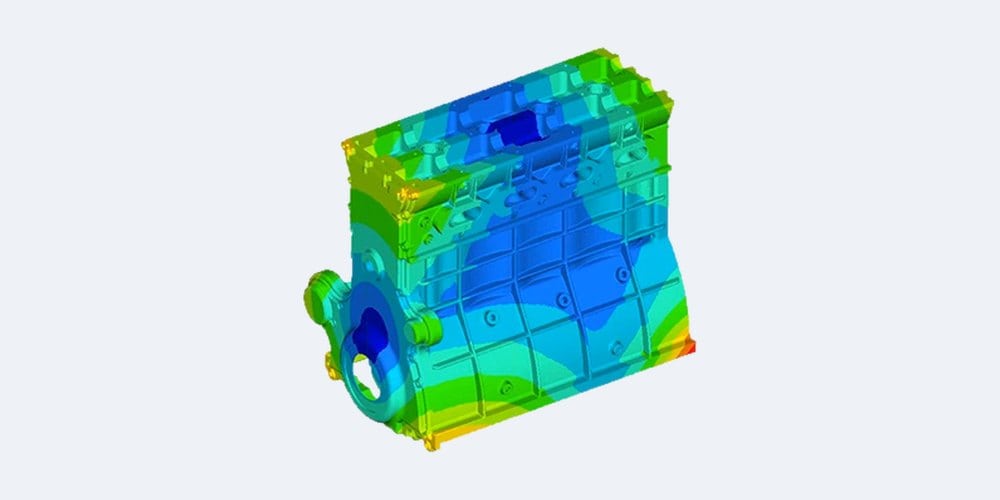
Calculate normal modes, frequency response, random response and response spectra, plus coupled fluid-structure acoustics and radiated sound. Siemens says its AMSES eigensolver (automated multilevel sub-structuring) finds thousands of modes in models with millions of degrees of freedom.
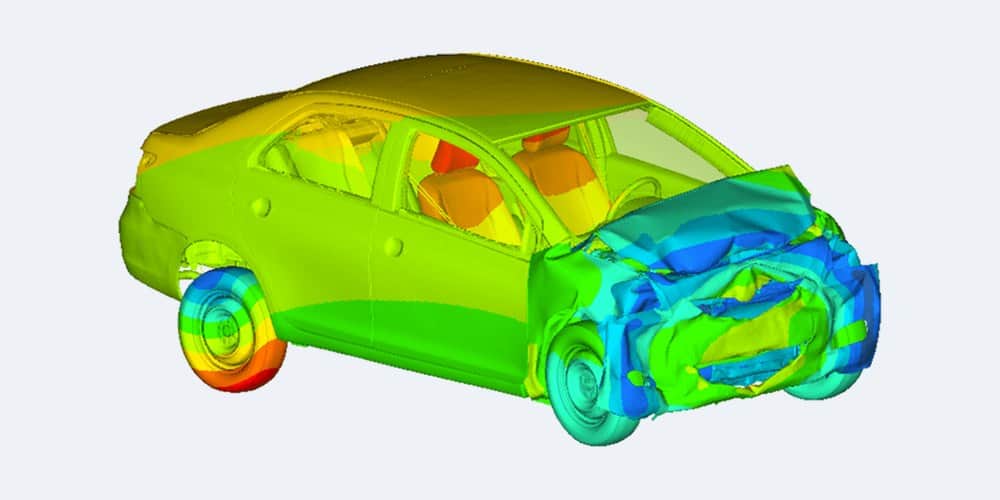
Simulate drop tests, crash tests and impacts with the explicit solver. It uses the same input data as implicit analysis, and since 2026.1 an explicit run can start from initial stress and plastic strain, so implicit and explicit steps can be chained.
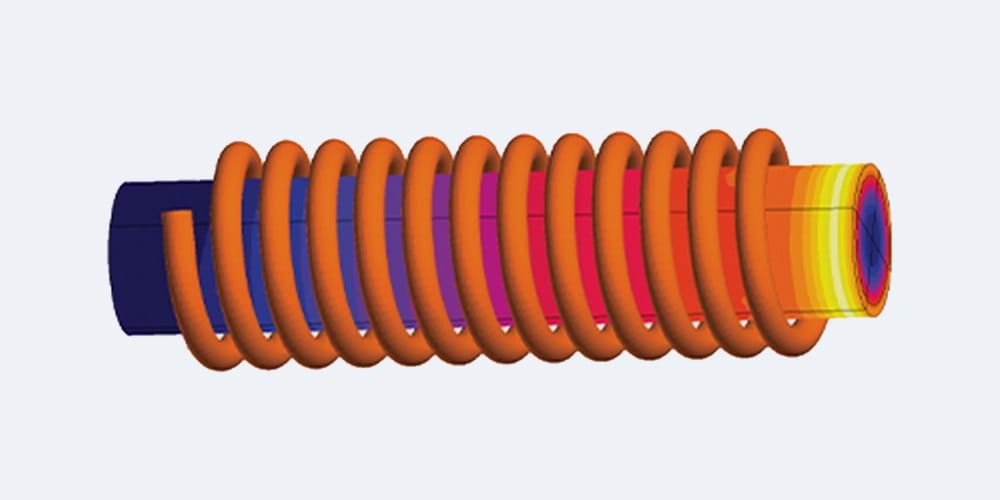
Run steady-state and transient heat transfer, including nonlinear and contact-based thermal analysis. Solver coupling covers thermomechanical, fluid-structure and electromagnetic-structure interaction, and battery models combine electrical, heat transfer and structural analysis.
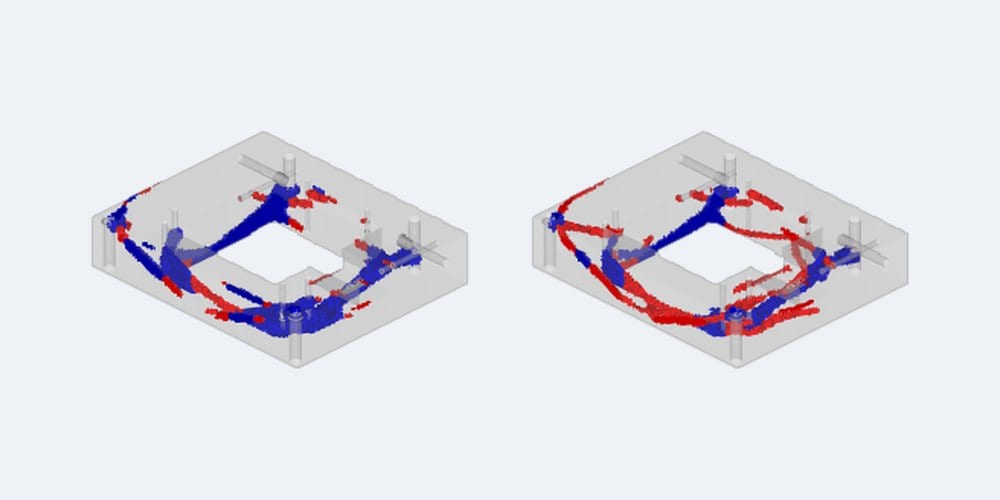
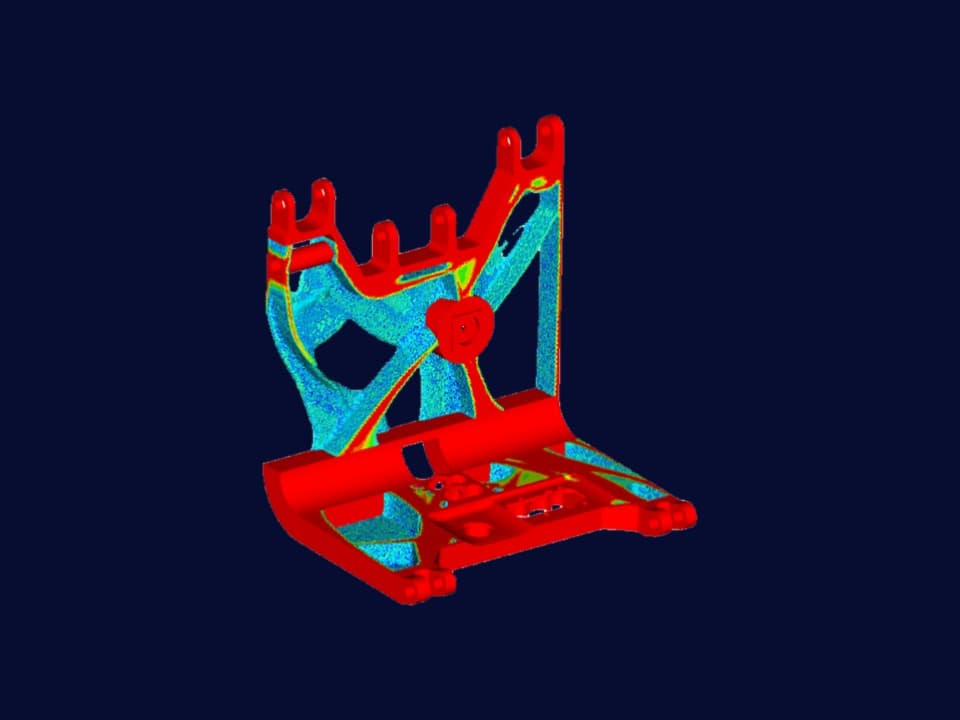
Since 2026.1, materials can carry a cost and CO2 value per unit mass, and both can be optimisation responses. In a Siemens study of an engine cradle (pictured), adding cost and CO2 prices shifted the mass-minimised design towards steel, at up to 12 percent more mass.
Related tools
Formerly Altair HyperMesh
Pre-processing and meshing for CAE models and solver workflows.
→
Formerly Altair Inspire
Generative design, topology optimisation and manufacturing simulation.
→
Formerly Altair SimSolid
Meshless structural analysis of CAD assemblies.
→
Your Simcenter OptiStruct specialist
Application Support Specialist, Ph.D.
Johan writes our OptiStruct and SimLab articles.
We reply within one day.
If you run OptiStruct on Altair Units today, Siemens still describes them as a units-based subscription: your team draws units from a shared pool and they return after use. What applies at your renewal, including version 2026.1, depends on how and when you bought your licence, so we do not publish prices or general terms. Bought from Altair or another partner? Send us your current set-up, the analysis and optimisation types you run and your renewal date, then request a licence quote.
Siemens completed the acquisition of Altair on 26 March 2025. With the June 2026 release, former Altair products joined Simcenter: Altair OptiStruct became Simcenter OptiStruct, and version 2026.1 was released alongside Simcenter Nastran 2606. Some 2026.1 documentation, such as the release notes, still uses the Altair name. From December 2026, Simcenter has two releases a year, in June and December. Support has moved to the Siemens Support Center. If you bought OptiStruct through Volupe, your Volupe contacts for licensing, support and training stay the same.
Simcenter OptiStruct covers linear static, buckling and nonlinear static analysis, normal modes, complex eigenvalues, frequency, random and response spectrum analysis, and linear and nonlinear transient dynamics. It also handles heat transfer, acoustics, fatigue, rotor dynamics and multibody dynamics, and its explicit solver covers drop tests and impacts. Ask our engineers which solution sequence fits your load case.
Simcenter OptiStruct offers topology, topography, size, shape, free-size and free-shape optimisation, plus lattice, composite and multi-model optimisation. Several types can run at once, with responses such as mass, compliance, frequency, stress, buckling factor and fatigue life. Manufacturing controls include draw direction, extrusion, pattern grouping and symmetry. Reliability-based design optimisation takes uncertainty into account. Our guide explains how topology optimisation and the SIMP method work, with a worked example.
Simcenter SimSolid skips geometry simplification and meshing, so full CAD assemblies can be validated within minutes, according to Siemens. Simcenter OptiStruct is mesh-based, covers implicit and explicit analysis and has optimisation built in. In Simcenter Inspire you can choose either solver: the Inspire documentation suggests SimSolid for large solid assemblies and OptiStruct for single parts, smaller assemblies and surface models, and only OptiStruct can be used for optimisation there. Ask our engineers which fits your models.
Simcenter OptiStruct solves models that are prepared in a pre-processor. Simcenter HyperMesh has a dedicated OptiStruct profile for meshing and setting up the analysis, and Simcenter HyperView reads OptiStruct results directly for post-processing. You can also set up and run OptiStruct analyses from Simcenter SimLab or Simcenter Inspire. Ask our engineers which set-up fits your team.
OptiStruct is the solver in our one-day introductory Simcenter HyperMesh course, which covers linear static and eigenmode analysis; dates are on our training page. We also build customised training, on site or online, around the analyses your team runs, and you can send technical questions to our engineers. Ask about OptiStruct training or support.
Both are Siemens structural finite element solvers, and Simcenter OptiStruct 2026.1 was released alongside Simcenter Nastran 2606. OptiStruct takes a Nastran-type input format and can write Nastran Punch and OP2 results, and its documentation describes the solver as an enhanced proprietary version of Nastran with its own nonlinear formulation. Which solver fits depends on your models, input decks and analyses: ask our engineers.