Siemens Simcenter software
Simcenter products
now including Simcenter HyperMesh and the other former Altair tools
Siemens Simcenter is a portfolio of simulation software. As a Siemens Platinum partner, Volupe licenses, supports and teaches the tools on this page: find the one for the physics you need to solve.
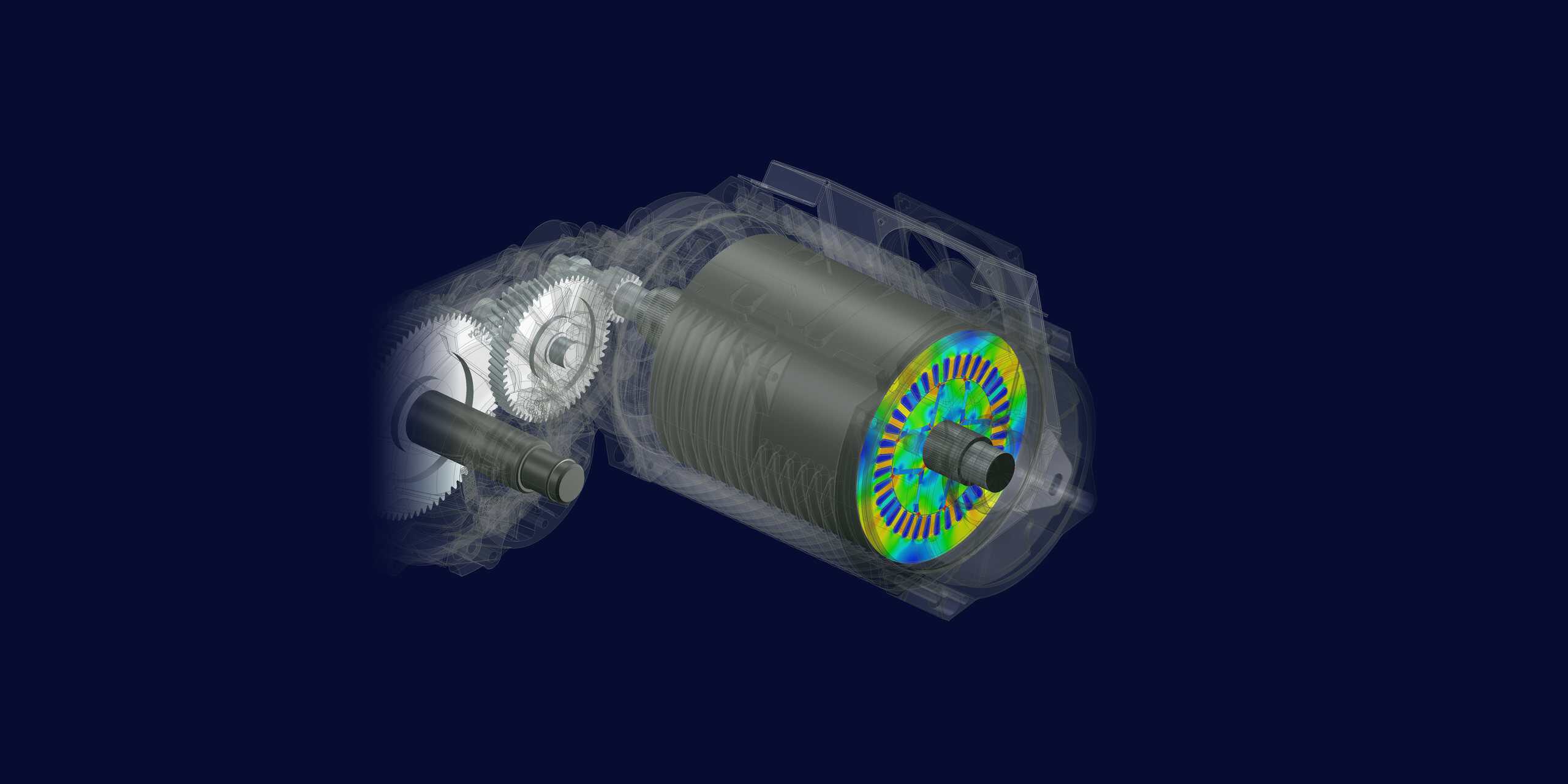
18 tools
One team for licences and support
Nine Simcenter tools and nine former Altair tools, sold, supported and taught by Volupe.
Smart Expert
Support from engineers
Siemens-certified expertise, and a Top European Partner award for customer support.
In brief
What is Siemens Simcenter?
Siemens Simcenter is a portfolio of software for engineering simulation and physical testing, made by Siemens Digital Industries Software. Engineers use it to predict how a product will behave before they build it: flow and heat, strength and vibration, electromagnetics, and how a whole system works together. The test tools measure the real product.
Many of the tools came to Siemens with companies it bought, among them CD-adapco (STAR-CCM+), LMS (Amesim), Mentor Graphics (FLOEFD, Flotherm and Flomaster) and, in 2025, Altair. The former Altair tools share a pool of Altair Units. The others are mostly licensed one by one, and several of them can also be used together through Simcenter X Advanced (see how Simcenter is licensed).
This page covers the simulation side of Simcenter. For its test products, such as Testlab and SCADAS, ask us or contact Siemens directly.
Simcenter portfolio
Simcenter software, by what you need to predict
Pick a group to compare tools, or go straight to a product page for facts, licensing and demos.
CFD and thermal
Flow and heat transfer in 3D, from multiphysics CFD to checks inside your CAD tool and dedicated electronics cooling. New to the field? Read what CFD is and how a simulation works.
STAR-CCM+ or FLOEFD?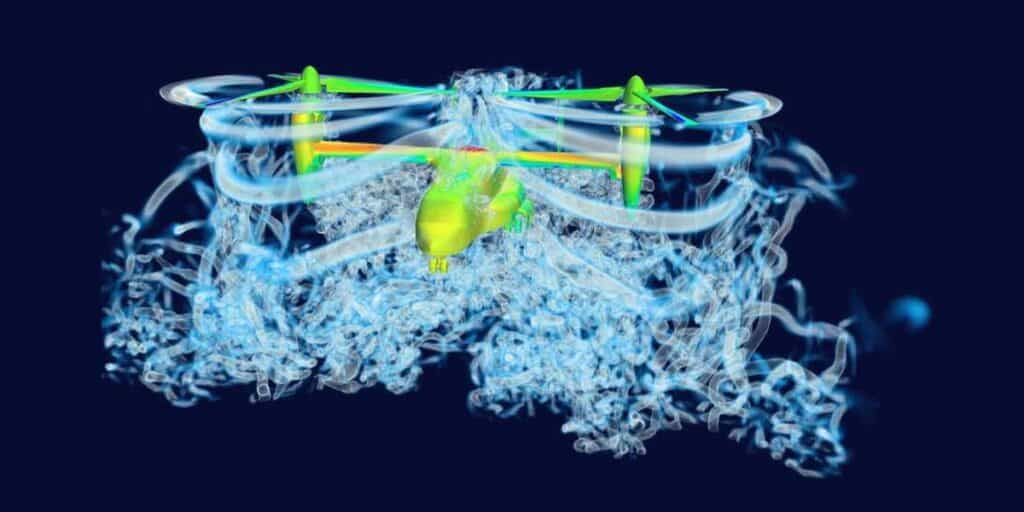
Multiphysics CFD
Simcenter STAR-CCM+
Mesh your CAD, solve flow, heat and coupled physics, then compare design variants in the same tool.
View product →
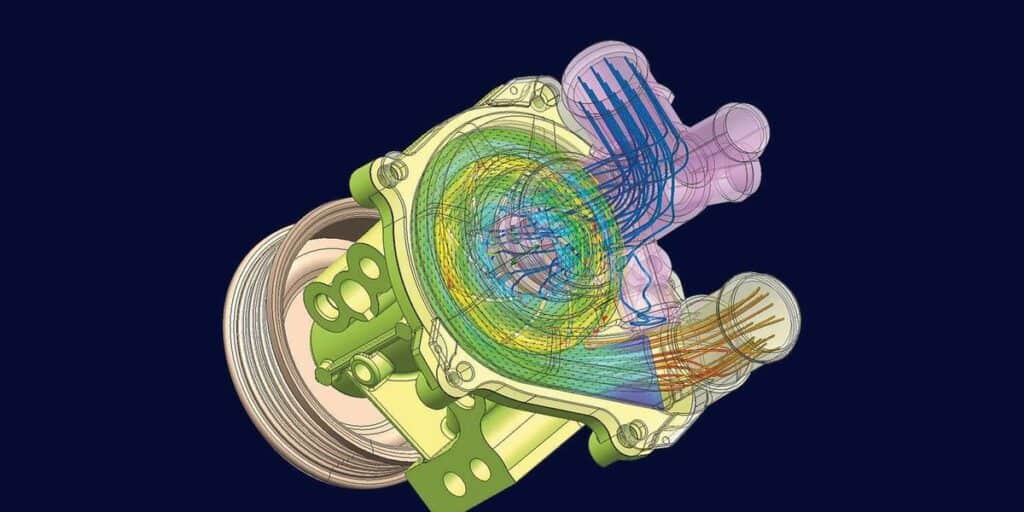
CAD-embedded CFD
Simcenter FLOEFD
Check flow and temperatures early, on the native model, in NX, Solid Edge, CATIA V5 or Creo.
View product →
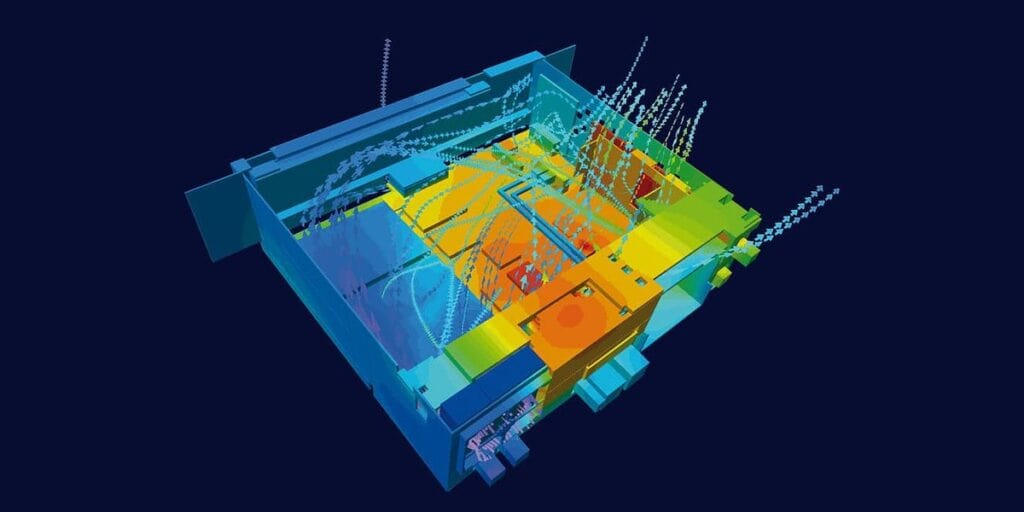
Electronics cooling
Simcenter Flotherm
Thermal design of electronics, from chips and boards to enclosures and data-centre racks.
View product →
Structures and electromagnetics
Stress, vibration, noise and heat in structures, plus low-frequency electromagnetics for motors and transformers.
Coming from Altair?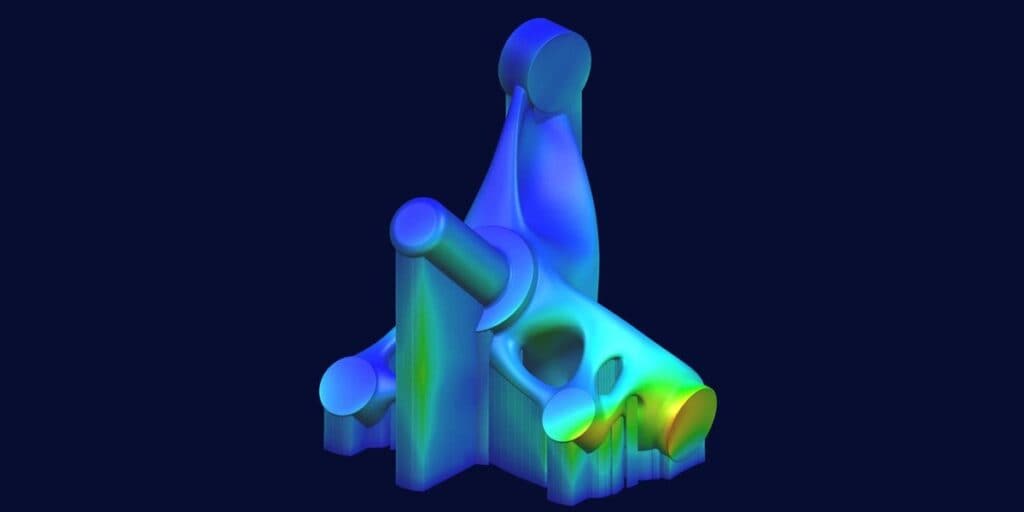
Multiphysics CAE
Simcenter 3D
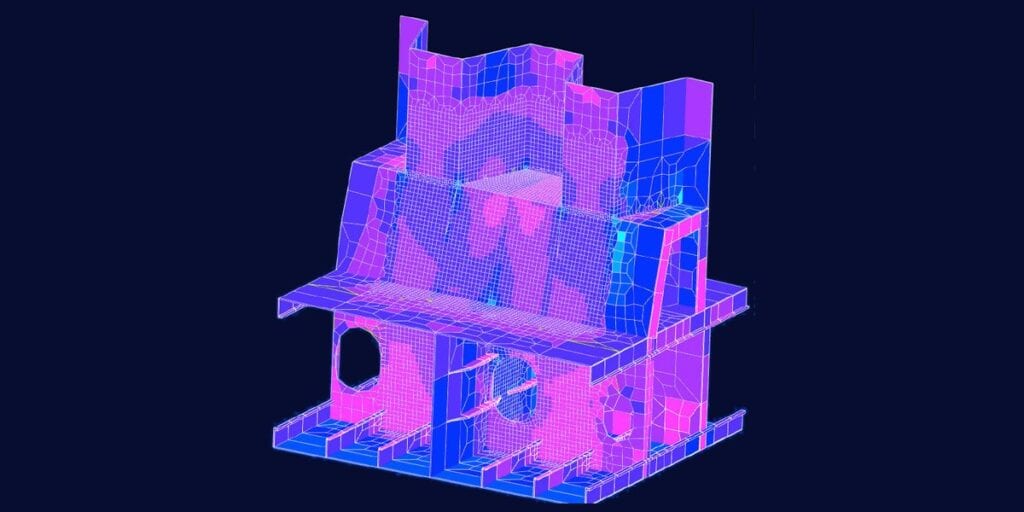
Run structural, NVH, thermal and motion analyses in one environment, on models that follow CAD changes.
View product →
FE modelling
Simcenter Femap
Build finite element models and review the results, independent of your CAD system and solver.
View product →
Electromagnetics
Simcenter MAGNET
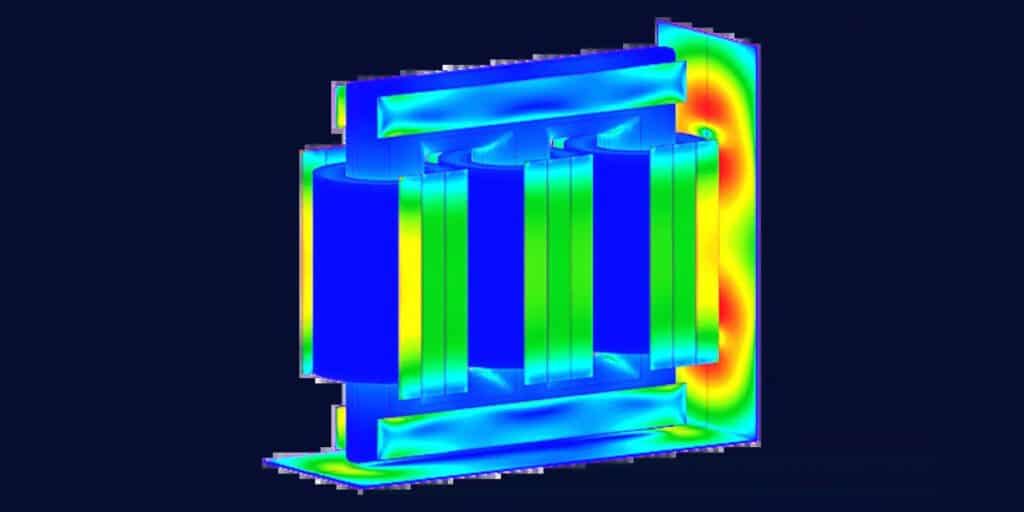
Simulate magnetic fields and losses in motors, actuators, transformers and sensors.
View product →
Systems and design exploration
Whole-system behaviour in 1D, and automated searches for the best design across your CAD and CAE tools.
Amesim or Flomaster?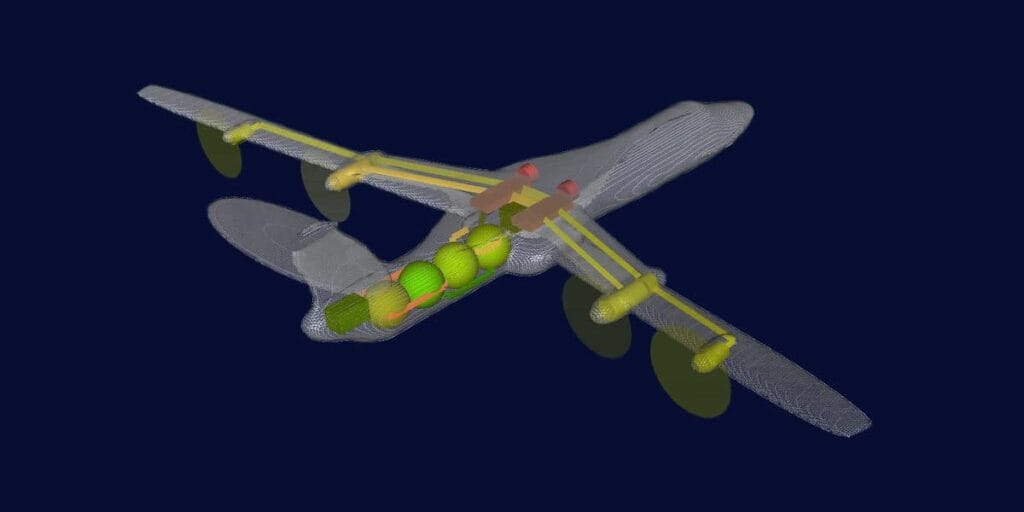
System simulation
Simcenter Amesim
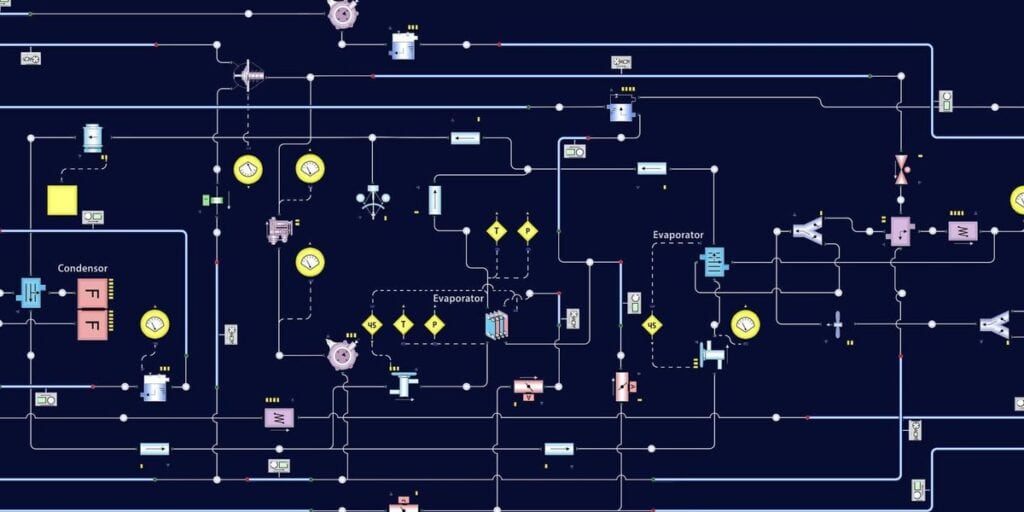
Model hydraulic, thermal, electrical and mechanical systems together in 1D, early in development.
View product →
1D thermo-fluid
Simcenter Flomaster
Model pumps, valves and pipes as one network, then check surge and failure cases.
View product →
Design optimisation
Simcenter HEEDS
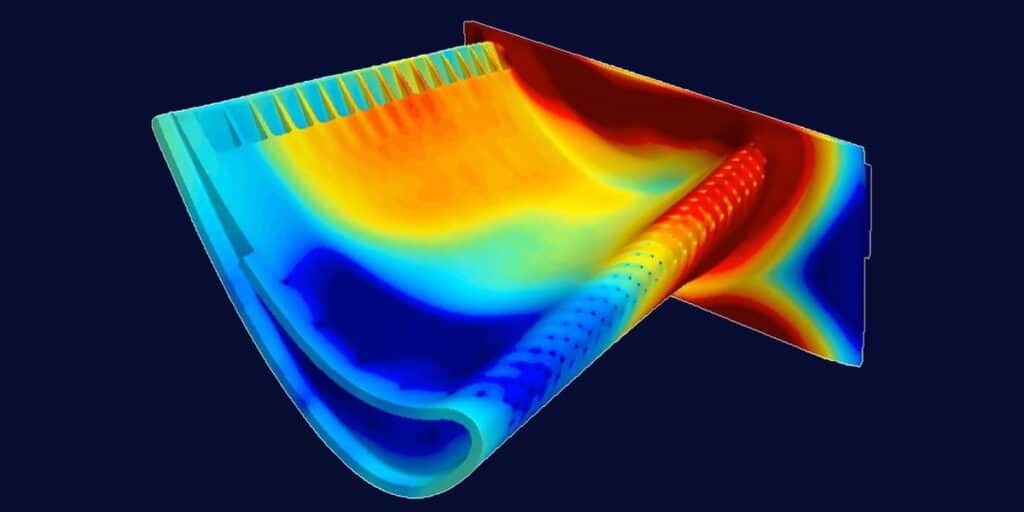
Set up your CAD and CAE workflow once, and HEEDS searches for designs that meet your targets.
View product →
Looking for a Simcenter product that is not on this page? Ask us about it. New to simulation software? Read how to choose CAE software.
Meshing, structures, particles and AI
Former Altair tools, now in Simcenter
Siemens has moved Altair HyperMesh, OptiStruct, Radioss, SimSolid, Inspire, EDEM, SimLab, Feko and PhysicsAI into the Simcenter family. Volupe supported seven of them as an Altair channel partner, and you keep the same contacts for licensing, support and training.
Altair name
Simcenter name
What it does
Altair HyperMesh
Simcenter HyperMesh
Pre-processing and meshing for CAE models and solver workflows.
→
Altair OptiStruct
Simcenter OptiStruct
Structural FEA and design optimisation.
→
Altair Radioss
Simcenter Radioss
Explicit simulation of crash, impact, drop tests and blast.
→
Altair SimSolid
Simcenter SimSolid
Meshless structural analysis of CAD assemblies.
→
Altair Inspire
Simcenter Inspire
Generative design, topology optimisation and manufacturing simulation.
→
Altair EDEM
Simcenter EDEM
Discrete element modelling of bulk materials in mills, chutes and conveyors.
→
Altair SimLab
Simcenter SimLab
CAD-based multiphysics workflows with automated meshing and assembly analysis.
→
Altair Feko
Simcenter Feko
High-frequency electromagnetics for antennas, EMC and radar.
→
Altair PhysicsAI
Simcenter PhysicsAI
Fast predictions trained on your own simulation results.
→
Which Simcenter tool do I need?
Not sure where to start?
Get a tool recommendation
Tell us what you need to predict, and an application engineer suggests the tool and licence setup that fit.
We reply within one day.
Ask which tool fits
Simcenter STAR-CCM+ or Simcenter FLOEFD: which do I need?
Choose Simcenter FLOEFD when design engineers want CFD inside their CAD tool, early in the design process. Choose Simcenter STAR-CCM+ when CFD specialists want a choice of cell types: FLOEFD meshes native CAD geometry automatically with a Cartesian immersed-boundary method, while STAR-CCM+ offers polyhedral, trimmed hexahedral or tetrahedral cells with prism layers.
How is Simcenter licensed and priced?
Siemens’ own Simcenter tools are licensed one by one, and the former Altair tools share a pool of Altair Units; for Simcenter STAR-CCM+, see STAR-CCM+ price and licensing. If your team uses several tools, Simcenter X Advanced can put them under one named-user licence (see the next question). Every setup is quoted: the price depends on the number of users, the licence term and any add-on modules, and for CFD also on the computing power you need. Tell us which tools you are considering and how your team will share access, then request a licence quote.
What is Simcenter X, and which tools does it include?
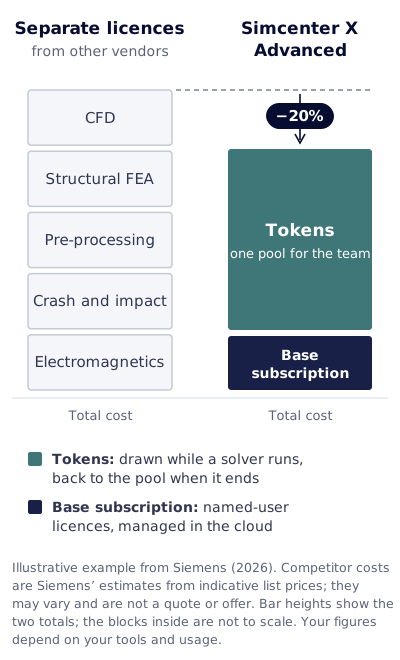
Simcenter X is Siemens’ cloud-powered simulation suite, and Volupe sells both of its offers. With Simcenter X Advanced you install the tools on your own computers or cluster, including Simcenter STAR-CCM+, Simcenter 3D, Simcenter Femap, Simcenter Amesim and Simcenter HEEDS. Each user has a named-user licence that is managed in the cloud, and solvers and tokenised add-ons draw on a token pool that your team shares. For CFD, Simcenter X HPC and remote desktop runs Simcenter STAR-CCM+ on Siemens-managed cloud hardware and is paid for with Credits; you can work in a remote desktop in your browser, or send jobs to the cloud from a licensed STAR-CCM+ on your own computer. If you choose the Europe region, Simcenter X HPC and remote desktop runs your jobs and keeps your data in Stockholm, Sweden. Volupe also runs its own HPC platform for Simcenter STAR-CCM+, Volupe X; it is a separate service from Simcenter X. Tell us which tools and how much computing you need, and we will quote your setup.
Simcenter FLOEFD or Simcenter Flotherm for electronics cooling?
Use Simcenter FLOEFD when electronics cooling is one of several flow and thermal tasks your design engineers run in CAD. Choose Simcenter Flotherm when electronics cooling is the whole job and you want a tool built for it.
Simcenter Amesim or Simcenter Flomaster: which do I need?
Use Simcenter Flomaster for pressure losses, flow distribution and surge in pipe networks, and Simcenter Amesim for the wider system around them. The two can also run together through FMI, so you do not always have to choose.
When is 1D system simulation enough, and when do I need 3D CFD?
1D is enough when the question concerns the system as a whole: line and pump sizing, flow balancing or pressure surge. Move to 3D CFD when you need the detailed flow field in a single part, such as a valve body, manifold or heat exchanger.
My Altair licence is up for renewal. What do I do?
Siemens has moved Altair HyperMesh, OptiStruct, Radioss, SimSolid, Inspire, EDEM, SimLab, Feko and PhysicsAI into the Simcenter family, so the tools now carry Simcenter names, such as Simcenter HyperMesh. Volupe supported seven of them as an Altair channel partner, and you keep the same contacts for licensing, support and training. Tell us your current setup and renewal date, then request a licence quote.
Why buy Simcenter through Volupe?
One team covers all 18 tools on this page: we sell, support and train every one, including the former Altair tools. Our simulation engineers handle support questions, and every business developer holds an engineering degree. We are a Siemens Platinum Partner at Smart Expert level, with a Top European Partner award for customer support. Read what our customers say.